Top MDM Services for Remote Work Teams
Compare MDM services for remote teams and see where device lifecycle logistics fits alongside endpoint management.
 Ahmad ZakariaMay 26, 2026
Table of contents
Your team hires two people in two different cities. One employee starts work without the right apps installed. Another downloads an unauthorized tool that bypasses your security policy, increasing the risk of data breaches. Meanwhile, IT is still tracking devices in spreadsheets while Slack keeps filling up with 'I can't access this' tickets.
Remote work exposes the cracks in IT operations fast. Your team no longer has a single office for device setup, in-person troubleshooting, or tightly controlled security workflows.
The impact hits fastest for:
- Remote-first startups scaling beyond 50-100 employees
- IT teams managing lean headcount with large device fleets.
- Security-conscious businesses handling customer or compliance-sensitive company data
- Organizations onboarding contractors and hybrid employees at scale.
An MDM service fixes the software and security side of your remote device management by handling configuration, app deployments, and standardizing employee setups without physically touching the laptop.
This guide breaks down the top 5 MDM services for remote work teams, along with Firstbase, to help you compare standalone MDM platforms with a broader device lifecycle management approach.
Disclaimer: We're Firstbase, and while this guide focuses on MDM services, our platform works alongside many of the tools covered here. That also means we owe you a practical look at what each platform does well, where it fits best, and the kinds of remote IT workflows it can realistically support.
Top 5 MDM Services: Quick Breakdown
| Platform | Best For | Implementation time | Logistics Support | Limitations |
|---|---|---|---|---|
| Firstbase | Remote and hybrid teams scaling globally | 2-5 days for global deployments | Procurement, storage, shipping, returns, redeployment | Limited custom workflow flexibility |
| Jamf | Apple-heavy IT environments | 4–8 weeks | Requires a separate logistics platform | Apple-only focus |
| Kandji (Iru) | Automated onboarding and compliance | 1 month setup/8 month ROI | External logistics needed | Newer Windows/Android support |
| Mosyle | SMBs managing Apple fleets | No public benchmark; custom rollout timelines | No built-in lifecycle operations | Lighter enterprise reporting |
| Addigy | Remote Apple troubleshooting | 1 month setup/11 month ROI | No hardware logistics layer | Focused mainly on Apple support workflows |
Teams using Firstbase get:
SEE IT IN ACTION
Take a self-guided tour of Firstbase
Firstbase combines audit-ready ITIL and SOC 2 workflows with automated device retrieval, helping teams recover over $67K in company hardware. Take a self-guided tour to see how it fits into your workflow.
Take the Tour →Where MDM Fits into Remote IT Operations
Mobile Device Management (MDM) software helps your IT team manage and secure company devices remotely from a centralized dashboard.
For example, when a new employee receives a laptop, the device can automatically enroll in your MDM during setup. The right apps get installed, strong security settings get applied, Wi-Fi and VPN access get configured, and the device becomes work-ready before the employee even starts their first day.
Without MDM, your IT team ends up doing most of that work manually. Devices need to be configured one by one, troubleshooting becomes harder without proper visibility, and unauthorized access across remote devices becomes much harder to control.
That gets more difficult to manage once your company starts operating across different locations and home networks. Around 67% of IT leaders still don't have full visibility into all company devices, while nearly half reported security incidents linked to unauthorized or unmanaged hardware.
The security risk grows quickly, too. Over 90% of ransomware incidents that reached the encryption stage involved unmanaged devices somewhere in the attack chain.
In practice, MDM features typically handle the following workflows to close the security and asset management gap:
- Zero-touch enrollment: Employees start using their laptops without waiting for manual IT setup.
- Remote app deployment: Company software gets installed remotely.
- Patch management: OS updates and security patches roll out automatically.
- Compliance policies: Security settings stay standardized across devices.
- Remote wipe and lock: Lost devices get secured without needing physical access.
- Device monitoring: IT gets visibility into device health and compliance status.
The bigger issue is that MDM manages the device, not the logistics around it. So once the hardware moves between employees, offices, or facilities, your IT operations extend beyond what a typical MDM setup was built to handle.
| What MDM Doesn't Handle | What Happens Outside the MDM Workflow |
|---|---|
| Device shipping | Delivery timelines, carrier coordination, and employee handoffs depend on separate operational processes |
| Offboarding recovery | IT has to track down and recover devices before employees leave |
| Warehousing | Spare laptops and accessories require inventory storage, asset management, and tracking |
| Repairs & replacements | Lost or damaged hardware creates replacement and return workflows |
| Redeployment | Devices need wiping, reassignment, and preparation before the next rollout |
MDM tools still don't solve the full operational problem for companies trying to manage the full lifecycle of a device, from procurement and deployment to retrieval and redeployment.
Top 5 MDM Software Platforms for Remote Teams in 2026
Choosing the right MDM solution can look very different for an Apple-heavy startup, a distributed remote team, or a large enterprise with strict compliance requirements. The platforms below help you evaluate which one best fits your IT environment, security needs, and operational workflows.
Firstbase
Best fit use case: Remote and hybrid teams that already use MDM platforms and need better visibility into the logistics side of device management
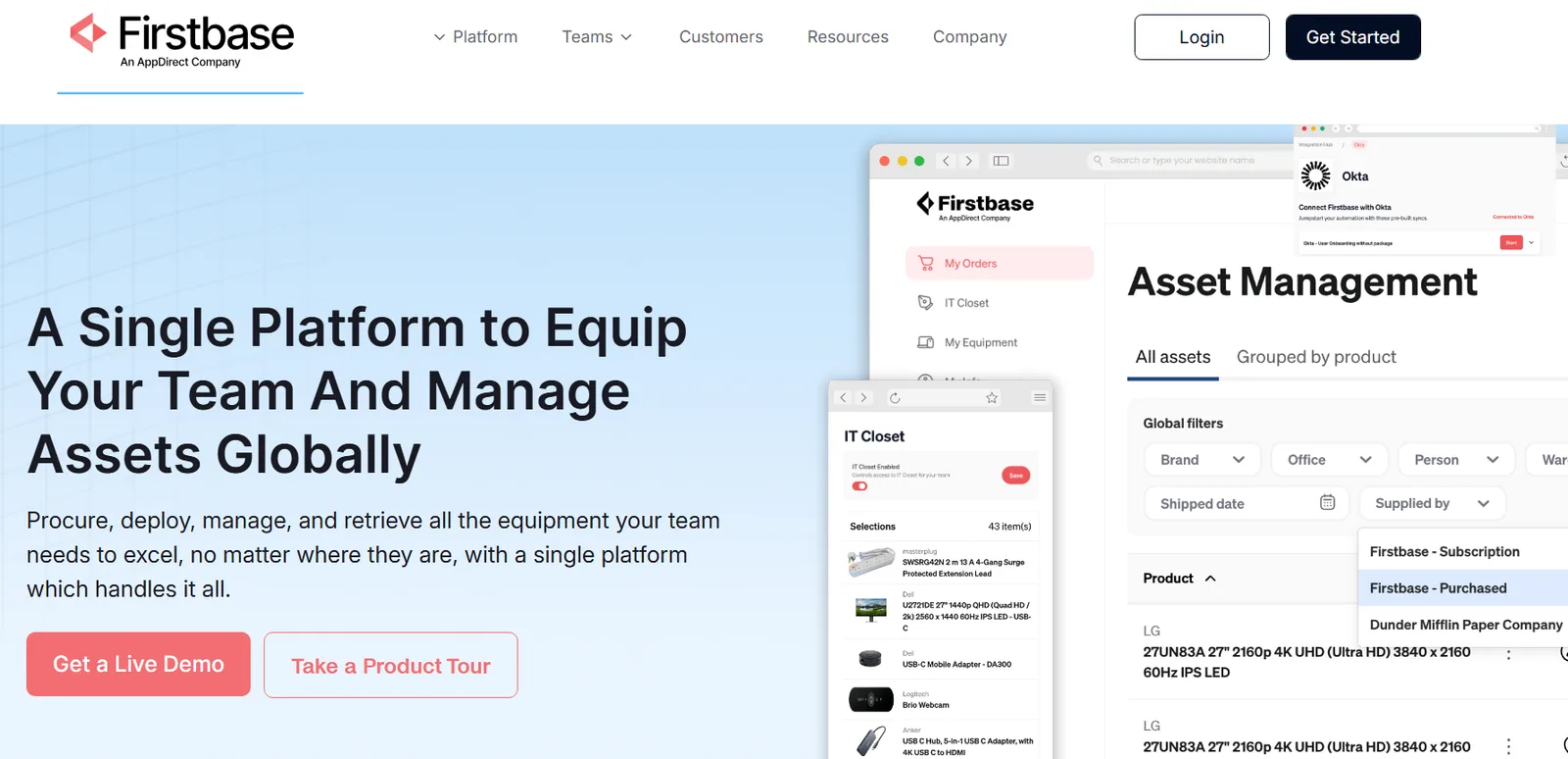
Firstbase handles the operational side of device management for distributed teams. It combines the software operations with global logistics workflows that cover procurement, storage, shipping, repairs, returns, and redeployments for remote employees.
The platform works alongside tools like Jamf, Kandji (now Iru), Microsoft Intune, JumpCloud, HRIS platforms, and ITSM systems instead of replacing them.
It can ship devices pre-enrolled through Apple Business Manager or Windows Autopilot, automate laptop return workflows, and maintain NIST 800-88-certified wipe records for compliance audits.
Logistics layer
Firstbase handles the entire logistics layer for employee devices, including procurement coordination, laptop shipping, offboarding retrievals, storage, redeployment, and inventory movement across remote teams.
Trade-offs
Trade-offs
- API flexibility and custom automation workflows still need improvement for more advanced internal IT processes.
- Connects with tools like Okta, Jamf, and ServiceNow, but it won't manage identity access or handle IT ticketing workflows on its own.
What our customer says:
Firstbase provides the platform that allows us to give employees a consistent experience, no matter where they're working from. If I had to sum Firstbase up, it would be HOME RUN!
Steven Juanes, Sr. IT Manager at Pantheon Systems
Jamf
Best for: IT teams that want Apple-focused remote management of devices with centralized policies, security controls, and employee workflows.
Jamf is built for companies managing Macs, iPhones, and iPads across their workforce. It handles security policies, app deployment, compliance, and onboarding workflows, and gives you a unified endpoint management from a single platform.
It also connects with tools like Microsoft Intune, Okta, and Apple Business Manager as part of a broader IT stack.
Jamf lets you create reusable device workflows with Blueprints, dynamically group devices based on compliance or OS status, and give employees a self-service portal to install approved apps and access IT resources.
Trade-offs
Trade-offs
- As Jamf mainly works for Apple environments, the scope is limited and doesn't apply to Windows or mixed-device fleets.
- Advanced scripting and automation workflows can take time to learn for small businesses without dedicated Apple admins.
Logistics layer
Jamf mainly focuses on Apple device management and policy controls. For procurement, warehousing, laptop shipping, retrievals, and reverse logistics, you'll usually need separate IT device lifecycle platforms.
Kandji (now Iru)
Best for: Remote companies managing large numbers of employee devices, software deployments, onboarding workflows, and compliance settings.
Kandji, now rebranded as Iru, originally focused on Apple device management before expanding to Windows and Android devices.
It connects with tools like Okta, Microsoft Entra ID, Apple Business Manager, Slack, and SIEM platforms, so device activity, identity access, onboarding workflows, and security events stay connected across your IT stack.
The platform also automates employee device setup through Liftoff, handles OS and third-party patch management, and lets IT teams deploy apps through its Auto Apps library. You can also manage devices through bulk actions, device tags, app restrictions, remote removal workflows, and user-device assignment controls.
Trade-offs
Trade-offs
- Windows and Android management capabilities are newer and less mature than Apple's longer-established device controls.
- Small teams that are looking for faster deployment, as implementation can take 1 month, with an expected ROI in 8 months.
Logistics layer
Kandji is more focused on managing and securing employee devices after deployment. Hardware ordering, laptop storage, global shipping, device returns, and redeployments typically happen outside the platform through IT logistics vendors or lifecycle management tools.
Mosyle
Best for: Apple-heavy IT environments looking to reduce the number of tools involved in device security, identity management, and Apple administration workflows.
Mosyle is built entirely around managing Apple devices across Macs, iPhones, iPads, and Apple TVs.
Its biggest differentiator is the "Apple Unified Platform" approach. So if your team already runs heavily on Apple devices, you are not juggling separate tools for MDM, security, identity management, app patching, and web filtering.
The platform also supports SSO-based Mac login workflows, automated compliance policies, macOS app deployment and patching, and includes Apple Watch management.
Trade-offs
Trade-offs
- If your IT environment needs deep reporting and advanced customization at a large enterprise level, Mosyle can feel more lightweight than some MDM platforms in that segment.
- Documentation and troubleshooting resources can feel limited for more advanced configurations.
Logistics layer
Mosyle handles the software and administration side of Apple device management after deployment. Laptop procurement, storage, shipping, retrievals, and redeployments still sit outside the platform, so companies have to pair it with a separate CLM platform.
Addigy
Best for: Companies needing macOS security policies, patching, policy enforcement, and remote support automation
Addigy mainly focuses on remote troubleshooting and live device administration for Apple environments. Its LiveDesktop and LiveTerminal tools let IT teams remotely access Macs, run commands, investigate issues, deploy fixes, and monitor device activity without needing the employee to be physically present.
The platform also connects with tools like Okta, Microsoft Entra ID, Splunk, and Apple Business Manager for enrollment, identity workflows, and security tracking.
It supports automated remediation workflows, live device monitoring, third-party macOS app patching, and compliance checks for CIS, NIST, CMMC, and DISA STIG standards.
Trade-offs
Trade-offs
- It's strong on Apple device management, but it doesn't fully replace broader IT operations tooling.
- You may see a longer payoff cycle with Addigy, with implementation taking around a month and ROI closer to 11 months.
Logistics layer
Addigy helps you control what happens on the device, but not how the device gets to employees or back to IT. Shipping, storage, retrieval, and hardware replacement workflows still happen outside the platform.
The Two Layers of Device Management for Distributed Work
Once you start hiring across different cities or countries, device management tools stop being just an IT setup problem. Your team now has to manage how devices get shipped, recovered, stored, repaired, and reassigned across locations.
In practice, remote device management ends up having 2 layers, and each of the platforms discussed fits into one of them.
| Layer | What You're Managing | Platforms |
|---|---|---|
| Remote device control | Device setup, security policies, app deployment, compliance, patching, and remote support | Jamf, Addigy, Mosyle, Kandji |
| Device lifecycle logistics | Procurement, storage, shipping, retrievals, repairs, redeployments | Firstbase |
Firstbase syncs with your MDM stack and handles the operational side of the device lifecycle that usually piles onto IT teams outside software management workflows.
- Devices are staged closer to hiring regions instead of getting routed through a central office before every deployment. Firstbase provides duty-paid, MDM-enrolled deployments delivered in 2-5 days across 150+ countries.
- The IT team avoids dealing with customs paperwork, regional tax, and VAT coordination every time a laptop crosses borders. You can also pay per device or pay-as-you-use, whichever fits your budget and finance ops.
- Returned devices follow proper disposition workflows that cover inspection, NIST-compliant wiping certification, testing, grading, and redeployment. Firstbase also provides quarterly resale credits and ESG-ready reporting as part of the asset recovery process.
- Firstbase continues asset recovery follow-ups after offboarding with prepaid return kits, pickup coordination, and employee reminders. It reduces ghost assets and recovers 40-65% of your asset's value per laptop.
The Costs of Managing Devices Without a Hardware Ops Layer
| Area | MDM-Only Workflow | With Firstbase |
|---|---|---|
| Device ordering time | IT teams spend 1-4 hours provisioning and preparing each laptop manually | Device ordering and deployment workflows reduced to 5 minutes per order |
| Global onboarding | 43% of employees wait more than a week for devices and tools during onboarding | Global deployments delivered in 2-5 days, saving 1-2 hours per hire. |
| Lost hardware costs | Lost laptops cost companies an average of $2,272 per device | Retrieve 23% more devices and save up to $250 per device through resale. |
| Device retrieval rates | 30% average recovery rates after employee offboarding | 97%+ retrieval completion rate within 30 days |
| Manual logistics workload | Teams spend labor hours on shipment tracking, reconciliation, and device coordination | Saves 500+ IT hours annually per 100 employees while reducing manual lifecycle operations by 75% |
| Ghost assets | Up to 30% of enterprise assets lack clear ownership or location visibility. | 1.8x better asset tracking across lifecycle stages |
How to Choose the Right Device Management Stack
The right setup usually depends on where your operational load is coming from. Some teams mainly need tighter device control and security enforcement. Others already have that covered, but still spend too much time manually handling shipping, retrievals, repairs, and inventory coordination.
Here's how the stack usually breaks down by scenario:
| Device management set up | Your priority | Recommended stack |
|---|---|---|
| Small in-office team with company-issued Macs | Basic Apple device management and security policies | Mosyle or Addigy |
| Scaling remote startup hiring across multiple cities | Zero-touch deployment and centralized device control | Jamf or Kandji + Firstbase |
| Distributed company handling international onboarding | Cross-border logistics, retrievals, warehousing, and compliance workflows | Firstbase + your existing MDM stack |
| Security-heavy environment with compliance requirements | Patch management, access controls, device visibility, and audit readiness | Jamf, Kandji, Addigy, or Mosyle |
| Lean IT team supporting fast headcount growth | Reducing manual provisioning, shipping, and recovery work | Firstbase with automated lifecycle workflows |
| Teams struggling with asset recovery after offboarding | Retrieval coordination, redeployments, and hardware visibility | Firstbase alongside your MDM platform |
FAQ
Answering common questions teams ask before using Firstbase
If our company already uses an MDM solution, where does Firstbase fit in?
Your MDM controls the software side of device management, like security policies, app deployment, remote access controls, and compliance rules. Firstbase handles everything that happens before and after that (on the logistics part). It covers procuring devices for employees, coordinating deliveries, recovering equipment during offboarding, storing inventory, and redeploying devices across teams.
Does Firstbase help companies reduce hardware waste?
Yes. Firstbase helps companies recover, refurbish, store, and redeploy returned devices instead of replacing hardware after every offboarding. Teams reduce lost asset costs by 30% and maintain 30% leaner inventory levels through structured recovery and redeployment workflows.
Does Firstbase work only with Apple devices or only with specific MDM vendors?
No. Firstbase works with multiple MDM platforms, including Jamf, Kandji (now Iru), Microsoft Intune, and JumpCloud. Devices can be shipped pre-registered through Apple Business Manager or Windows Autopilot, so policies apply automatically on first boot.
What Remote Teams Should Look for Beyond MDM
Managing remote devices gets more complicated as your company grows across locations, teams, and time zones. MDM platforms help you secure endpoints, deploy applications remotely, and apply device policies without manual configuration.
But managing remote devices also comes with an operational layer that most MDM tools don't fully cover. Your IT team still has to coordinate laptop shipments, retrievals, replacements, repairs, and inventory movement across distributed employees.
Firstbase complements your MDM setup by helping you manage the full device lifecycle alongside endpoint management. As remote teams scale, combining MDM with device lifecycle operations gives you more control, visibility, and operational efficiency for remote teams.
Book a demo now to see how you can bring more structure to remote device operations.
Written by
Ahmad Zakaria
Ahmad Zakaria covers IT operations, hardware lifecycle management, and distributed workforce solutions at Firstbase. His content is built from real customer data, operator interviews, and hands-on experience managing devices across 150+ countries.
Get started with
Firstbase today
Remote and hybrid work aren't going anywhere. It's our mission to make it easier to manage the assets your distributed team needs—from onboarding through offboarding and every repair, replacement, and upgrade in between.
Fill out the form and a member from our team will reach out by phone!
Get a Live Demo