Your 2025 Guide to Choosing a Remote Equipment Management Tool
The Top Remote Equipment Management Tools Compared for Modern Work
Table of contents
Most companies can tell you where their laptops are. But only far fewer can get one delivered, fixed, or retrieved anywhere in the world without challenges. That’s the real test of remote equipment management software, and it’s also where most systems fail.
Most remote monitoring management (RMM software) and mobile device management (MDM) tools stop at visibility. Basic tracking tells you a laptop is in São Paulo, but it won’t pre-pay India duties, arrange DHL retrieval, or certify a NIST wipe. But platforms like Firstbase handles all three seamlessly within one workflow.
McKinsey found that 87% of employees prefer remote work, yet companies still recover only about 50% of issued laptops.
In this blog, you’ll see why asset tracking is just the starting line, how real-world logistics complicate things, and what separates basic device monitoring from true lifecycle management.
And if you want to avoid the common pitfalls like missed returns, surprise costs, and ticket overload, this guide will help you with that.
Disclaimer: At Firstbase, we believe in full transparency. While we’re proud of what Firstbase offers, our aim is to provide you with a clear, unbiased view of the best options on the market. We’ll also call out where Firstbase delivers unique value and where another solution might make more sense for your business.
TL;DR: Top remote equipment management platform
| Platform | Highlight | Global logistics SLA-backed | Transparent pricing | Best for |
|---|---|---|---|---|
| Firstbase | End-to-end lifecycle automation: procurement, retrieval, compliance | Yes, industry-leading 48-hour SLA for delivery and pickup | Yes, flat per-seat pricing, no hidden fees | Companies needing full visibility, rapid onboarding, and recovery SLAs |
| Rippling | Deep HR-driven automation from onboarding to offboarding | Global reach, but no SLA guarantee | Not transparent | Teams looking for device management tightly linked to HR systems |
| Deel IT | Unified platform for global device provisioning | 130+ countries, but no SLA guarantee | Yes, $10/user/month | Fast-growing distributed teams with global hiring needs |
| Workwize | Customizable, zero-touch platform for IT asset logistics | 100+ countries, 5–7 days (no SLA guarantee) | Not transparent | IT teams needing flexible workflows and integrations |
| Freshservice | AI-driven asset visibility and audit-focused management | No SLA guarantee for logistics | Yes: starts $29/user/month | Enterprises needing automated audits and ITAM |
Firstbase customers have saved over 250 IT hours and reduced labor by 70% after switching to a modern, automated approach. Take a self-guided tour now to discover how you can reclaim your team’s time and put device management on autopilot.
What are the hidden costs of shipping it yourself
On the surface, shipping a laptop to a remote employee looks simple. You buy a box, book a courier, and send it out. But the real costs (money, time, and risk) pile up when companies handle logistics on their own.
- Labor adds up fast: When IT teams handle shipping themselves, they spend hours prepping each device: imaging, packing, tracking serial numbers, printing labels, and chasing lost parcels. Manual returns cost between $196 and $334 per device just in labor, materials, and shipping. Without integrated inventory management or endpoint management features, device loss quickly drives up costs. If only half the devices come back, the real cost per device can easily double.
- Global shipping is never just shipping: Shipping a laptop internationally can easily cost $200 to $300 per device once you add customs duties and taxes. For example, sending a single laptop from the U.S. to India often totals more than $270, even before you count time spent on paperwork and customs clearance.
- Lost devices mean lost money: Gartner data shows that companies only recover about half of the laptops they send out. If you’re deploying 100 laptops a year at $1,500 each, that’s $75,000 walking out the door, not counting lost monitors and other gear that rarely returns.
- Logistics drain IT hours: Managing these shipments is nobody’s core job. IT teams spend countless hours preparing devices, creating shipping labels, and tracking packages, which adds up to over 500 hours per 100 remote employees each year. That’s months of lost productivity. The best remote equipment management software should eliminate these manual processes.
How do the top remote equipment management tools stack up?
Most patch management and managed service providers in the market promise visibility and automation, yet very few back these claims with a guaranteed global SLA. The question is: how do they actually handle device delivery, tracking, returns, and security as teams grow and spread across locations?
Below, we’ll look at some of the top platforms that handle remote equipment management differently.
Firstbase
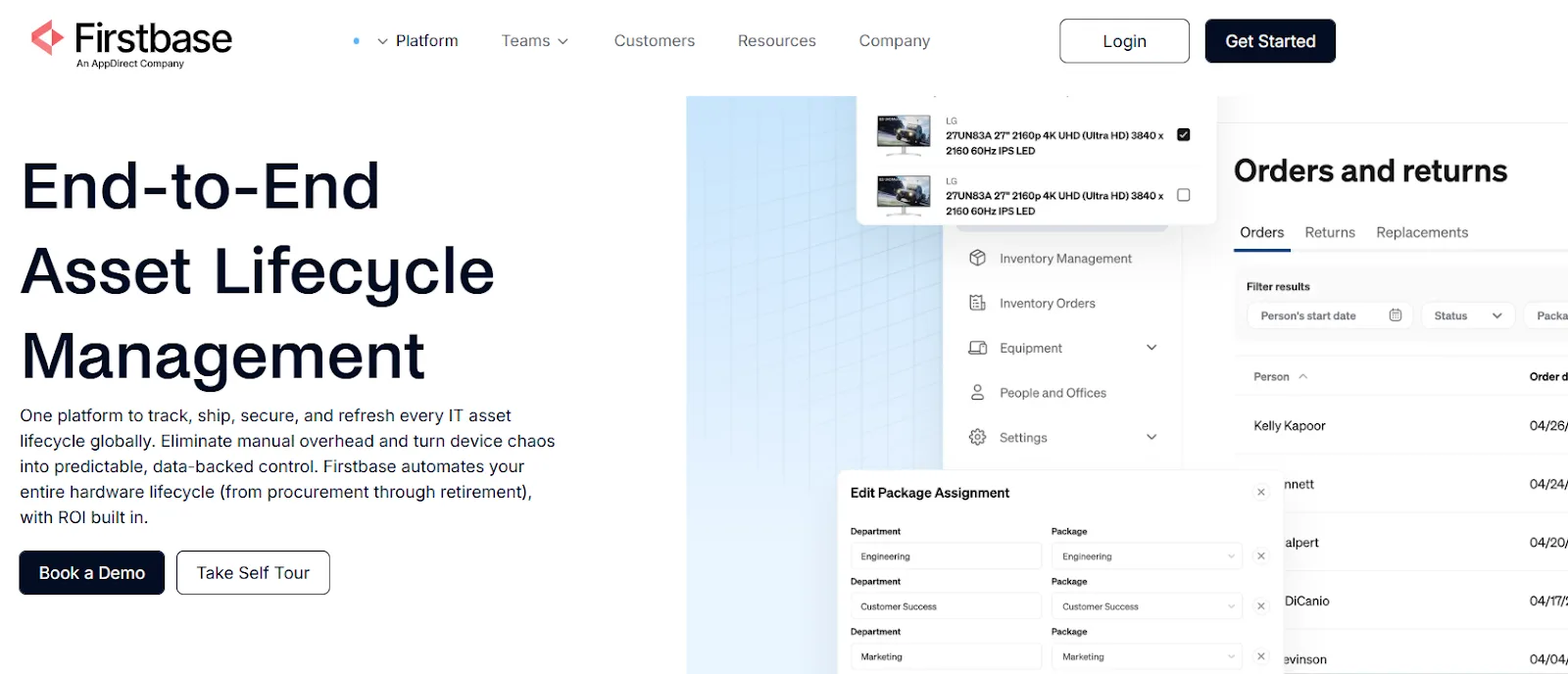
Firstbase stands out for its end-to-end approach to remote equipment management. Rather than forcing companies into a single vendor or workflow, it connects your existing hardware, procurement channels, and internal systems into a single streamlined process.
The platform is designed for distributed teams, enabling fast onboarding, real-time tracking, and automated device recovery in over 150 countries.
With Firstbase, teams can handle everything from initial device order to secure retrieval and eco-friendly disposal, while staying audit-ready and minimizing compliance headaches. Its model gives organizations the flexibility to support any equipment mix and respond quickly as headcount or hardware needs shift.
The result: day-one productivity for new hires, less idle stock, and real operational control, no matter how many devices or locations you manage.
Key features
- Global self-service IT closet: Employees worldwide can select peripherals and accessories from a pre-approved catalog, with automated approvals and no support ticket sprawl.
- Bi-directional SCIM sync: Firstbase reads and writes to HRIS, MDM and ITSM in near-real-time - so your identity platform remains the single source of truth while provisioning, retrieval, and de-provisioning run on autopilot.
- Audit-grade compliance: Delivers SOC 2 Type II logs, 2FA controls, and full chain-of-custody dashboards to simplify even the most demanding audits.
- Rapid device redeployment: Maximizes reuse by handling repairs, warehousing, and redeployment. No need to warehouse devices internally or lose track of old assets.
- Sustainable asset lifecycle: Uses a circular model to prioritize reuse and manages secure data destruction and eco-friendly device disposal at end-of-life.
- High retrieval and reuse rates: Achieves over 97% device retrieval and 1.5× more asset reuse compared to industry norms, backed by automated returns and courier pickups.
- Predictable per-seat pricing: One all-inclusive monthly rate covers hardware, freight, duties, storage, and ITAD no surcharges, ever.
- Seamless legacy fleet integration: Ingests existing device fleets, manages legacy assets, and transitions old hardware without disruption or forced upgrades.
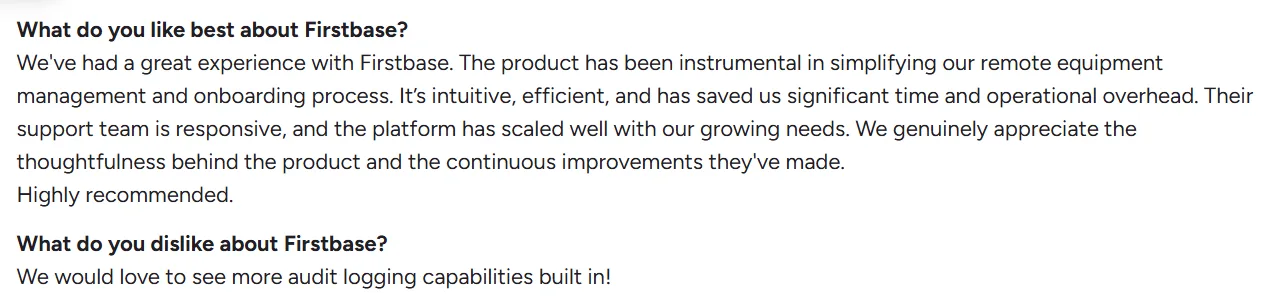
What users feel

Rippling Device Management
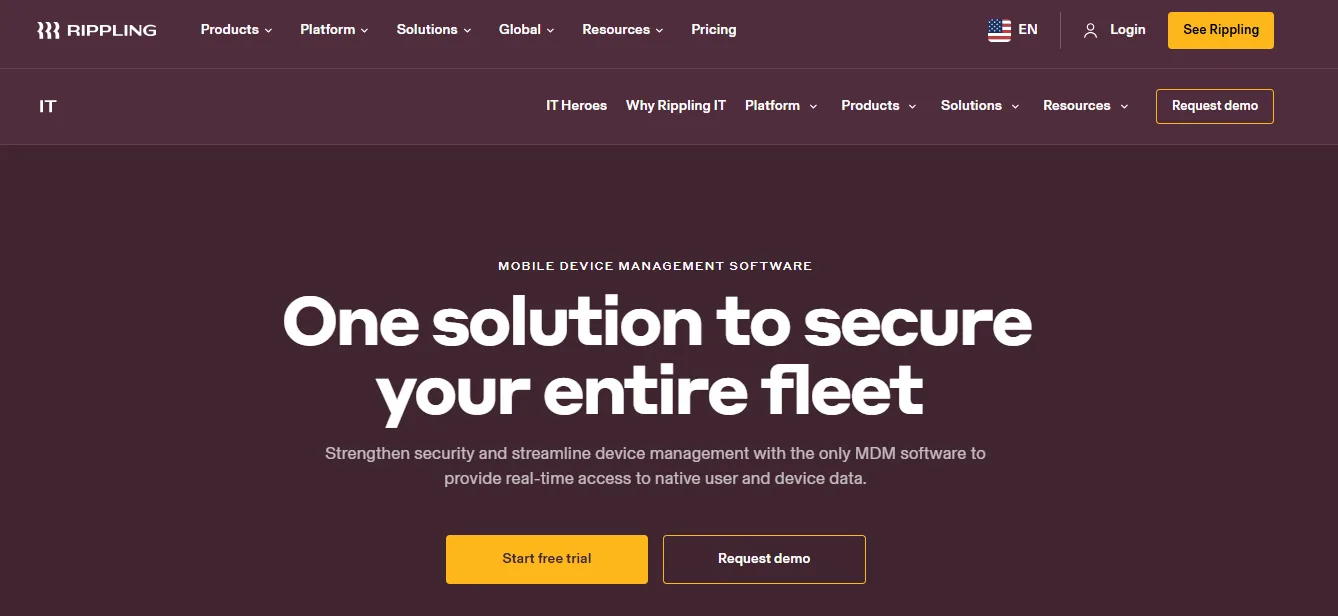
Rippling takes remote equipment management beyond simple tracking by directly connecting devices to every HR event.
As soon as an employee is hired, promoted, or leaves, Rippling’s system automatically manages everything related to their device, like provisioning, access changes, security updates, and returns. This direct integration cuts out manual handoffs between HR and IT, so you’ll reduce delays and errors.
The entire device lifecycle is visible and controlled from a single dashboard, so growing teams can manage inventory, coordinate shipping, and secure sensitive data without needing extra software or people.
Key features
- Automated lifecycle management: Device tasks like ordering, setup, and returns are triggered automatically by HR actions.
- Integrated inventory and warehousing: See stock, check device status, and assign or reclaim devices through Rippling’s secure warehouses.
- Role-based security policies: Instantly apply security controls and software based on each user’s department, role, or location.
- Zero-touch deployment and retrieval: Employees receive fully configured devices, and returns are managed end-to-end, including secure data wiping and storage.
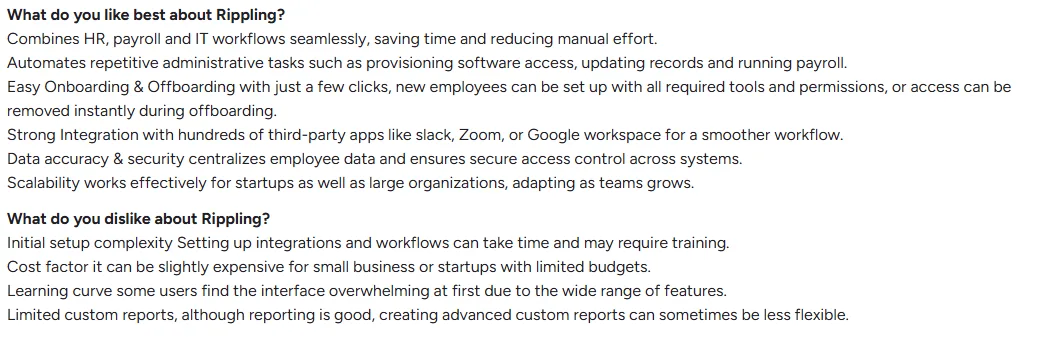
What users feel
Deel IT
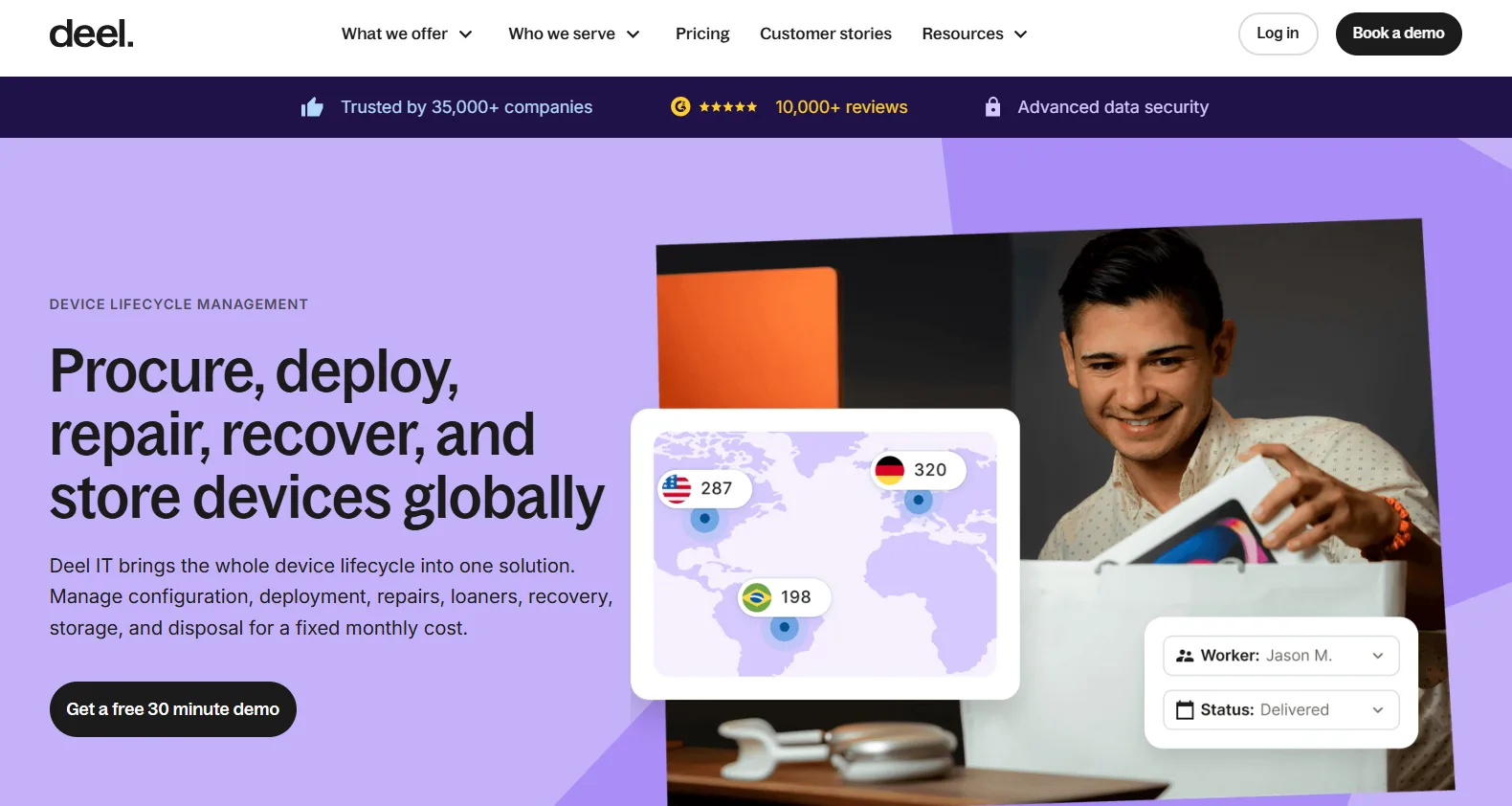
Deel IT is built for companies managing remote teams across borders. Unlike patchwork setups that rely on separate vendors, spreadsheets, and constant troubleshooting, Deel gives you a single platform to control every part of IT equipment logistics.
You can procure, ship, and track laptops and accessories for employees in 130+ countries from one dashboard. New hires receive fully set-up devices before their first day, no matter their location.
The entire process from sourcing hardware to handling customs, tracking, support, and secure offboarding is automated, freeing up IT and HR to focus on more strategic work. Deel is trusted by thousands of global companies looking to avoid delays, protect data, and keep every worker productive from day one.
Key features
- Global equipment provisioning: Order, configure, and deliver laptops, monitors, and accessories worldwide through a unified interface.
- Proactive device security: Deel provides automated threat monitoring, compliance checks, and secure data wipes for devices.
- Full-service device retrieval: When offboarding, Deel sends return boxes with prepaid labels, tracks the workflow, and manages secure reconditioning or compliant disposal of returned devices.
- 24/7 multinational support: Employees and IT teams get round-the-clock technical support and fast replacements anywhere.
What users feel

Workwize
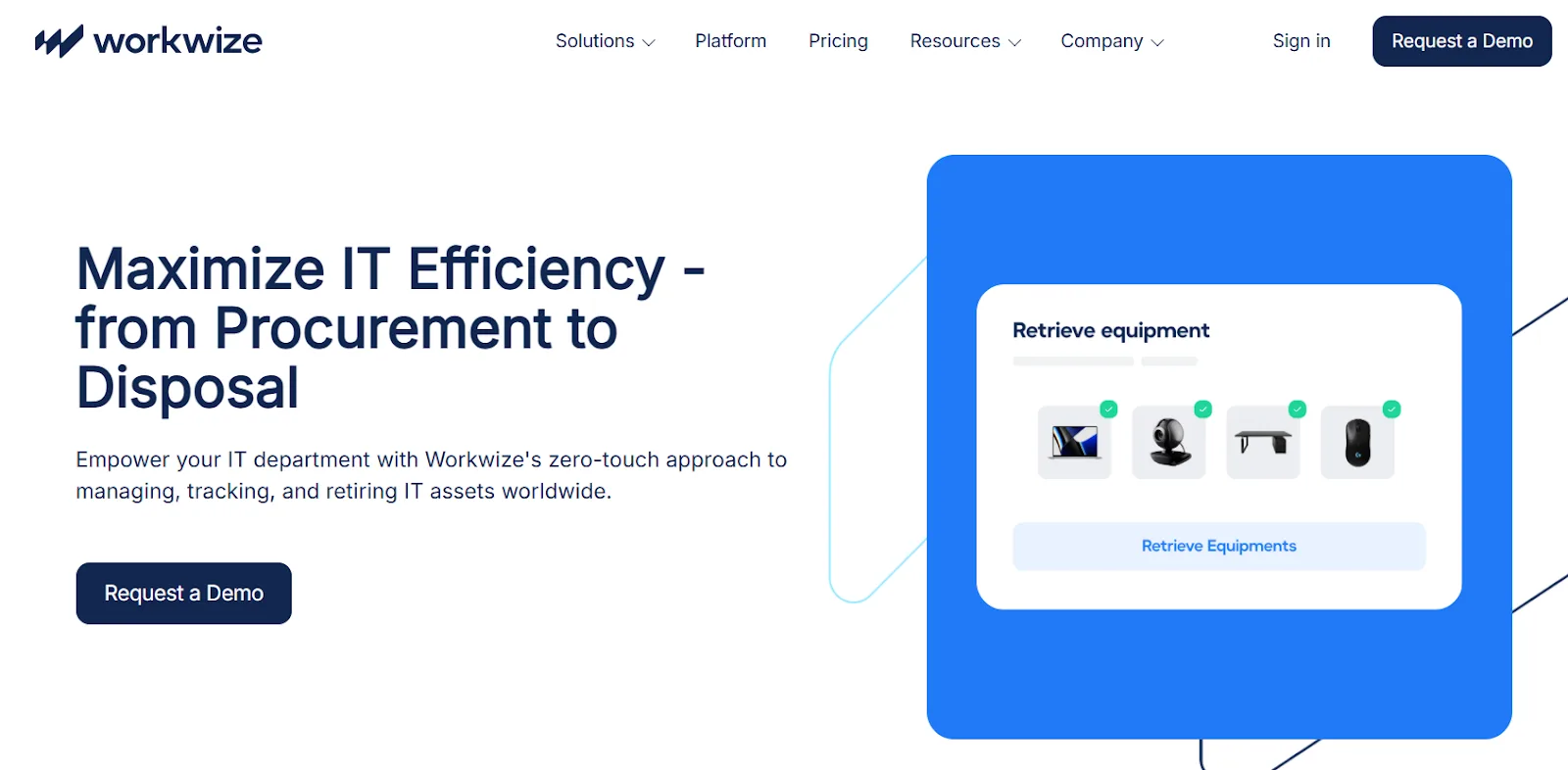
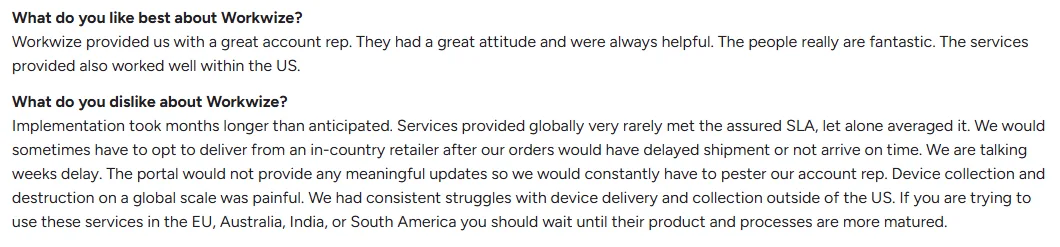
Workwize brings control, speed, and clarity to global IT asset management for distributed teams. Instead of scrambling to manage endless inventory spreadsheets, coordinate with multiple vendors, or deal with inconsistent support in different countries, IT leaders get a single zero-touch platform.
Everything from procurement and deployment to retrieval and sustainable disposal happens in one place, with automated workflows ensuring nothing falls through the cracks. Real-time tracking gives teams a live view of every device.
Local warehousing, flexible delivery options, and integration with HRIS systems remove the usual bottlenecks and cut out manual work. This lets IT focus on strategy instead of firefighting support requests, audits, or compliance headaches.
Key features
- Role-based procurement portal: Customize hardware options and automate purchase approvals by department, making device requests both efficient and policy-driven.
- Seamless global logistics: Use local warehouses to deliver and retrieve devices anywhere, typically within 5-7 days, bypassing the delays of international shipping.
- Automated offboarding and secure disposal: Employees receive pre-labeled return kits, with options for certified data erasure and eco-friendly recycling or resale of outdated assets.
- Smart support automation: Streamline basic IT requests and troubleshooting, so your technical team can focus on higher-value projects rather than daily admin tasks.
What users feel
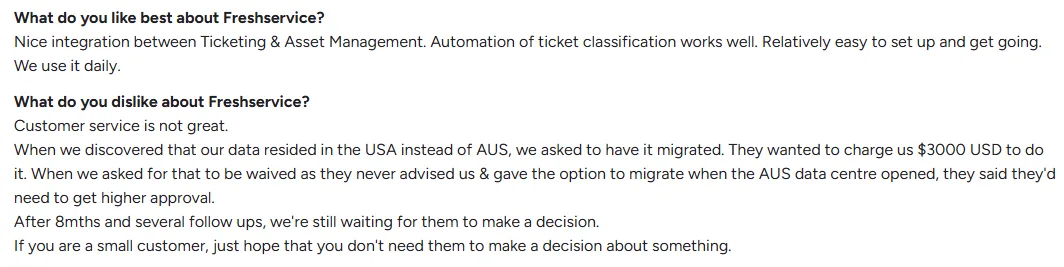
Freshservice
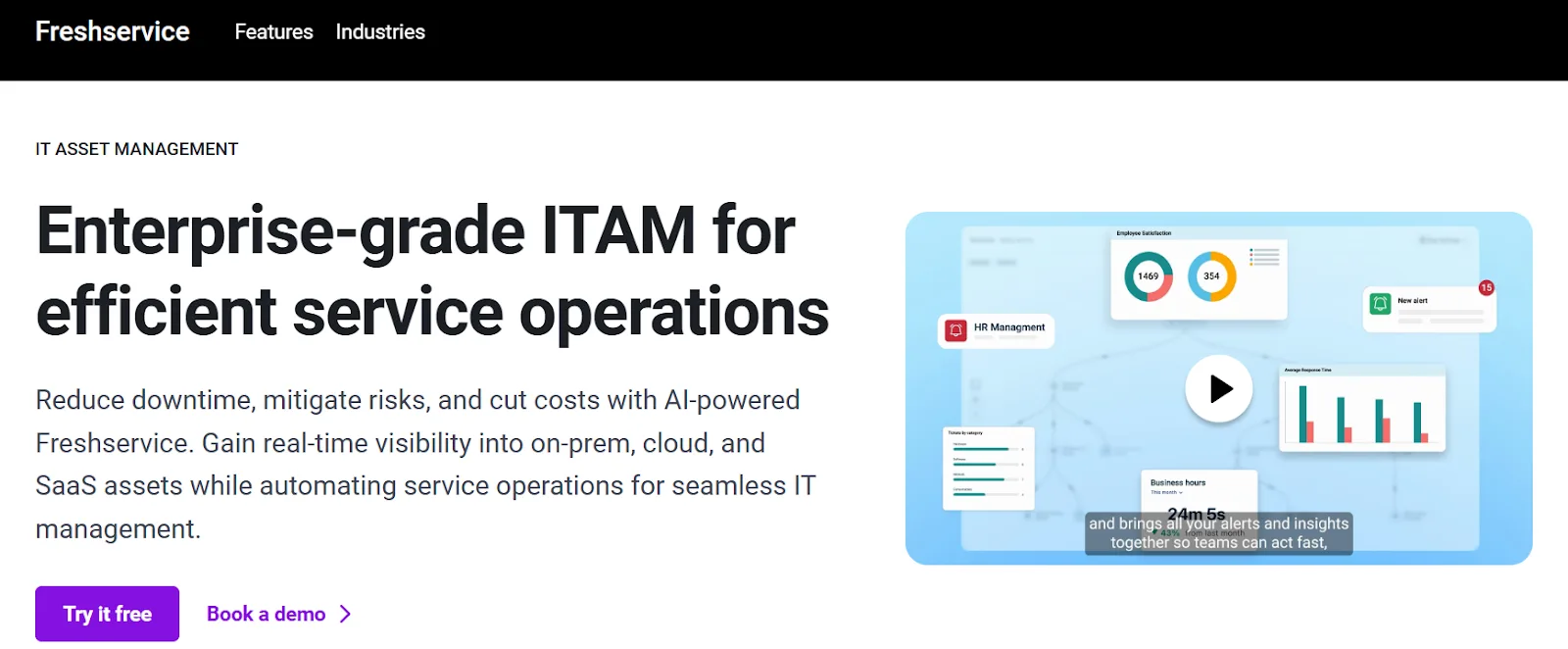
Freshservice, from Freshworks, is a cloud-based IT service and asset management solution built for companies that want real-time control over their entire IT landscape. It brings together hardware, software, SaaS, and cloud resources in a single interface, discovering assets across all environments and giving IT full visibility from procurement to retirement.
With AI-driven automation and a modern CMDB, Freshservice reduces manual work, speeds up incident resolution, and simplifies audits. Organizations can track, optimize, and manage IT assets, service health, and contracts efficiently, all while staying compliant and reducing downtime.
Key features
- Advanced asset discovery and inventory: Freshservice uses agentless and agent-based tools to find and track every IT asset: on-premises, cloud, and SaaS.
- Unified lifecycle management: Automate onboarding, provisioning, and vendor management, with real-time alerts and bulk updates for hardware, software, and cloud assets.
- 360° CMDB and dependency mapping: Visualize service connections, assess business impact, and prevent disruptions with a complete configuration management database.
- AI-powered incident resolution: Freddy AI Copilot surfaces related past incidents and automates post-incident reporting.
What users feel
JumpCloud
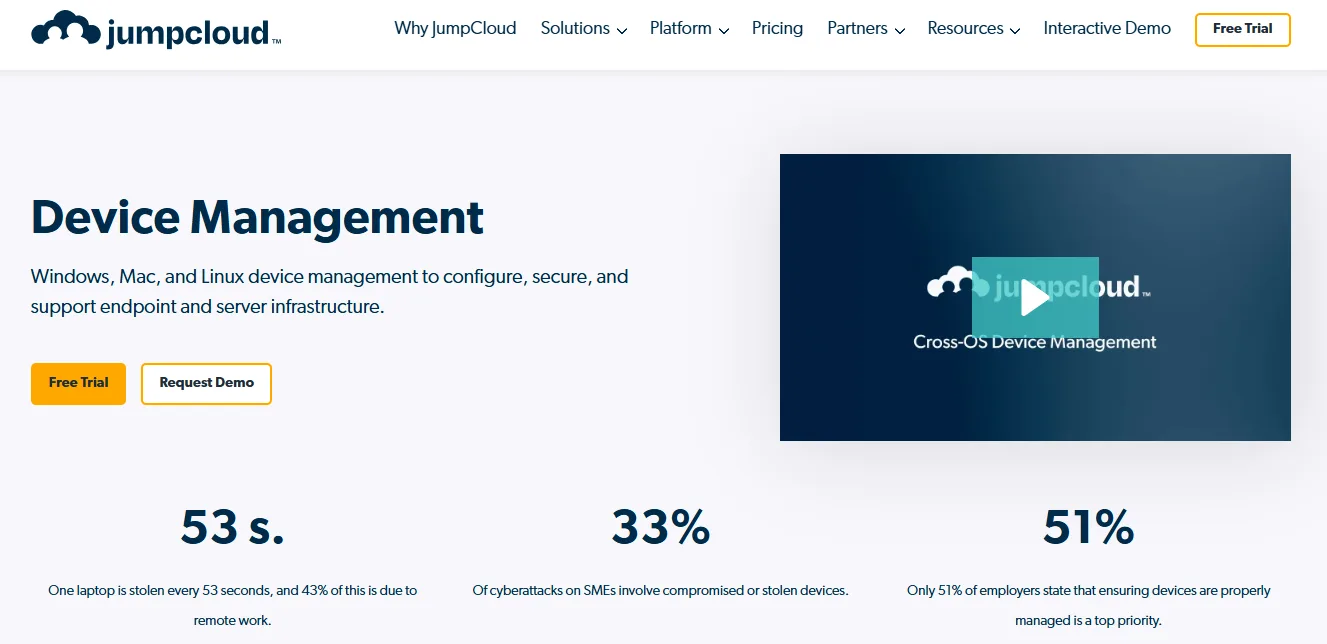
JumpCloud is an open directory platform built for businesses that need complete, centralized control over devices, users, and access, whether their teams are on-site, hybrid, or fully remote.
IT admins get a single dashboard to monitor every Windows, Mac, and Linux device in their fleet. They can also launch secure remote troubleshooting sessions and execute live or background maintenance without relying on separate VPNs or clunky screen-sharing tools.
The platform streamlines device onboarding, offboarding, and policy enforcement, and integrates identity management with group-based access and MFA. JumpCloud’s continuous monitoring and detailed event logging give IT real-time insight into device health and user activity. It helps teams respond to problems before they impact productivity or security.
Key features
- Direct remote access and troubleshooting: IT can launch secure, live, or unattended sessions to resolve technical issues, transfer files, or run commands.
- Comprehensive device visibility: JumpCloud’s monitoring tools deliver continuous, real-time updates on device status, security posture, and compliance for the entire fleet.
- Automated onboarding and offboarding: Integrate HR tools to automate user and device setup, access changes, and identity termination.
- Granular identity and access controls: Enforce security with group-based access, dynamic policies, MFA, and SSO, managing permissions across all platforms from a single console.
What does a complete remote equipment management system look like?
True remote equipment management covers every phase (procurement, deployment, support, retrieval, and IT asset disposition (ITAD)) with clear, measurable results at every stage. Here’s what to look for.
Procurement
Look for a global reach and zero-surprise costs. You want a provider who can handle orders for both new and old equipment, no matter where your team works.
Firstbase, for example, has shipped over 200,000 devices to people in more than 150 countries, and delivers on time 97-98% of the time. This helps companies avoid extra costs and last-minute shipping stress.
Deployment
Zero-touch device deployment should be the standard, not a luxury. With the right partner, every device is 100% configured, set up for the right user, and cleared through customs before it arrives.
Firstbase auto-syncs with tools like JAMF, Okta, and Workday, so new hires can start working as soon as they open the box.
Support
Support should mean less work for IT, so self-service is a non-negotiable here. At Firstbase, it means employees can order, track, or swap assets without IT intervention. This model cuts IT ticket queues by 60% and gives back 10-15 IT staff hours per week.
Since routine tickets are “Where’s my charger?” type requests, Firstbase’s live inventory dashboards and automated restocking prevent these distractions before they start.
Retrieval and reuse
The right provider must back up retrieval claims with proof. Firstbase has achieved 97%+ retrieval rates in top-tier countries and over 90% even in tougher regions.
Compared to industry averages, clients retrieve 30% more devices and see greater asset reuse, supported by return kits and real-time chain-of-custody tracking.
ITAD and compliance
Every returned laptop should be securely wiped to NIST 800-88 standards and tracked with Certificates of Destruction. With Firstbase, you’ll get both plus quarterly resale credits to offset costs.
Customers recover 40-65% of original asset value per laptop, thanks to automated refurbishment and resale.
How to evaluate your provider:
- Can you guarantee device delivery and onboarding in less than a week, globally?
- What’s your proven retrieval rate, and how do you maximize device reuse?
- Is inventory tracking live and end-to-end, including for legacy assets?
- Can you demonstrate a measurable reduction in support tickets and idle stock?
- Are compliance, audit, and sustainability standards automated and ready on demand?
Experience remote device management, the Firstbase way
Remote equipment management is about building a system where procurement, deployment, support, retrieval, and ITAD all work in sync. We’ve seen how most solutions stall at visibility, leaving companies to struggle with global logistics, lost assets, and rising costs. Firstbase stands out by delivering a platform that adapts to your hardware, streamlines onboarding, and drives outcomes for IT, Finance, and HR teams alike.
What’s different with Firstbase? Customers see 1.8× better asset visibility, a clear chain of custody for every device, and automation that eliminates months of manual tracking. The results speak for themselves: companies have saved over $100,000 in shipping and more than 5,000 hours of labor, all while maintaining security and compliance.
If you’re ready to see Firstbase in action, book a 30-minute demo today and find out how you can achieve real-time global asset flow.
Get started with
Firstbase today
Remote and hybrid work aren't going anywhere. It's our mission to make it easier to manage the assets your distributed team needs—from onboarding through offboarding and every repair, replacement, and upgrade in between.
Fill out the form and a member from our team will reach out by phone!
Get a Live Demo