Top IT Help Desk Software for 2026 with Reviews, Ratings, and What's Still Missing
Your internal IT help desk handles incidents and service requests, and it's good at that. But if you're an IT manager or director running a distributed team across 500 employees in a dozen countries, you know a big…
 Ahmad ZakariaOctober 8, 2026
Table of contents
- TL; DR: An Overview of Top IT Help Desk Tools
- What IT Help Desk Software Covers and What It Doesn't
- The Best IT Help Desk Tools for 2026 At a Glance
- The Ticket Category No Help Desk Tool Was Built to Solve
- What Teams Ask Before Adding an Operations Layer
- What Should Your IT Support Stack Actually Look Like?
Your internal IT help desk handles incidents and service requests, and it's good at that.
But if you're an IT manager or director running a distributed team across 500 employees in a dozen countries, you know a big chunk of your ticket queue has nothing to do with incidents. It's the emails that constantly ask for asset status, coordinate equipment for a new hire in Berlin, or chase a departing employee to return their MacBook.
Those are hardware operations problems, and help desk tools do not necessarily solve them; they just end up in the queue because there's nowhere else for them to go. Especially for 500+-employee organizations where the IT teams’ ticket volume is growing faster than their headcount, you need better solutions.
This guide reviews the top help desk software for 2026 and breaks down what each covers. It also names the ticket category they can't fix and what teams using an operational layer like Firstbase are doing about it.
TL; DR: An Overview of Top IT Help Desk Tools
| Platform | Highlights | Limitations | G2 Rating | Hardware Ops Layer |
|---|---|---|---|---|
| Jira Service Management | Atlassian ecosystem fit; free tier (3 agents); 1,000+ marketplace integrations | Heavy config without a dedicated admin; cluttered UI; workflows inherit Jira Software architecture constraints | 4.3 | No |
| ServiceNow | Enterprise CMDB with dependency mapping; AI agents; proactive endpoint monitoring | Requires dedicated developers to build and maintain; expensive renewals with limited negotiation leverage | 4.5 | No |
| Freshservice | Clean UI, fast adoption; drag-and-drop workflow builder; 20,000+ businesses | AI features gated behind top-tier plans; ticket routing requires workaround outside the catalog | 4.6 | No |
| Zendesk for Employee Service | AI trained on 18B+ interactions; HR-specific workflows; fast deployment | Standard features behind paywalls or paid apps; weak ITAM (can't link tickets to assets) | 4.4 | No |
| Firstbase | Self-service portal; 90%+ retrieval rates; ITAD with NIST 800-88 wipes; API for programmatic control | Operations platform, not a help desk tool | 4.8 | Yes |
Teams get back 10-15 hours per week once equipment logistics are moved off their plate. Take a self-guided tour to see what Firstbase looks like under your help desk.
What IT Help Desk Software Covers and What It Doesn't
Before we review individual tools, here's the frame you should evaluate them against. Help desk software is built around one job: managing the lifecycle of a ticket. And where it falls apart is hardware operations.
| Help desk software covers | Help desk software doesn't cover |
|---|---|
| Logging, routing, and prioritizing incidents | Shipping a configured laptop to a new hire's apartment in Lisbon |
| Managing service requests and approvals | Getting a MacBook back from an employee who left six weeks ago |
| Tracking SLAs and escalating breaches | Sending a replacement device across borders while the broken one ships back |
| Self-service knowledge base for common IT questions | Handling customs paperwork, carrier selection, and cross-border tax |
| Change management and release tracking | Wiping, certifying, and disposing of returned hardware (or recovering its resale value) |
| Reporting on ticket volume and resolution trends | Reducing the number of tickets being created in the first place |
The Best IT Help Desk Tools for 2026 At a Glance
With that frame set, here are the four platforms worth evaluating for Employee Service. For each one, we'll break down what it does well and where customers report these tools come up short.
Jira Service Management
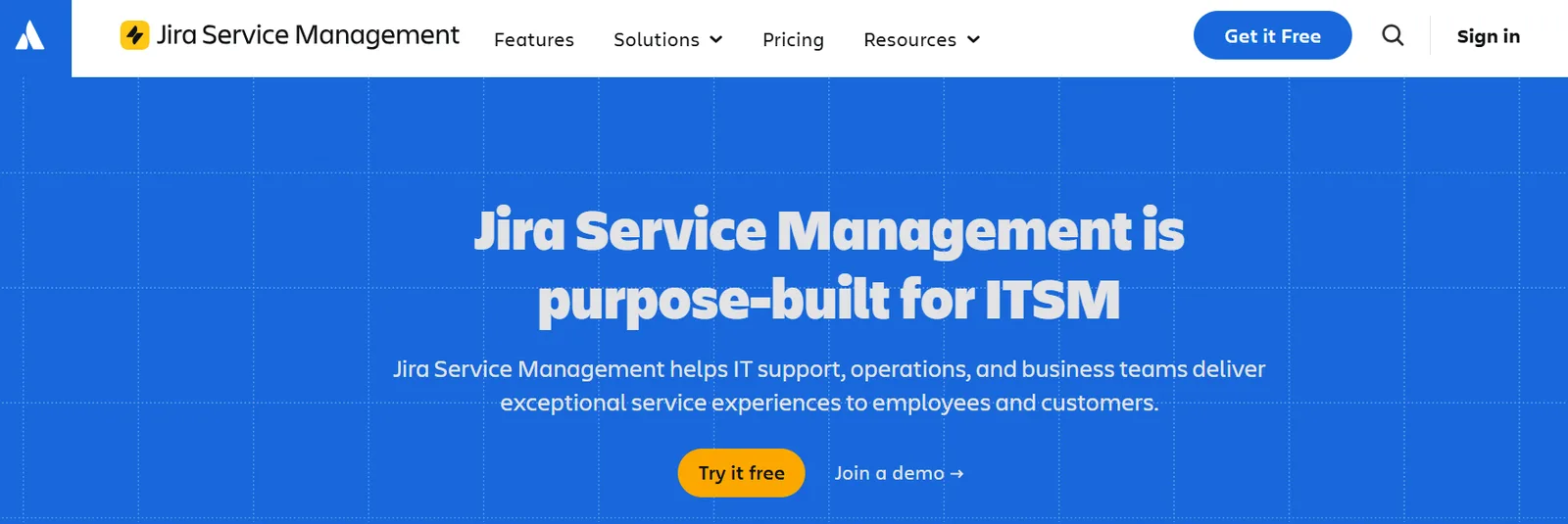
Jira Service Management is Atlassian's IT Service Management platform, built on the same foundation as Jira Software. If your team already runs on Atlassian products, JSM fits into that stack without adding another vendor or another login.
It's PinkVERIFY-certified across ITIL practices and offers four pricing tiers, including a free plan for up to 3 agents. That makes it one of the more accessible entry points for smaller IT teams that want a proper ITSM tool without committing to an upfront enterprise contract.
What Stands Out
- AI-driven self-service that answers employee questions using your existing knowledge base. It also spots documentation gaps and drafts new articles to close them.
- Incident management with automatic alert grouping. Related alerts get clustered into a single incident, with relevant resources and suggested remediation steps attached.
- Change management that pulls context from your dev tools, so ops teams can review and approve changes with real visibility into what's shipping and what it touches.
- Over 400 pre-built forms and templates for common request types. You're not starting from a blank page.
- 1,000+ integrations through the Atlassian Marketplace, from monitoring tools to HR platforms.
Where Users Push Back
Users on review platforms consistently flag the configuration overhead. JSM is flexible, but that flexibility costs you setup time. Getting workflows and automation rules right is a heavy lift without a dedicated Jira admin, and multiple reviewers describe the backend settings for ticket routing and user management as fragmented. The UI also catches criticism for being cluttered; new users report struggling just to locate their assigned tickets.
Reddit threads go deeper into the architecture. A recurring point is that JSM was layered on top of Jira Software rather than built from scratch for service management. Users say this shows up in workflow design, where the logic doesn't map cleanly to how service teams actually run business processes.
And asset management, while strong once configured, has an import process that users say will turn people away before they ever get it running.
ServiceNow
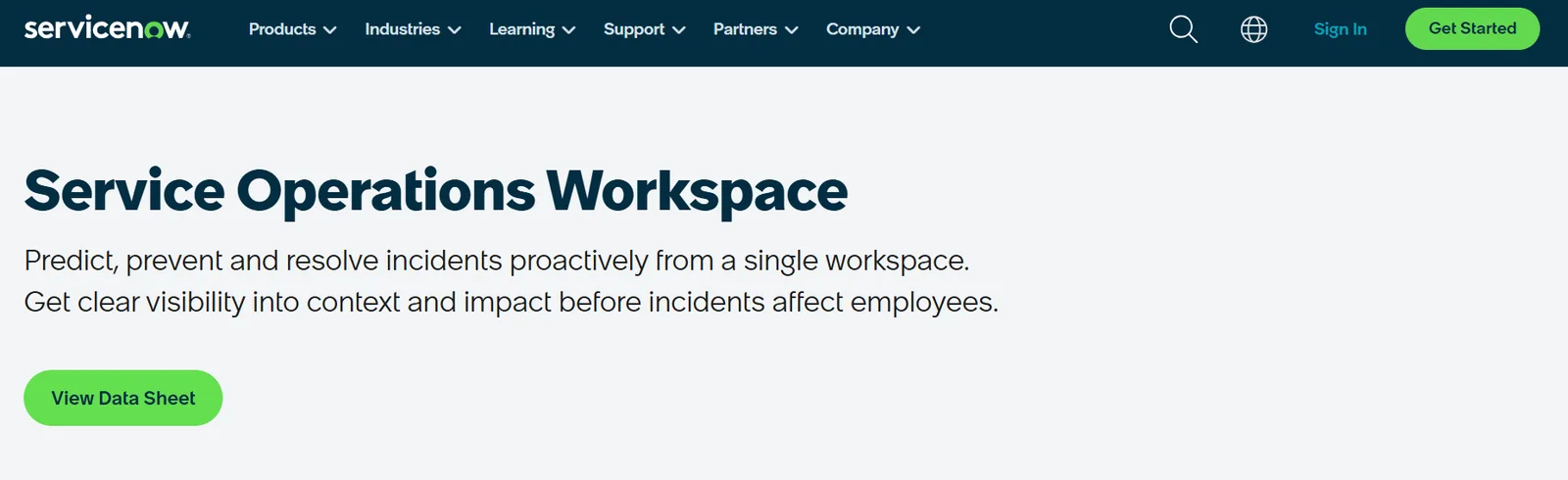
ServiceNow is the enterprise end of the ITSM market. Where JSM plugs into an existing Atlassian stack, ServiceNow tries to be the stack. It runs service management alongside IT operations on a single platform, with one CMDB underneath everything.
The scope is its selling point for large organizations with complex environments. It's also why the implementation timeline and price tag look nothing like a mid-market tool. If you're evaluating ServiceNow, you probably already have a dedicated IT ops team and the budget behind it.
What Stands Out
- AI agents that handle routine requests from triage through resolution without human intervention.
- Self-service that works across channels: portal, Slack, Teams, chat, voice, mobile. And most requests resolve without generating a ticket.
- A CMDB with dependency mapping built in. Change requests get automated risk scoring based on what each service actually connects to.
- Built-in IT asset management that tracks hardware and software through their full lifecycle, from procurement to retirement.
- Proactive endpoint monitoring that catches issues like low disk space or expiring certificates and auto-remediates what it can, and creates a ticket with full context.
Where Users Push Back
Users flag the navigation. There are many menus and submenus, and finding the right page can take time if you don't already know where to look. Tickets with multi-team involvement get long fast.
Several users also call out a bureaucratic feel once ticket volumes grow. The platform emphasizes status updates and compliance tracking over resolution speed, which creates admin overhead on long-running incidents that depend on other teams.
Reddit users are blunter. The recurring theme is that ServiceNow is less an ITSM tool and more an ITSM development platform. You need dedicated ServiceNow developers to build what you want, and the platform isn't something you set up once and walk away from; it requires ongoing dev work to maintain.
Renewal pricing also comes up repeatedly, with significant year-over-year increases and limited leverage for negotiation.
Freshservice
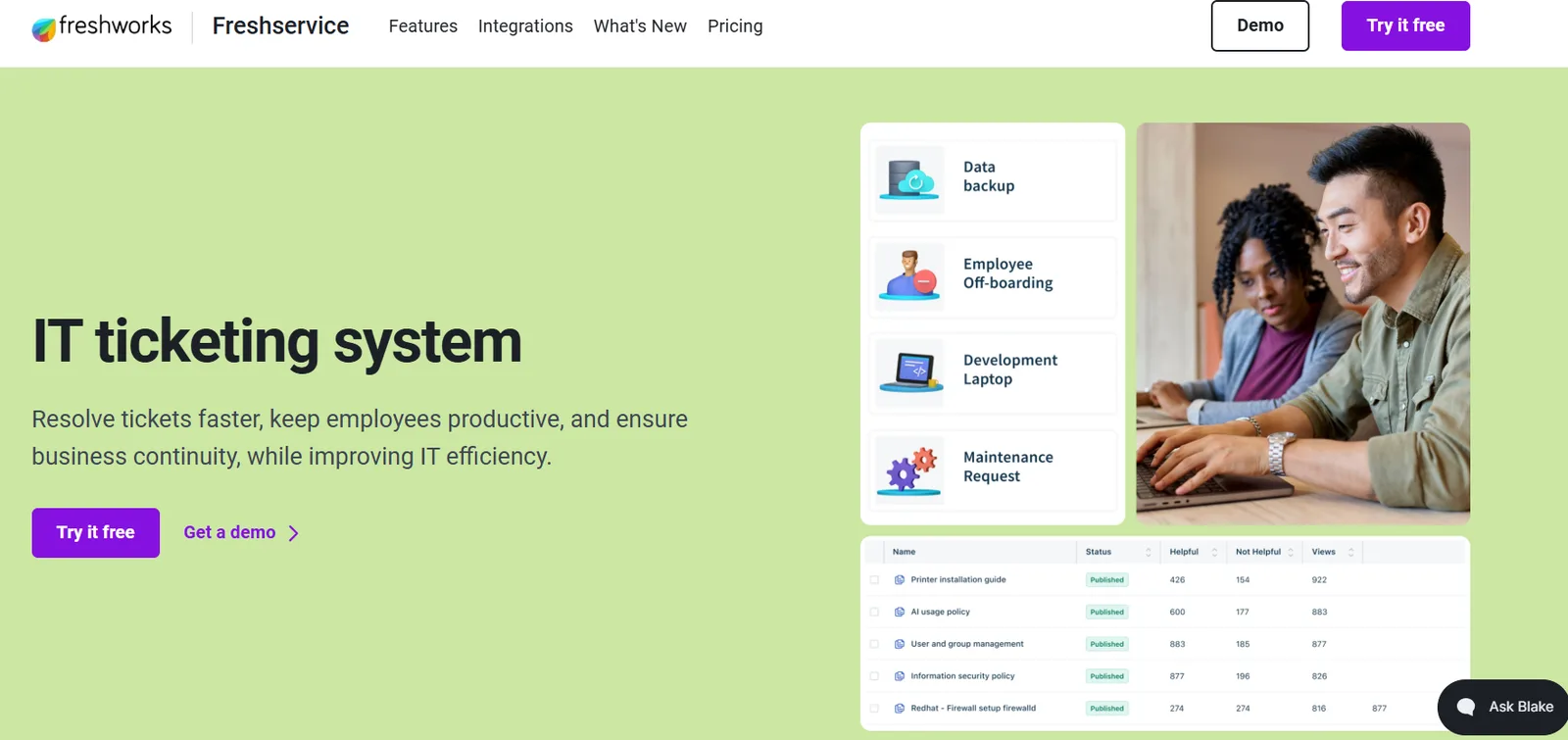
Freshservice is Freshworks' ITSM platform and is the middle ground in this category. It unifies service management, IT operations, and asset management on one platform, built on ITIL best practices. The interface is cleaner and more intuitive than most tools in this space, which helps with adoption when you're rolling it out to teams that aren't ITSM-native.
It's used by over 20,000 businesses. If your team wants structured service management without the implementation weight of something like ServiceNow, Freshservice is where most mid-market evaluations start.
What Stands Out
- Freddy AI interprets conversational requests, matches them to the right service context, and resolves routine ones end-to-end with contextual next-best-action suggestions to agents.
- A drag-and-drop workflow builder that lets you orchestrate actions across systems, auto-route tickets, and set up approval journeys.
- Employee onboarding that coordinates across IT, HR, and Finance in a single workflow. Access, assets, and approvals all flow through a single sequence.
- Built-in ITAM with continuous background discovery that keeps asset and dependency records accurate without manual reconciliation.
- Integrations through pre-built connectors, flexible APIs, and a low-code interface. It also supports MCP, so you can connect AI agents and third-party tools to Freshservice with configurable access and permission controls.
Where Users Push Back
On review sites like G2, the most frequent complaint is feature gating. The advanced Freddy AI capabilities that make the marketing page look impressive are available only on higher-tier plans or require paid add-ons.
There's also a specific admin pain point: ticket routing can't be configured directly within the service catalog. You have to build it through a separate flow automation, which adds steps to something that should be simple.
On Reddit threads, the consensus is that Freshservice is "serviceable." It works for teams that need a clean service catalog and have it flow into something trackable. The UI is straightforward, and you don't have to commit to the full ITSM universe to use one piece of it.
But the catch is that Freshservice is built on the assumption that you'll eventually want the rest of it, so even if you only need the catalog, you end up bumping into the broader ITSM structure underneath.
Zendesk for Employee Service
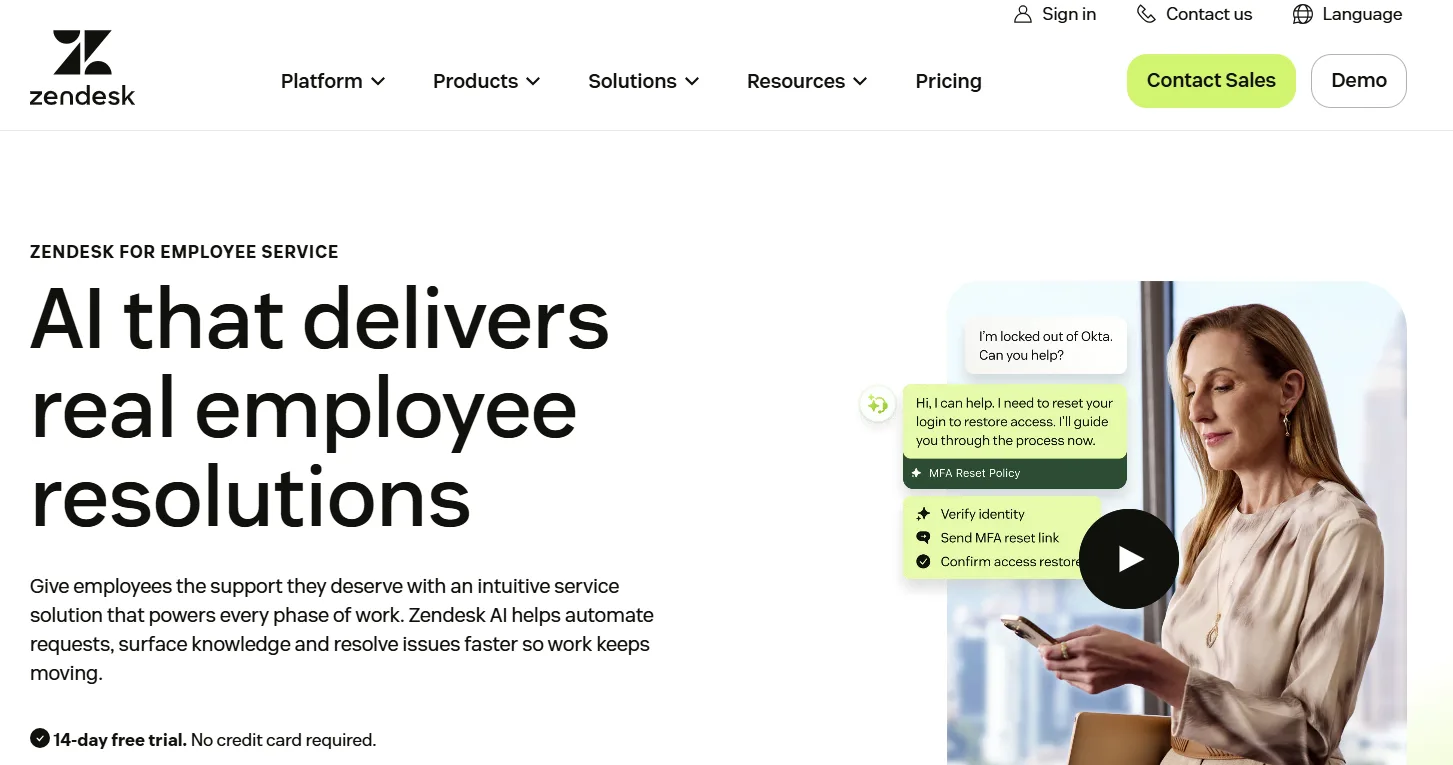
Zendesk built its reputation in customer support. This is its product for internal teams. Zendesk for Employee Service is designed for IT and HR departments that want to run employee requests, incidents, and knowledge management through one workspace.
Its AI is trained on over 18 billion service interactions, giving it a head start in contextual resolution compared to tools trained on smaller datasets. You can launch it without a developer team, scale without rebuilding, and use a 14-day free trial to test before you commit.
What Stands Out
- AI agents that complete routine, multi-step requests end-to-end. Password resets, access approvals, and similar repeatable tasks are handled by your existing workflows and policies.
- A copilot for service teams that understands ticket context, auto-routes requests, recommends next steps, and can take action on its own.
- AI-powered quality assurance that monitors 100% of employee service interactions. It flags SLA risks and policy gaps in real time.
- HR-specific workflows for onboarding, offboarding, approvals, and life-event management. These run as automated sequences with compliance guardrails.
- Contextual knowledge surfacing for both sides of the interaction. Employees see relevant articles before submitting a ticket; agents see them in the ticket workspace while working a request.
Where Users Push Back
The users on G2 describe a pattern where features that feel like they should be standard (setting up tasks within a ticket, for instance) require paid marketplace apps or higher-tier subscriptions.
Analytics is a sore spot: custom reports are locked to the most expensive plan, and pulling analytics data via the API has proven unreliable for some teams. On the IT asset management module, asset IDs are long random strings, and you can't link tickets to assets, which is a surprising gap given that tickets are Zendesk's core product.
Multiple users in Reddit threads describe Zendesk as extremely expensive once you start adding third-party apps to cover functionality the platform doesn't cover natively.
One user shared that they priced out ServiceNow with ITSM, asset management, and an integration hub, and it came in at less than two-thirds the cost of their Zendesk subscription alone, with more capability. The other recurring issue is workflow limitations with external systems.
The Ticket Category No Help Desk Tool Was Built to Solve
Every tool reviewed above handles the ticketing system well. None of them reduce the volume of tickets caused by hardware operations.
Here's what that gap costs a 1,000-person company with 15% annual turnover. That's 150 laptop retrievals per year. Even at 70%, you're still losing 45 laptops a year, or $67,500 in write-offs at $1,500 per device.
If you add the 500 IT hours per 100 remote employees spent coordinating equipment logistics to the math, you're burning 2.5 full-time IT positions on work the help desk can track but can't resolve.
How Firstbase Completes the IT Support Stack
Firstbase handles the physical operations work that help desk tools track as tickets but can't execute, from procurement through device disposition, across 150+ countries. Your ITSM tool stays in place for incident management and service requests. Firstbase takes over the hardware logistics those tickets were pointing at.
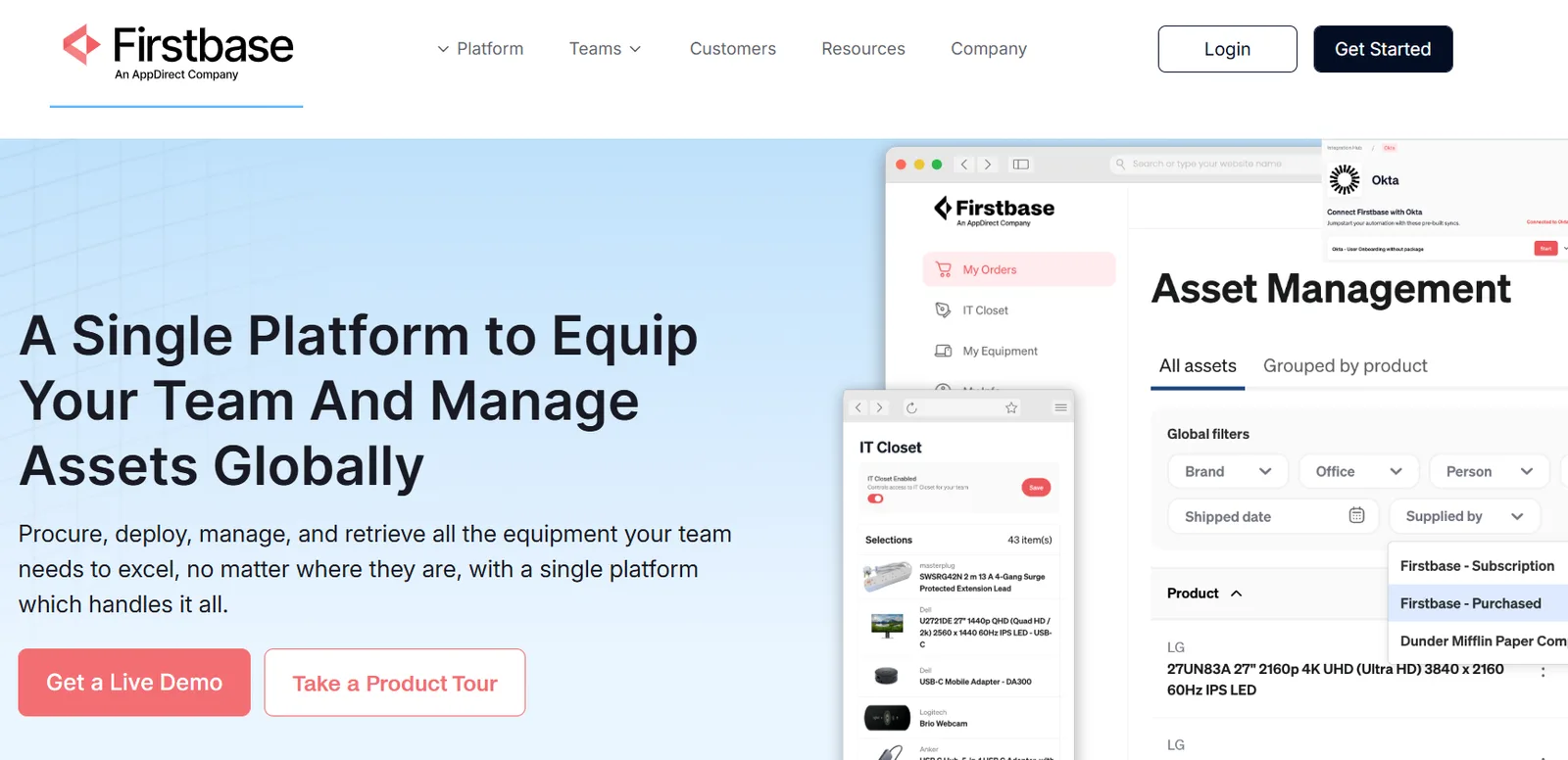
Here's what that looks like in practice:
- Self-service equipment portal (Virtual IT Closet): Employees order from a pre-approved catalog based on their role and department. IT sets the rules and approves or denies; employees handle the rest, including keeping their own address current. This eliminates the back-and-forth that typically generates 30-50 "where's my laptop?" inquiries per week for distributed teams.
- Retrieval with 90%+ return rates: Against an industry average of 30-50%, Firstbase automates address confirmation, ships return kits directly to employees' homes, and tracks every device in transit. The process has recovered 700+ hours of IT coordination time and recouped $175,000+ in device reuse value from a single retrieval cycle.
- ITAD with NIST 800-88 certified data wipes: Certificates of Destruction are auto-generated and stored in-platform with full device lifecycle context. Dynamic resale estimates show the recoverable value of aging hardware so you can time retirements around maximum return. Available across 50+ countries, with office pickup included.
- Firstbase API for programmatic control: Manage orders, returns, replacements, restocking, inventory thresholds, shipment notices, and offboarding through the API. Set minimum stock levels per warehouse; when inventory dips below your threshold, auto-restock triggers without anyone filing a ticket or sending an email.
- Real-time asset inventory across the full lifecycle: Every device tracked from deployment through disposition. Teams running distributed workforces across multiple countries have cut logistics overhead by 270+ IT hours annually, even with three-person IT departments.
"We have an IT Service Management system (ITSM) that keeps track of all our tickets. If a Cresta employee has a broken charger, for example, they can put in a ticket requesting a new one. If the item is in our IT 'closet,' we'll approve the request, and they can go on Firstbase and order it immediately."
Jared Allenbrand, Head of IT, Cresta.ai
What Teams Ask Before Adding an Operations Layer
Before you add a platform like Firstbase alongside your help desk, run through these questions. They'll tell you whether your ticket volume is a tooling problem or an operations problem.
If it's under 10%, your help desk is probably enough. If it's 30%+ and climbing with headcount, you're managing logistics using a system built for incidents.
Single-country teams can sometimes muscle through with a local IT closet and a FedEx account. Once you cross borders, customs, carrier selection, and tax compliance turn every shipment into a mini-project.
If you don't know the number, that's the answer. If you do, and it's below 70%, you're writing off devices you could redeploy.
At hundreds of hours annually for remote employees, the math gets hard to ignore once headcount exceeds 200.
If the answer is no, the challenge is almost always physical operations rather than ticket management.
What Should Your IT Support Stack Actually Look Like?
The right help desk tool helps your IT team close tickets faster, and the right operations layer stops those tickets from being created.
Firstbase works alongside whichever ITSM platform you pick from this list. HR gains self-serve visibility into equipment orders and delivery status without having to file a ticket or chase IT.
IT redirects the hours that used to disappear into shipment coordination back into security and infrastructure work the business actually needs from them. New hires get equipped before day one, regardless of which country they're joining from.
When someone leaves, retrieval runs without IT manually coordinating return shipments across borders. And the whole model scales with headcount because the logistics load doesn't land on your IT team as you grow.
Teams using Firstbase have automated 75% of their employee equipment lifecycle process. Book a demo to see what that looks like for your stack.
Written by
Ahmad Zakaria
Ahmad Zakaria covers IT operations, hardware lifecycle management, and distributed workforce solutions at Firstbase. His content is built from real customer data, operator interviews, and hands-on experience managing devices across 150+ countries.
Get started with
Firstbase today
Remote and hybrid work aren't going anywhere. It's our mission to make it easier to manage the assets your distributed team needs—from onboarding through offboarding and every repair, replacement, and upgrade in between.
Fill out the form and a member from our team will reach out by phone!
Get a Live Demo