Mobile Asset Management Software
Your MAM says the laptop is accounted for. Your IT team says otherwise. See how 6 mobile asset management software platforms handle the physical side of IT.
 Ahmad ZakariaNovember 27, 2026
Table of contents
Your asset inventory says a MacBook is assigned to an employee. Your mobile device management shows the device is enrolled and compliant. Everything looks fine until that employee leaves and nobody knows whether the laptop has been shipped back.
For IT managers overseeing a team of over 500 at distributed companies, the impact can be more pronounced. Even with HRIS, IdP, and MDM systems in place, your lean IT team may still spend hours chasing laptop returns, tracking delayed shipments, and locating missing hardware.
A mobile asset management system lets you scan equipment, check assignments, and update records on the go. But they often rely on manual data entry to reflect changes. When hardware moves between employees, warehouses, and shipping carriers, those records can quickly become outdated.
To address that gap, this article compares 6 platforms that manage IT hardware from procurement through disposal. You'll also see how Firstbase connects asset records with physical operations to give you clearer visibility across the device lifecycle.
What Is Mobile Asset Management, and How Do the Tools Differ?
Mobile asset management covers the movement and upkeep of devices. But not all tools are built for the same job. Their capabilities depend on the equipment you manage and how you use it. The differences come down to this:
Meaning | What's tracked | Who buys it | Example tools |
Field equipment | Tools, vehicles, machinery, and equipment used across job sites | Field operations managers, construction companies, and maintenance teams | Asset Panda, Wasp, itemit |
Device inventory through MDM | Enrolled laptops, smartphones, security settings, software, and device configurations | IT administrators and endpoint security teams | Jamf, Iru (formerly Kandji), Mosyle |
Remote IT fleets | Laptops and hardware for distributed employees, from deployment to retirement. | IT managers and Ops leaders overseeing distributed teams | Firstbase, Deel IT, Rippling, GroWrk, Workwize, allwhere |
These categories are built for different jobs, yet you'll often find them grouped together in mobile asset management software comparisons. The difference matters when choosing a tool for your remote IT fleet.
That’s because a scanning app built for construction sites can tell you when equipment was last checked. But it won't necessarily capture the return status of a laptop assigned to a remote employee.
Why Does Mobile Asset Management Break for Remote IT Teams?
The issue starts with how traditional mobile asset management works. It relies on barcode or QR code scans to identify equipment and update inventory records. This is practical when your IT admins can physically access the hardware and verify its details.
For remote teams, that access isn't always available, as laptops are often shipped directly to employees in different locations.
Say your IT admin arranges a MacBook delivery for a new hire in Germany. The laptop leaves the warehouse but gets held at customs.
Laptop dispatched → Shipment held at customs → Delivery delayed → Employee still waiting for the device.
Your hardware inventory can show the laptop was dispatched, but that doesn't confirm it arrived. A barcode scan at the warehouse cannot tell you what happens during transit.
Here's where remote IT teams need additional coordination across the asset lifecycle:
Scenario | What a scan can record | What needs to happen beyond scanning |
|---|---|---|
New hire onboarding | Device identity, assignment, and dispatch status | Procure, configure, ship, and coordinate delivery to the employee |
Employee offboarding | Last recorded assignment and returned inventory | Arrange collection, provide return instructions, and follow up on missed pickups |
Device replacement | Old and new hardware assignments | Deliver the replacement, retrieve the faulty device, and arrange repairs or inspection |
Hardware storage | Warehouse location and inventory status | Receive, inspect, store, and prepare returned equipment for redeployment |
Device disposal | Asset identification and retirement status | Perform secure data erasure, arrange recycling or resale, and provide disposal documentation. |
Best Mobile Asset Management Platforms for Remote IT Teams
The table below gives you a quick view of each platform:
Platform | Pricing model | Strengths | Limitations | Best for |
Firstbase | Per-active-seat subscription; custom quote | Global hardware operations, asset tracking, and employee self-service | Shipping delays in certain regions | Scaling companies with 500-5,000 employees |
Deel IT | Monthly subscription; pricing varies by service | HR-linked deployment, leasing, and 24/7 IT support | Higher procurement costs; no automated inventory replenishment. | Companies already using Deel HR and payroll |
Rippling | Custom quote based on selected products and per-employee pricing. | Policy-based automation, MDM, and access management | Paid add-ons; Windows management limitations reported by users | Growing teams managing devices and access together |
GroWrk | Pay-per-order à la carte or Flex subscription; custom quote | Flexible hardware services and international coordination | Custom-order delays and retrieval tracking issues | Lean IT teams and companies testing new markets |
Workwize | Tiered subscription based on team size and regions; custom quote | Procurement controls, consolidated billing, and workflow automation | Inventory discrepancies and missed pickups | Larger distributed teams with structured purchasing needs |
allwhere | Pay-as-you-go services; no subscription fee; custom quote | Hardware maintenance and integrations | No built-in MDM and outdated order interface. | Teams looking for usage-based hardware services |
Firstbase
Firstbase handles IT asset management and hardware operations across 150+ countries. It covers procurement, deployment, repairs, retrieval, storage, and disposal.
The platform connects with 20+ HRIS, MDM, and ITSM tools to sync your employee and device information. It also links hardware operations to asset tracking so that you can track changes in asset location, assignment, and lifecycle status.
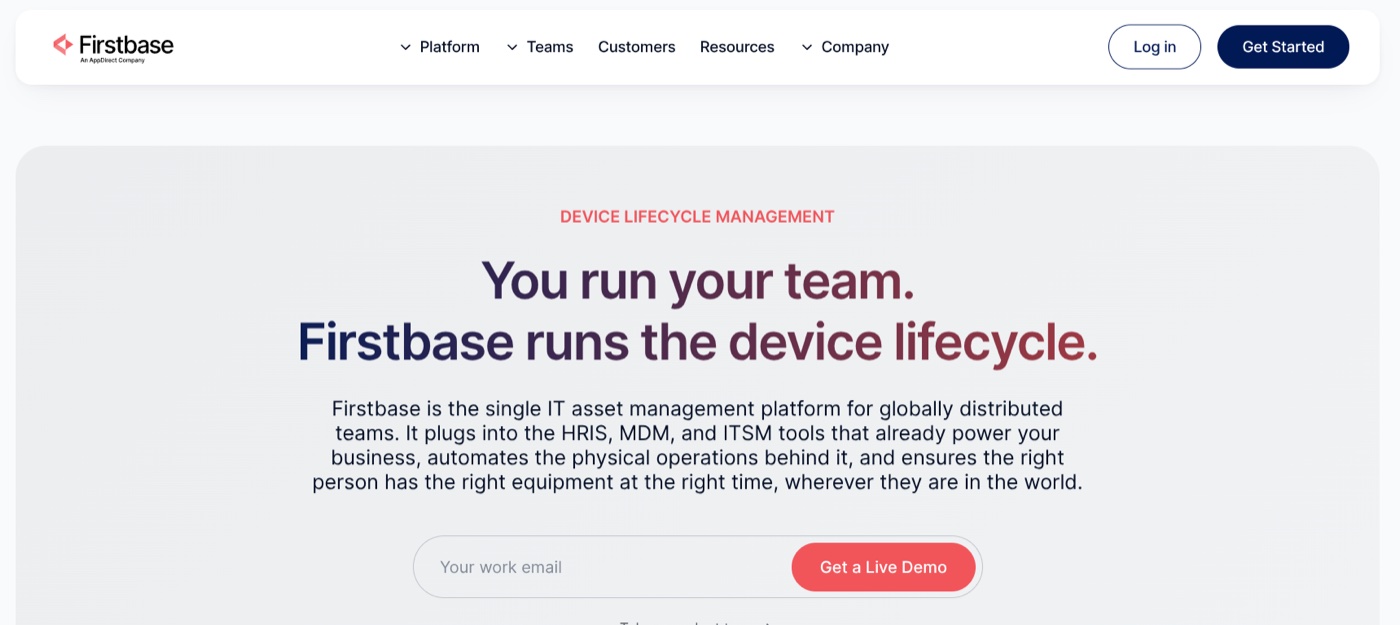
Firstbase provides a self-service portal where employees can order approved laptops and accessories for direct delivery, speeding up onboarding by 82%. This also cuts down normal IT tickets by 60% and frees up 10-15 hours of your IT team’s work each week.
When users push back?
Firstbase handles cross-border deliveries, where shipping timelines can occasionally stretch beyond expectations. Here’s what the platform user has shared:
“Shipping times in certain regions may be a bit longer than expected. However, this isn't always the company's fault, as delays can often be caused by issues with the courier service.”
Source
Ideal for
Scaling companies with 500-5,000 employees and an expanding international presence.
Businesses managing frequent employee onboarding, offboarding, and hardware replacements across multiple locations.
Not for
Teams looking for a basic asset inventory tool to record and track equipment manually.
Companies operating from a single office with all hardware managed on-site.
Deel IT
Deel IT links hardware procurement and deployment with employee records in its HR system. IT teams can purchase or lease laptops, arrange MDM enrollment, and ship devices based on employee location. Existing company-owned equipment can also be added to its inventory.
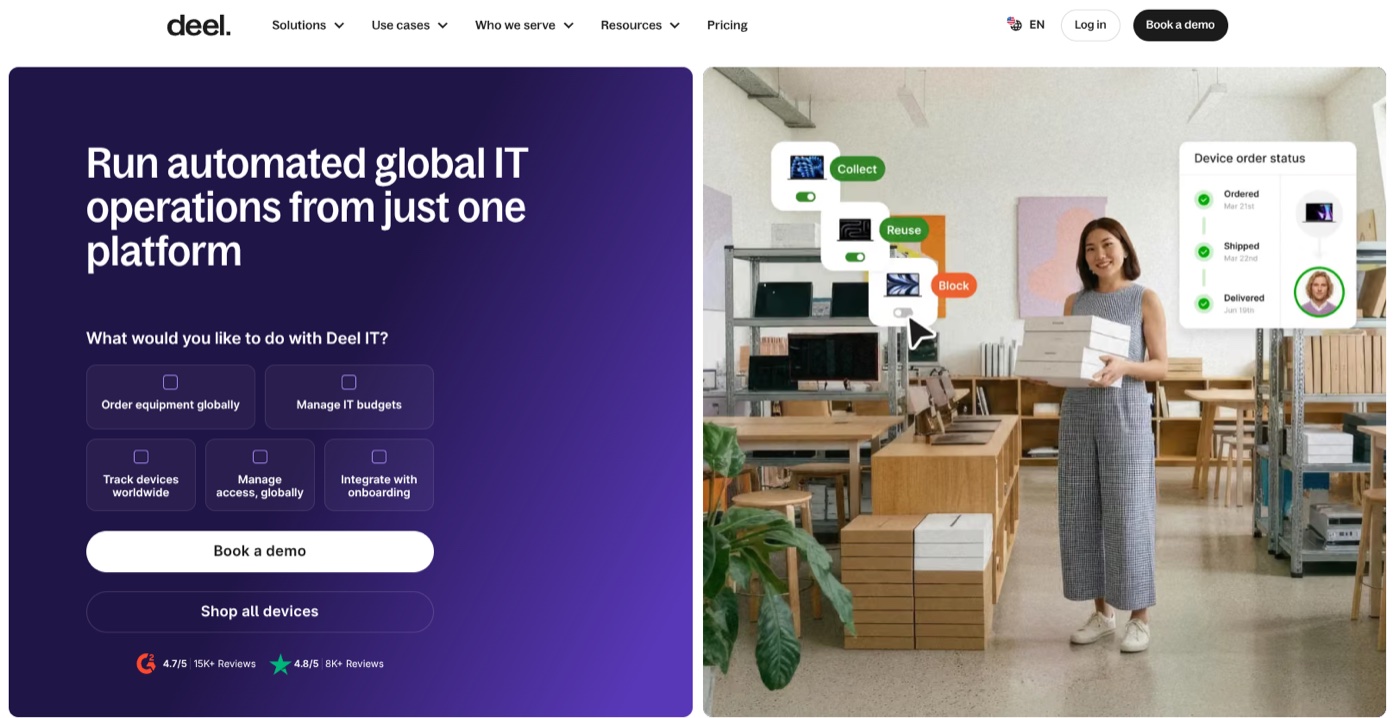
It provides 24/7 help desk support for hardware and software issues. Its identity and access management features also cover user provisioning and deprovisioning, letting you grant, update, or revoke app access as employees join, change roles, or leave.
When users push back?
Deel IT’s pricing is a recurring concern, as platform users say:
“While convenient, the service fees and the cost of hardware through the platform can be higher than local sourcing if you have a large internal procurement team.”
“Depending on team size, pricing may also become a consideration for smaller companies or early-stage startups.”
Source
Ideal for
Companies already using Deel for HR and payroll that want to add hardware management to their setup.
Businesses expanding into new countries without dedicated local IT teams.
Not for
Small teams that only need occasional laptop purchases and cannot justify recurring device management fees.
IT teams that need physical asset tagging or automated inventory replenishment when stock falls below minimum thresholds.
Rippling
Rippling lets you automate hardware management based on changes to records. IT teams can set asset policies based on an employee's department, role, or location. The platform supports zero-touch deployment, Apple and Windows MDM, OS patching, and remote security controls.
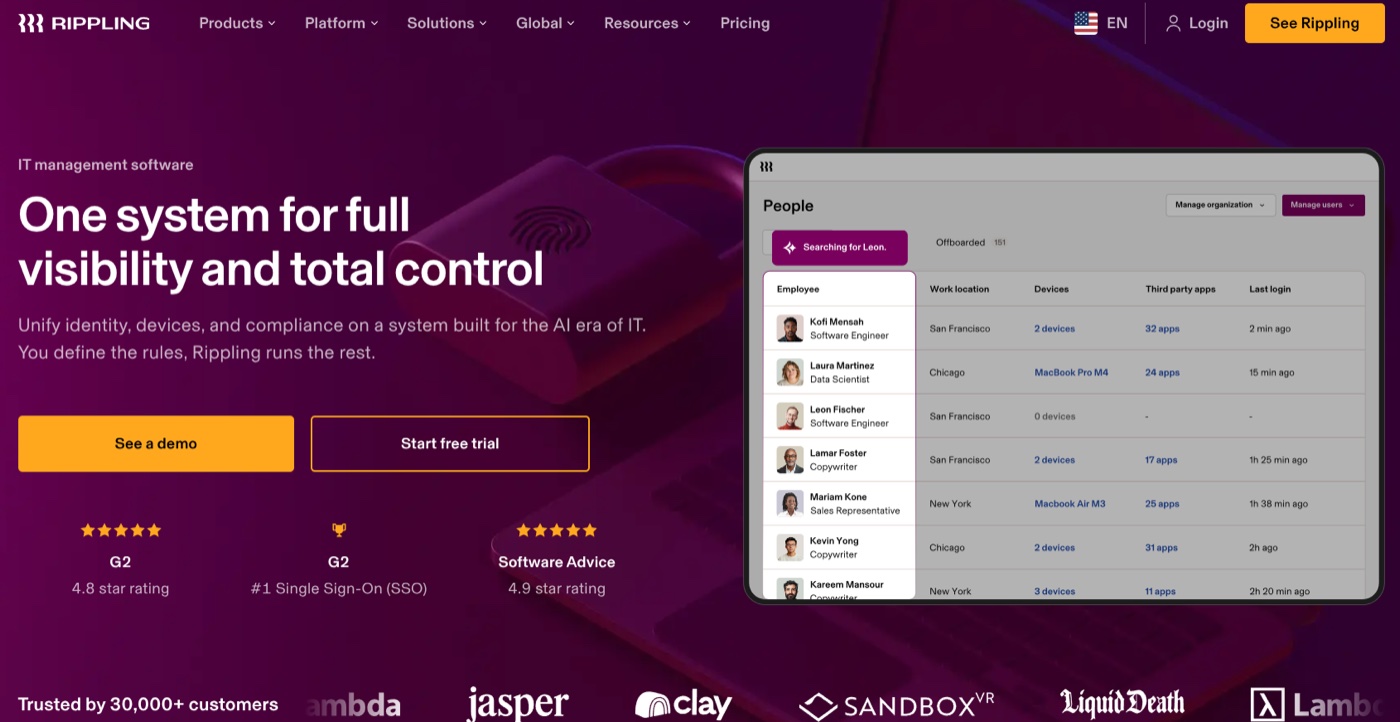
For physical equipment, Rippling handles purchasing, shipping, global warehousing, and retrieval. Its inventory management tools let you check laptop assignments and available stock. It also supports buyback for archived or unassigned devices.
When users push back?
Rippling's IT tools have drawn concerns about migrating from existing MDM platforms. A user mentioned that:
“Our company didn't find value in migrating from our current MDM solutions of Microsoft Intune and Apple Business Manager into Rippling because of the potential risks of downtime and data loss for employees. Rippling should focus on making the migration from other MDM platforms, and enrolling devices, much simpler and less disruptive.”
“Pricey add-ons: The base HR fee is low, but every single feature (like IT, device management, or international payroll) is a separate add-on that quickly inflates your monthly bill.”
Ideal for
IT teams that need to manage employee laptops, access permissions, and security compliance in a single system.
Growing businesses that frequently add employees and need repeatable IT processes across departments.
Not for
Businesses that need predictable IT spending without paying separately for additional modules.
Small teams with limited hardware management needs that don't require Rippling's full IT asset management suite.
GroWrk
GroWrk takes a service-led approach to managing laptops for distributed teams. It focuses on getting equipment to employees across locations and coordinating the physical work involved, including sourcing, delivery, and collection.
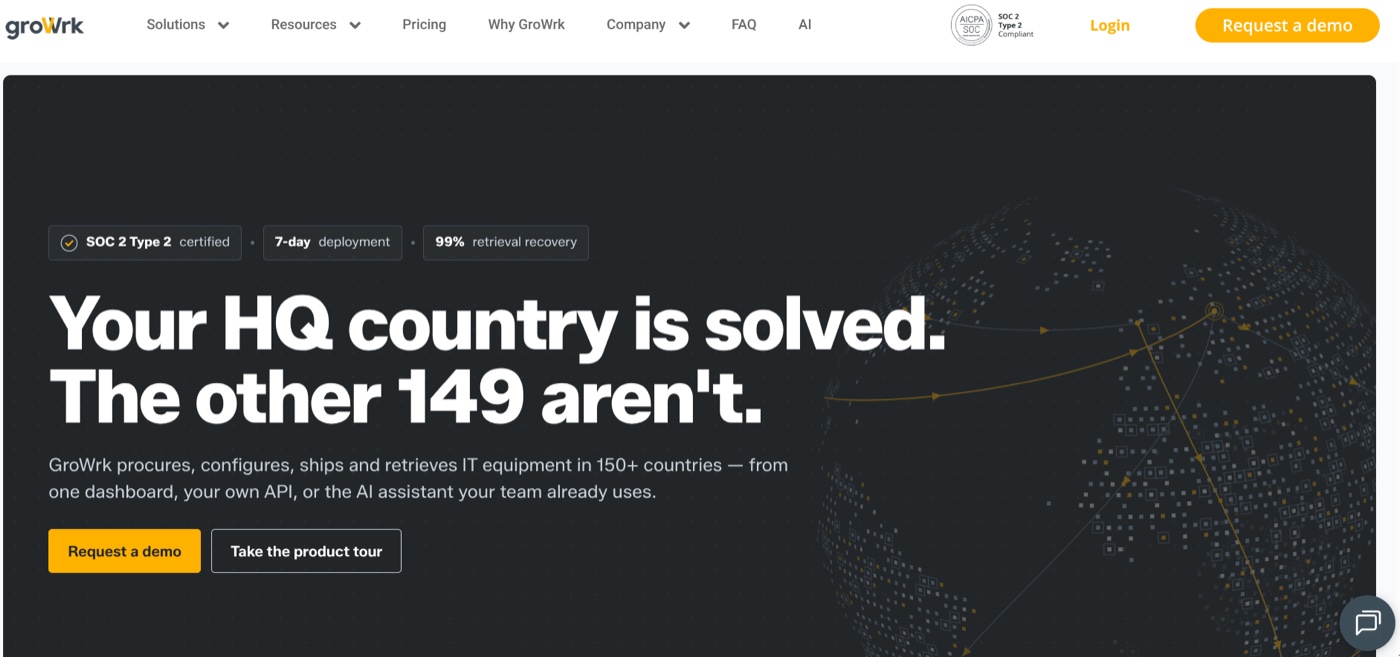
Through its à la carte model, you can use individual services without paying an ongoing platform fee. You pay per order. The company also has a subscription plan for teams that need additional IT management features.
When do users push back?
GroWrk's customer reviews point to gaps in its day-to-day service. They say:
“The platform is quite buggy. If you’re ordering something with custom specs (a MacBook in my case), you often have to wait a long time for them to process your quote. It’s also common to see the specs change after you place the order, even when you select equipment from the existing catalog.”
“I find it challenging to understand where a device is in the retrieval process or the timeline for retrieval. There often seems to be a lag with the dashboard updating, which can be frustrating.”
Ideal for
Companies expanding into new markets on a trial basis that want to avoid committing to permanent hardware operations
Lean IT teams that want to reduce manual vendor coordination and hardware follow-ups.
Not for
Companies with mostly office-based employees that can purchase and manage equipment locally.
Businesses that need consistent hardware pricing across countries for accurate procurement budgeting.
Workwize
Workwize gives IT teams control over hardware purchasing across different regions. You can create approved equipment catalogs, set spending limits, and route purchases for approval. Hardware costs can be tracked by team and order, with consolidated billing for finance teams.
It also includes an agentic workflow builder that lets you automate hardware tasks with plain language instructions. You can create workflows for orders, retrievals, repairs, and inventory checks, with editable steps and approvals for physical hardware actions.
When do users push back?
Workwize has room to improve how it handles hardware management. Users have shared their issues below:
“We've had laptops showing as "delivered" but not appearing in stock, forcing the team to burn through buffer stock we wouldn't normally touch.”
“I've had several pickups not send the packing materials before the pickup date, and several situations where no one ever showed up to the pickup several times in a row, that the user determined that it was easier to drive the equipment to one of our nearest offices.”
Ideal for
Mid-sized and large companies managing employee equipment across several countries, especially where local warehousing can support faster deliveries.
IT teams with frequent employee onboarding and offboarding that want hardware requests and collections triggered automatically through HRIS integrations.
Not for
Small businesses with limited IT budgets that don't need a subscription covering ongoing hardware operations.
Companies that need custom API integrations on a lower-tier plan, since Workwize reserves it for its Enterprise tier.
allwhere
allwhere lets you manage employee hardware from procurement and deployment through maintenance, upgrades, and recovery. Track purchase dates, device condition, and maintenance history to plan upgrades. When equipment needs replacing, allwhere provides a return kit, packing materials, instructions, and a prepaid return label.
The platform integrates with Jamf, Microsoft Intune, and BambooHR to sync employee and device information across your existing systems.
allwhere users have found its ordering system a little difficult to use. Here is the feedback:
“The biggest opportunity is in the UI itself. Once they make it simple to easily add multiple items to a single order, improve navigation within the portal, and (hopefully) make it possible to add existing inventory into the system, it will be perfect (at least in my scenario).”
Best for
Companies that want to avoid hardware markups when purchasing through international suppliers.
IT teams that prefer pay-per-service pricing with no subscription fees or minimum commitments.
Not for
Companies that need built-in MDM to enforce device security policies and remotely manage employee laptops.
Businesses that need guaranteed hardware prices when placing orders.
What Remote IT Teams Actually Need From Mobile Asset Management?
Your existing MAM tools still have a role to play. The following is how you can build on your existing setup with Firstbase.
Keep your mobile asset management tools
Mobile asset management apps still have a place in your IT setup. Your team can scan equipment, check inventory, and update asset details right where the hardware is.
QR code or barcode scanning also brings up the asset’s existing record, letting you verify serial numbers, assignments, and maintenance details directly from your device. Apart from this, retaining your MAM can help with:
Record equipment check-ins and check-outs to maintain a history of who received each device.
Schedule maintenance reminders and log repairs to identify devices that need servicing.
Conduct physical inventory audits by scanning equipment and comparing it with existing records. This helps identify missing or incorrectly assigned devices.
Give every device a clear trail with Firstbase
Your MAM app can show the last recorded location or assignment, but that information doesn't always reflect the current asset status. It may not tell you whether a laptop is stuck in transit, awaiting collection, or held in storage.
Firstbase connects those physical activities with asset tracking, so you can follow equipment as it's shipped, delivered, repaired, retrieved, and eventually retired. Here's how that works across your distributed hardware fleet:
Keep stock levels in check: Firstbase tracks new, deployed, returned, and repaired devices across its warehouse network. Set minimum stock thresholds and trigger replenishment when inventory runs low to keep stock 30% leaner.
Bring missing hardware into your records: Firstbase takes in legacy devices, tags them, and adds them to your inventory, with customers reporting 1.8x better asset data visibility. Even unrecorded office equipment can be collected and documented during ITAD processing.
Get laptops ready for new hires: Firstbase supports zero-touch deployment, shipping preconfigured, MDM-enrolled laptops, cutting deployment time by 80%. Employees can receive their equipment in 2-5 days. Customs clearance and local tax handling are also covered.
Bring departing employees’ devices back: Firstbase arranges return kits and courier pickups, achieving a 97% device retrieval rate. It also sends automated reminders if employees fail to return their devices.
Recover and reuse employee devices: Firstbase runs diagnostics, securely wipes eligible laptops, reinstalls the operating system, and prepares them for reuse. You can also set a 30-, 60-, or 90-day data hold on eligible returned devices. Damaged equipment is sent for repair or ITAD based on its condition and your approval.
Retire hardware with records to prove it: Firstbase handles bulk IT asset disposition requests for equipment in warehouses and offices. Devices undergo secure, 800-88-certified data wiping or physical destruction, with Certificates of Destruction documenting the process. You can also check estimated resale values and recover credits from eligible hardware.
“With a system like Firstbase, there's an audit trail when you transfer a laptop to another person or another office. We know where our PII and PCI are, both in the cloud and physically.”
- Chad Brustin, VP, Information Security, FinFare
Make Your Hardware Records Match the Real World
Your asset records should tell you what's happening across your distributed fleet, without your IT team having to chase updates from employees, warehouses, and shipping partners.
Firstbase keeps your asset records in sync with the physical movement of hardware. By standardizing retrievals, redeployment, and reporting, our clients have saved 250+ IT hours annually, even as their global headcount doubled.
Book a 30-minute demo to see how we can work alongside your existing MAM software to track and manage hardware across your remote team.
Written by
Ahmad Zakaria
Ahmad Zakaria covers IT operations, hardware lifecycle management, and distributed workforce solutions at Firstbase. His content is built from real customer data, operator interviews, and hands-on experience managing devices across 150+ countries.
Get started with
Firstbase today
Remote and hybrid work aren't going anywhere. It's our mission to make it easier to manage the assets your distributed team needs—from onboarding through offboarding and every repair, replacement, and upgrade in between.
Fill out the form and a member from our team will reach out by phone!
Get a Live Demo