IT Hardware Asset Management Software
Your asset inventory is only as good as its latest update. Compare IT hardware asset management software by features, pricing, automation, and use case.
 Ahmad ZakariaNovember 26, 2026
Table of contents
Your IT team can have an asset record for every laptop, monitor, and phone in the company and still not know what is actually sitting on the employee’s desk at home.
IT hardware asset management (HAM) software tracks physical devices throughout their lifecycle, from purchase to disposal, including who has them, where they are, and their condition.
Tracking those devices was simple when most employees worked from corporate offices.
They are connected to the same network, so IT teams can discover a device, record its details, audit the inventory, and keep the database reasonably up to date.
Distributed work broke that model. Laptops now move between homes, coworking spaces, repair centers, and courier networks. A device can disappear from the corporate network without disappearing from your business. Its record stays behind, slowly becoming less reliable with every reassignment, repair, upgrade, or employee move.
Keeping it accurate now requires more than network discovery. For IT asset managers and IT Ops leaders overseeing distributed hardware, this article explains what to look for in hardware asset management software, where traditional systems fall short, and how Firstbase works for distributed teams.
Why Do Hardware Records Drift for Distributed Teams?
A hardware record is only as current as the events feeding it. Traditional HAM systems usually learn about devices through network discovery, manual checks, or updates tied to IT tickets.
Each source captures part of the lifecycle, but none follows the physical device through every handoff. Here are the main gaps each source can leave in the asset record:
Network discovery stops at the network edge
A laptop in transit or sitting in a warehouse is still a company asset, but it is no longer visible to a corporate network scan. The record can continue to show the last known state even as the device moves elsewhere.
IT may have no new discovery data showing that the laptop is being shipped, held in storage, or waiting for deployment. The record only changes when another source provides updated information.
Manual scans depend on physical access
Manual inventory checks can capture devices that automated discovery misses, but they require physical access to verify the equipment. The resulting record reflects the asset's status at that time.
If the device is reassigned, moved into storage, sent for repair, or returned afterward, the record needs another update to show the change. This becomes harder to manage when hardware is spread across multiple employee locations and warehouses.
Ticket closure records the task, not necessarily the asset state
A closed ticket can confirm that a request was processed, but it does not automatically confirm the asset's physical state or location. This gap can occur when a device is marked for disposal, transferred between locations, replaced under warranty, or held for a future deployment.
For example, if a laptop is replaced, the ticket can be closed while the old device still appears as active and the replacement is still listed as available.
For distributed teams, these handoffs can happen outside the corporate office and across different teams or vendors. Without a corresponding asset update, IT is left with a completed task but outdated hardware information.
Best IT Hardware Asset Management Software
Here’s a quick view of the top IT hardware asset management platforms:
Tool | Category | How the record gets updated | What your team still does manually? | Pricing model | Best for | Not for |
|---|---|---|---|---|---|---|
ServiceNow HAM | ITSM-native | Linked incidents, changes, and work orders can update asset records. | Configuring workflows, approvals, transfers, and audits. | Custom; ITSM Standard estimates at $90-$100/userper month. | ServiceNow users managing IT and hardware together. | Teams needing simple, flexible workflows. |
Freshservice | Service requests and workflows can update asset information. | Handling hardware exceptions and customizing reports. | Starts at $19/agent/month | Businesses wanting asset management within the service desk. | Teams requiring deeper customization. | |
Jira Service Management | Asset information connects with incidents, changes, and Jira work. | Configuring workflows, permissions, and reports. | Free for 3 agents; Standard $20/agent/month | Companies already using Jira for IT and development. | Teams wanting minimal configuration. | |
Lansweeper | Discovery-led ITAM | Automated discovery finds devices and updates the inventory. | Reviewing and resolving inaccurate or incomplete discovery data. | Starts at $239/month | Automated device discovery and inventory. | Fleets with multiple devices outside discovery range. |
Ivanti Neurons for ITAM | Records track purchase, ownership, warranty, location, and financial data. | Maintaining financial and contractual information. | Custom quote; no public pricing. | IT and finance teams managing detailed asset data. | Teams that want basic asset tracking. | |
ManageEngine AssetExplorer | Tracks purchase, license, compliance, and asset relationship data. | Build customized reports and investigate missing data. | Starts at $9,555/year for 250 assets; add-ons extra. | Detailed asset, license, and CMDB tracking. | Teams requiring highly flexible reporting. | |
Flexera One | Dedicated ITAM | Uses asset, license, and usage data to assess software positions. | Configuring reports and maintaining financial and contract data. | Asset/device-based annual pricing. | Software license optimization and compliance. | Teams needing simple hardware inventory management. |
Oomnitza | Reconciles asset data from HR, endpoint, security, procurement, and finance systems. | Configuring rules and managing permissions. | Custom; no public pricing. | Teams consolidating asset data from many systems. | Small teams with basic tracking requirements. | |
Asset Panda | Asset tracker | Web/mobile updates, scanning, GPS, and check-in/out keep records current. | Updating physical assets when automation does not cover the change. | Custom; Starter listed at $50/month. | Flexible asset tracking using mobile devices. | Teams needing deeper ITAM or discovery. |
Snipe-IT | Users update records manually or through the REST API. | Setting up external agents and maintaining asset data. | Free self-hosted; hosting from $39.99/month. | Open-source, customizable asset tracking. | Teams needing built-in asset discovery. |
ITSM-native platforms
ITSM-native means the asset management features are built into an IT service management platform. You manage hardware in the same system you use for IT requests, incidents, and changes.
The hardware information connects to these service workflows. For example, when an employee requests a laptop, you can link the request and device information in the same system.
ServiceNow follows this model. Asset tasks can be linked to incidents, change management, and work orders, and completing those tasks can automatically update the related asset and configuration item records. It also supports hardware lifecycle management with workflows for stockroom management, transfers, audits, and disposal.
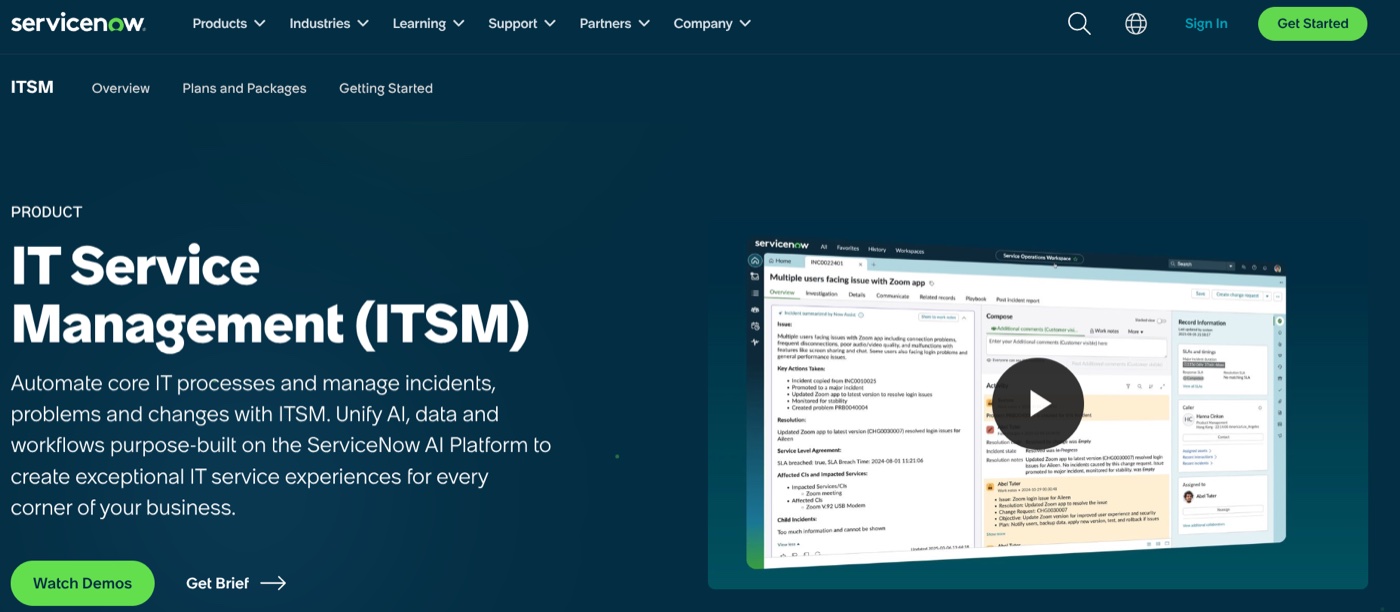
Pricing: Follows a custom pricing model. Third-party estimates costs at $90-$100 (per user, per month) for ITSM standard.
Limitations: ServiceNow ITSM platform can feel rigid when teams need to adapt workflows to their existing processes. Platform users mention process-heavy workflows and approval requirements that were difficult to change, while heavy customization can add further complexity over time.
Freshservice includes built-in AI, automation, and workflow tools to handle service requests and support work. It also supports approvals, intelligent routing, and other repetitive service tasks, while Freddy AI can assist with triage, summaries, and resolution.
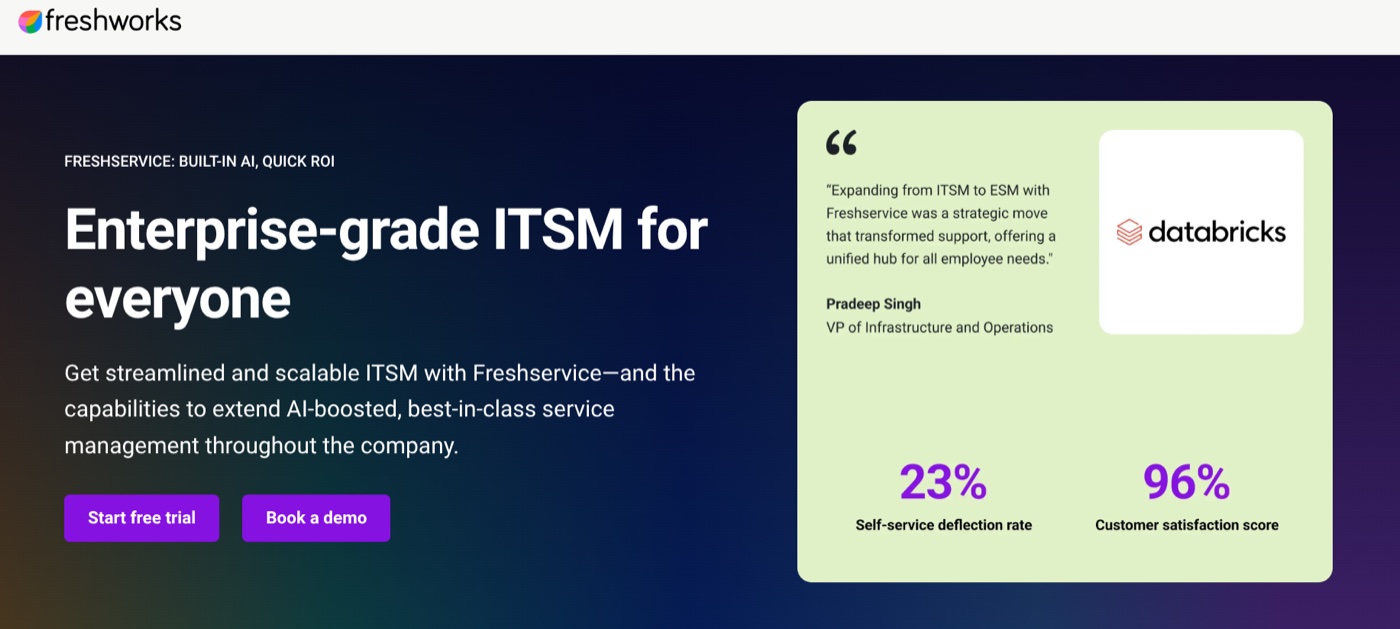
Pricing: The starter plan is at $19 per agent/month and is billed annually. Enterprise plan has custom pricing.
Limitations: Freshservice can feel limiting when you need advanced or deeper customizable workflows. Platform users also point to reporting drawbacks and missing features, especially when they need to tailor the platform to more specific requirements.
Jira Service Management connects IT support with development and operations work through the core Jira platform. Teams can pull CI/CD information, affected services, and assess risks using AI. Incidents can also link back to development work and related services.
Pricing: The free plan supports 3 agents. Standard is at $20/agent per month. The Enterprise plan has custom pricing.
Limitations: Jira Service Management can take time to configure and maintain. Customized workflows, permissions, and ticket structures can add to that effort, especially in larger setups. Users also say reporting and dashboards are less flexible.
Discovery-led ITAM
A Discovery-led ITAM tool uses automated discovery to find and identify hardware across your organization’s environment. The platform collects details such as device type, hardware specifications, operating system, software, and user information, then builds and updates the asset inventory from that data.
Lansweeper builds its ITAM around automated asset discovery. It can find devices across your network, remote endpoints, and cloud environments, then bring the data into a single inventory. It also identifies unmanaged or shadow IT devices, helping you spot hardware that isn't already in the inventory.
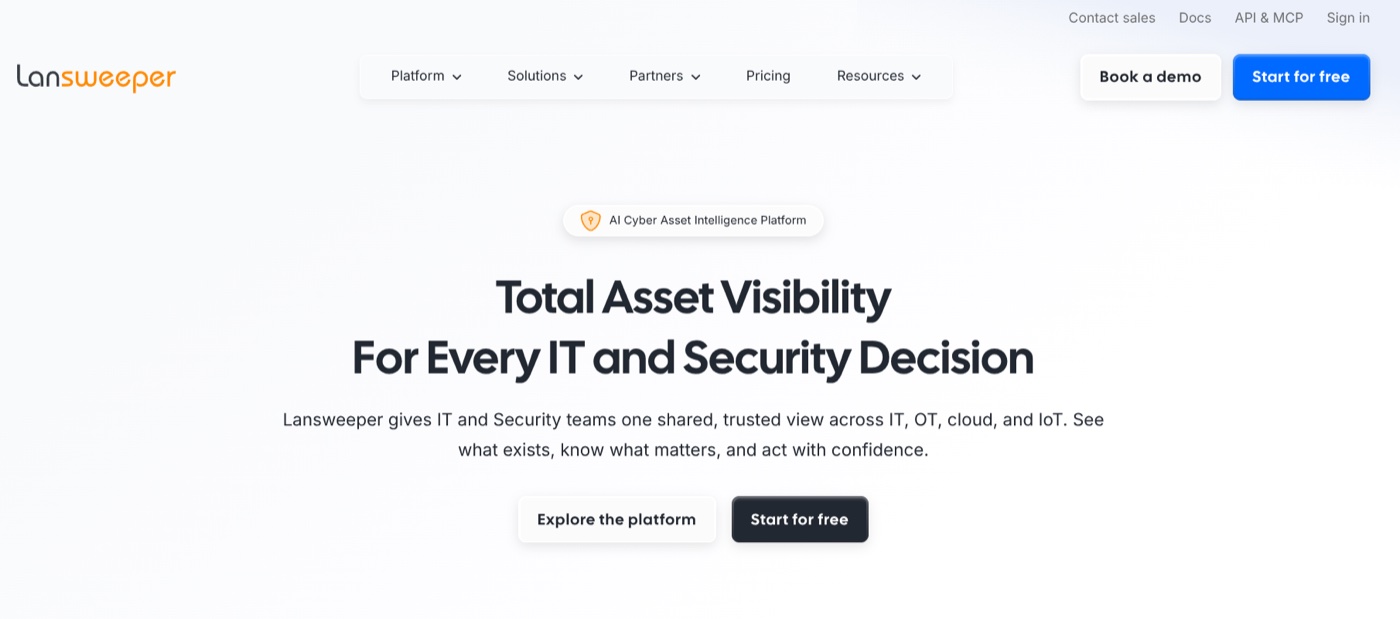
Pricing: The Starter plan starts at $239/month and is billed annually. You need to get custom pricing for the Enterprise plan.
Limitations: Lansweeper’s cloud services do not have full feature parity with its on-premises version. Users have also mentioned UI performance issues and limitations around asset display and actions in the cloud interface.
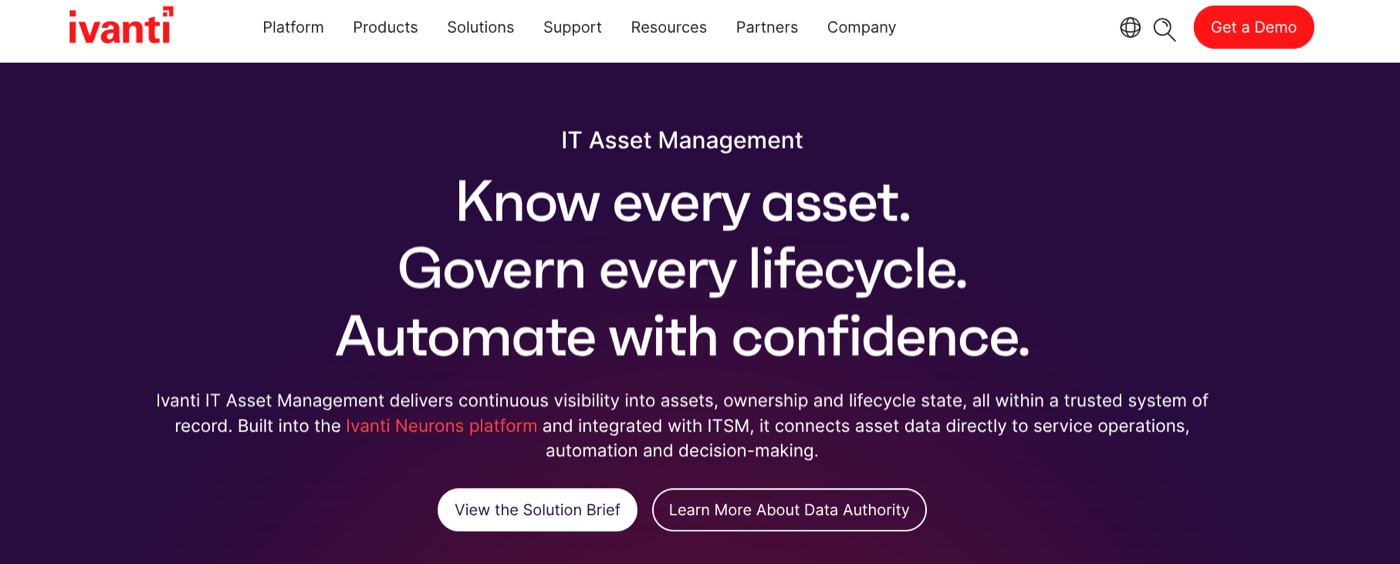
Ivanti Neurons for ITAM tracks hardware's financial and operational details throughout its lifecycle. You can manage purchase orders, depreciation, ownership, warranty, location, and lifecycle status for each asset.
It gives your IT and finance teams the information they need to manage hardware from procurement through retirement. It also supports contracts, inventory, and service management so hardware records can carry information beyond basic device specifications.
Pricing: Custom quote; no public pricing available.
Limitations: Users say Ivanti Neurons for ITAM software can take time to learn, especially when using its broader feature set. They also point to parts of the interface that could be easier to use.
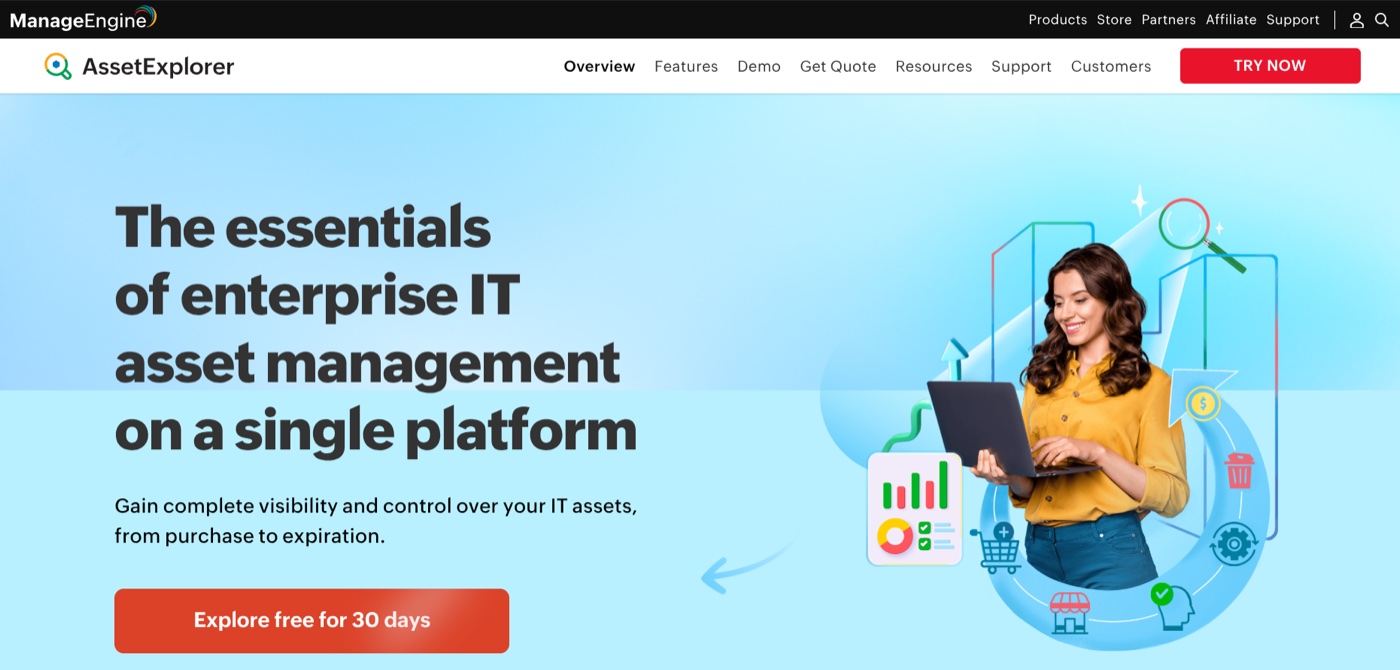
ManageEngine AssetExplorer tracks software licenses, purchase information, total cost of ownership, and asset compliance. Its integrated CMDB maps relationships between assets and configuration items, so you can see which systems, applications, and other assets are connected to a particular device.
Pricing: The on-premises license fee for 250 IT is $9555 (billed annually). Add-ons come at separate costs.
Limitations: AssetExplorer's reporting can feel restrictive when you need highly customized reports. Users have reported that a few data points are difficult to access and that creating specific reports can take extra effort.
Dedicated ITAM platforms
Dedicated IT Asset Management platforms cover hardware and software assets, financial and contractual data, licensing, compliance, and asset lifecycle management from procurement through retirement.
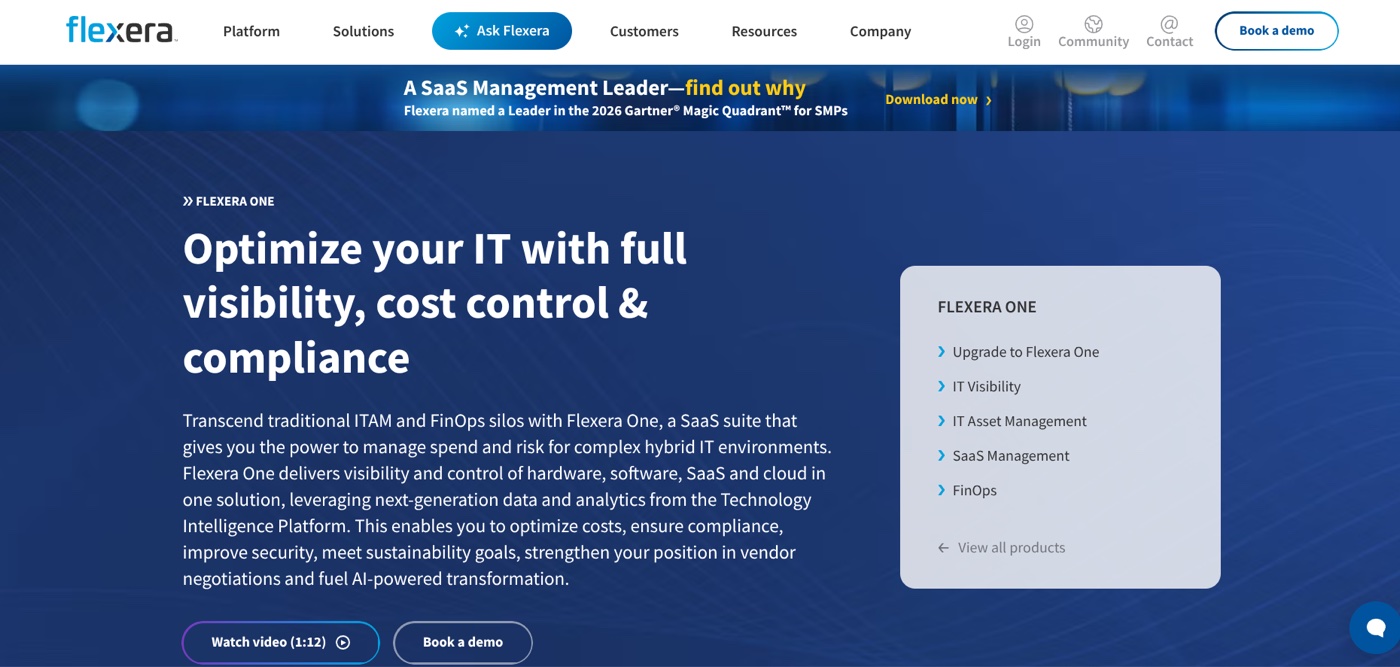
Flexera One stands out for its software license optimization capabilities. It uses license and usage data to calculate your license position, identify unused software, and support renewal and vendor negotiations.
It also uses Flexera’s Technopedia library, which has more than 5 million hardware and software products and 2.1 million software use rights. This gives IT teams detailed product and licensing information when assessing software costs and compliance.
Pricing: Flexera One pricing is generally based on the number of assets or devices you manage and is billed annually. Pricing is structured around asset-count tiers, with the per-asset cost typically decreasing at higher volumes.
Limitations: Users mention that Flexera One can take time to configure, particularly when you need more complex dashboards, reports, or integrations. Users have also pointed to manual work for financial and contract information, such as subscription costs, pricing, and contract dates.
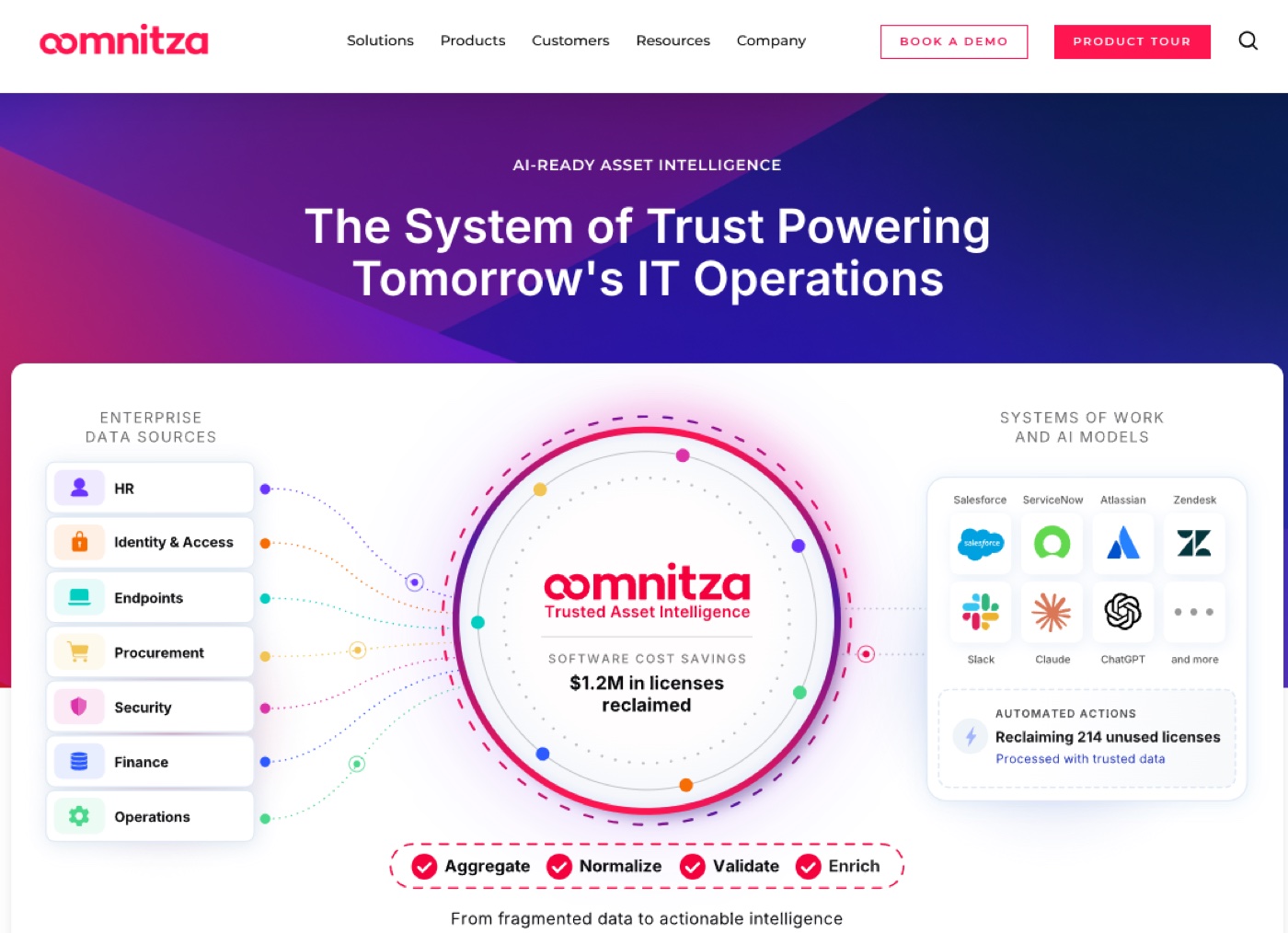
Oomnitza focuses on keeping asset data accurate across the systems that feed it. Its Data Integrity Engine reconciles information from HR teams, endpoint management, security, procurement, finance, and other sources, resolving conflicts based on rules you define. It supports over 1,500 connectors and requires no agents.
Pricing: Does not offer public pricing. Independent estimates place enterprise deployments at $50,000 to $200,000+ per year.
Limitations: Oomnitza's permission controls can become harder to manage when you add new fields or modules. Users have noted that the flexibility of its access settings can also make permission changes more complicated for newer administrators.
Asset trackers
Asset trackers are lightweight tools for keeping track of physical equipment and where it is assigned. They typically let you record details such as asset name, serial number, location, owner, status, and purchase information.
They support basic inventory tracking, so they usually have fewer ITAM features than dedicated asset management platforms. They can work well when you mainly need a clear list of your hardware and its current status.
Asset Panda lets you track assets from its web and mobile app, including when you are offline. Its mobile tools support barcode and QR code scanning, GPS location capture, asset check-in and check-out, and workflow actions.
You can also customize fields and workflows to match how your team handles different types of equipment. The platform supports custom forms, automated actions, and role-specific views, so you can adapt the tracking process to different teams and locations.
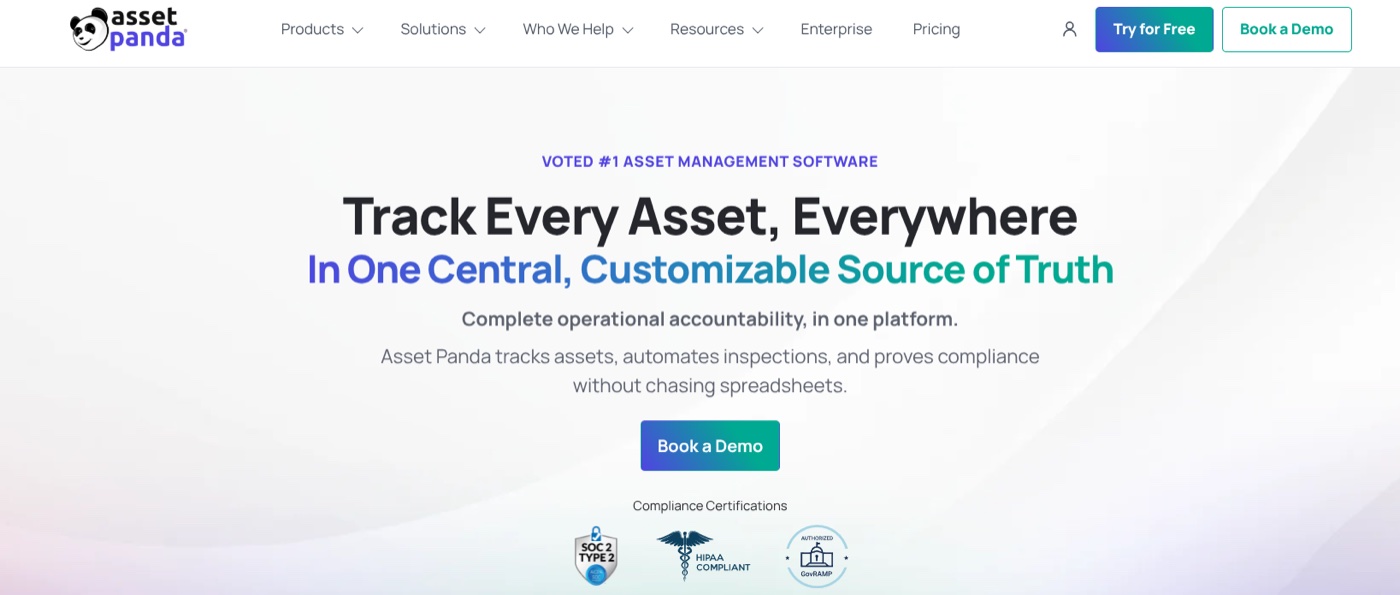
Pricing: Uses a custom pricing model. Capterra mentions that the Starter plan is at $50/month.
Limitations: Asset Panda's integrations can have gaps that limit automation across different tools. They have also found the asset tag setup restrictive, with only two label formats available and fewer options for creating custom-sized labels.
Snipe-IT is an open-source asset management solution, so you can host it yourself and adapt it to your own setup. It also provides a JSON REST API for connecting Snipe-IT with internal tools, identity providers, RMM and MDM services, and custom workflows.
It goes beyond laptops and other tagged hardware by letting you track accessories, components, and consumables as separate asset types.
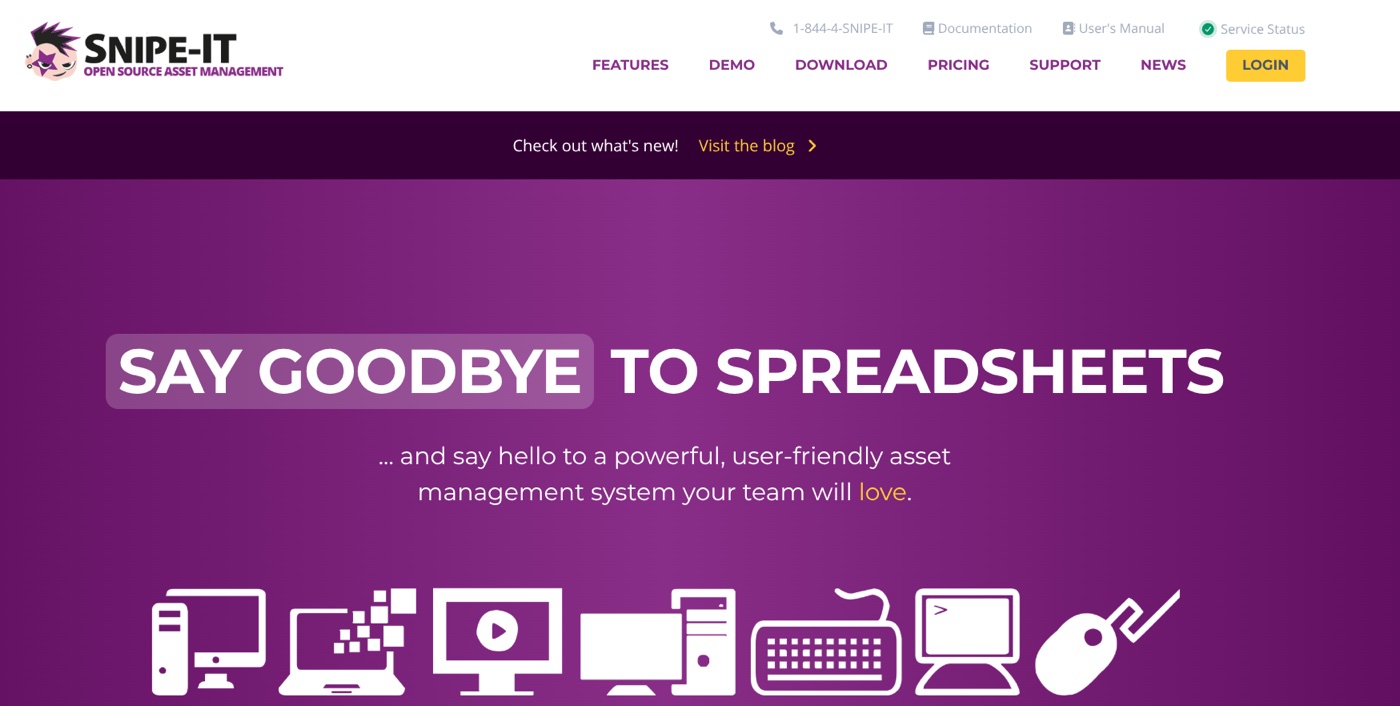
Pricing: Self-hosted is free. Basic hosting starts at $39.99/month or $399.99/year.
Limitations: Users say that Snipe-IT does not include a built-in asset discovery agent that automatically pushes hardware, software, and warranty data into the platform. Its API can connect to external agents, but that requires additional setup. Users have also reported notification limitations for cases such as assets assigned to multiple holders and expiring licenses.
Firstbase: Best for Distributed Fleets Where Devices Live Off-Network
Traditional hardware asset management tools are good at maintaining records. The harder problem starts when the device is no longer sitting in an office or connected to the corporate network.
Firstbase is specifically for distributed teams to manage physical events throughout the asset lifecycle, providing tax-optimized, custom-clear asset deployments in 2-5 days.
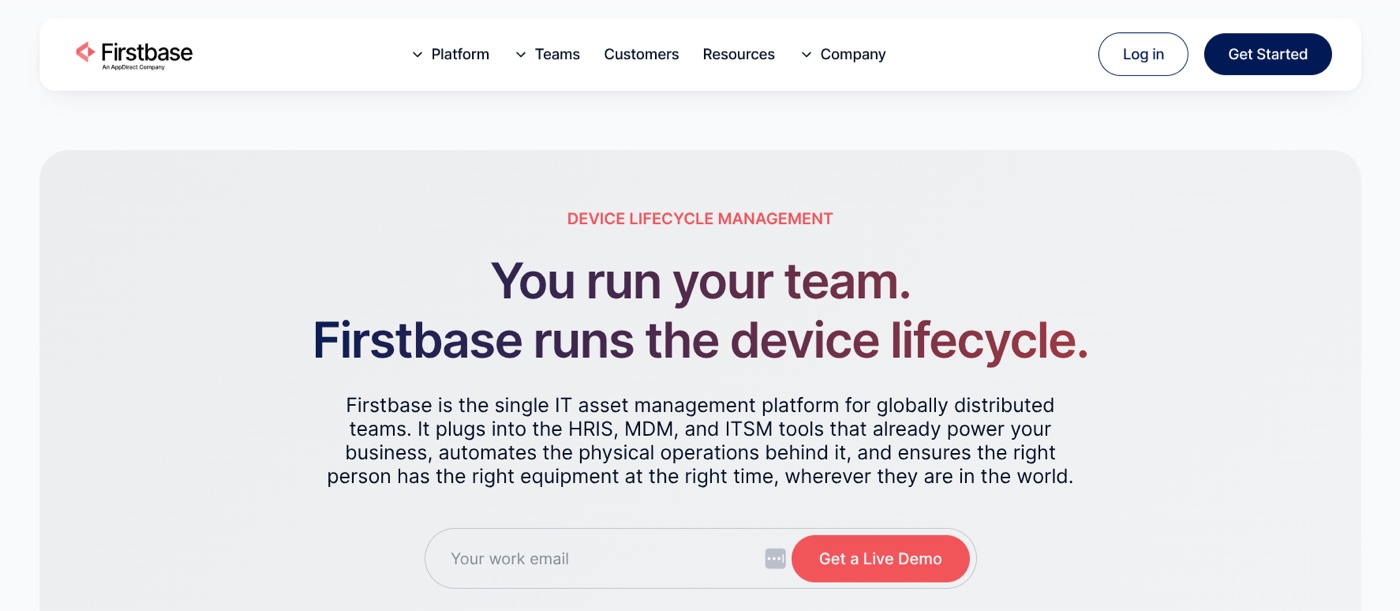
It combines its asset management platform with physical hardware operations. Through the platform, you can procure, ship, track, repair, retrieve, redeploy, and retire equipment, while keeping the asset information in a single platform.
Keep track of hardware after it leaves the network
Firstbase works when network-based discovery cannot tell you what happened to a device. Its hardware inventory system tracks assets across the stages between warehouse, employee, repair, return, and redeployment. It provides asset information such as location, employee assignment, warranty status, and lifecycle status from a central dashboard.
The platform also supports GPS and offline device tracking. It keeps asset records up to date through its own hardware operations and HRIS and MDM syncs. Changes to a device’s location, assignment, warranty, and lifecycle stage are recorded as they happen, without relying on network scans.
Automate the physical side of the lifecycle
Firstbase handles more than the inventory record. It supports the operational work behind each hardware stage:
Source equipment, prepare devices, enroll Apple devices through Apple Business Manager, and ship hardware to employees. You can purchase or lease hardware through Firstbase, or supply your existing devices and bring your current fleet into the platform.
Tracks the device’s repair status and provides updates when equipment leaves for repair and returns to the warehouse for redeployment. Post-fixing, the device is inspected and returned to available inventory.
Triggers return workflows, provides prepaid return kits, and coordinates courier pickup, helping achieve 97% retrieval rates. Automated logistics and retrieval flows also lets you reduce 500+ hours per 100 employees.
Supports IT asset disposition through reverse logistics, NIST 800-88-compliant data erasure or physical destruction, e-waste recycling, and repurposing for credit. A Certificate of Destruction is uploaded to the platform for each processed asset.
Firstbase's Asset Lifecycle Tracker records events associated with each device from creation through decommissioning. The history can include ordering, return requests, reassignment, serial-number changes, renewal-date changes, and devices marked as not returned.
That history helps you understand what happened to a device after it left your office. You can trace changes to the asset record and see how the equipment moved through its lifecycle.
Connect hardware events to HR and IT systems
Firstbase’s workflow tools can coordinate activities across IT, HR, and procurement teams. It also supports API-based automation for actions such as creating assets, processing returns, managing packages, and updating records.
For example, an employee termination can trigger the hardware return process. Firstbase can coordinate the retrieval, track the device through its return, and update the asset status when the equipment is received and processed. This links the employee event to the physical hardware operation instead of leaving IT to coordinate each step manually.
Which HAM should you start with?
Start with the work you need the software to handle. Your existing IT stack, the location of your hardware, and the amount of physical coordination your team does will point you toward the right fit.
HAM type | Right choice IF… | NOT the right choice IF… | Add Firstbase IF… |
|---|---|---|---|
ITSM-native | You already use the platform for IT service management and want hardware records linked to requests, incidents, and changes. | Your main workload involves shipping, retrieving, repairing, or redeploying devices outside the office. | You need to connect service workflows with the physical movement of hardware. |
Discovery-led ITAM | You need automated discovery to find devices across your network and endpoints. | A large part of your fleet sits outside the corporate network or is rarely reachable by discovery tools. | You need to track what happens to devices after they leave the network. |
Dedicated ITAM | You need detailed asset, licensing, financial, contract, and compliance information in a dedicated system. | Your biggest gaps are procurement, shipping, returns, repairs, or other physical hardware operations. | You need a layer that coordinates those physical activities around your existing asset system. |
Asset tracker | You mainly need to know what equipment you have, who has it, where it is, and its current status. | You need automated discovery, deeper IT workflows, licensing controls, or complex integration capabilities. | Your team needs more support to move, recover, service, and deploy equipment. |
Closing the Gap in Distributed Hardware Management
Your asset inventory can be accurate at the point of purchase and outdated a few weeks later. A device changes hands, crosses borders, goes in for servicing, returns to storage, or gets assigned to another employee. Every physical change creates another update for IT to coordinate.
Firstbase handles the physical operations behind those changes, including procurement, shipping, retrieval, servicing, redeployment, and IT asset disposition. Customers have recouped over $175,000 in device reuse value and saved 700+ hours of IT time during large-scale offboarding.
For distributed teams, that means you can recover more equipment, put usable devices back into circulation, and reduce the time your IT team spends coordinating each hardware move.
Book a demo to see how your team can manage hardware when devices are off the network.
Written by
Ahmad Zakaria
Ahmad Zakaria covers IT operations, hardware lifecycle management, and distributed workforce solutions at Firstbase. His content is built from real customer data, operator interviews, and hands-on experience managing devices across 150+ countries.
Get started with
Firstbase today
Remote and hybrid work aren't going anywhere. It's our mission to make it easier to manage the assets your distributed team needs—from onboarding through offboarding and every repair, replacement, and upgrade in between.
Fill out the form and a member from our team will reach out by phone!
Get a Live Demo