IT Automation Solutions Guide for Remote IT Teams
A guide to IT automation tools across identity, endpoint, ITSM, orchestration, and hardware ops — and where the physical layer fits in.
 Ahmad ZakariaMay 26, 2026
Table of contents
IT automation has a gap most guides don't talk about: hardware.
The software side is well covered. Access provisioning, patch management, ticket routing, infrastructure-as-code, all these run on autopilot at most mid-market IT shops. But the moment a physical device needs to move, the IT Ops Manager manually coordinates a shipment, prints a label, and drives to FedEx.
For a 500-person company with 20% annual attrition, that's roughly 100 hardware lifecycle events per year, all manual. That adds up to about 500 IT hours per 100 remote employees spent on device logistics alone.
This guide covers what IT automation actually includes in 2026, the tools that run each layer of the stack, and why hardware ops automation is the missing piece.
Disclaimer: We're Firstbase, and we operate in the hardware ops automation category covered in this guide. That also means we owe you an honest look at every layer of the stack. This guide evaluates tools based on what they actually automate, where their scope ends, and how distributed IT teams use them in practice.
TL;DR: Top IT Automation Solutions Compared
| Category | Platforms | Automation Depth | Limitations |
|---|---|---|---|
| Identity & access | Rippling, BambooHR, Workday, Okta | Employee records, onboarding triggers, account provisioning, app access changes, and offboarding status updates | Automates digital workflows. Doesn't move physical devices. |
| Endpoint mgmt | JAMF, Kandji | Device enrollment, security policies, patching, remote lock and wipe, zero-touch setup through MDM | Scope starts at first boot, ends at remote wipe. No procurement, shipping, or retrieval. |
| ITSM | ServiceNow, Jira Service Management | Ticket routing, approval workflows, asset records, service catalogs, change management | Manages records, workflows, and stockrooms. Doesn't own or execute physical logistics. |
| Workflow orchestration | Zapier, ActiveBatch | Cross-system triggers, event-based workflows, backend job scheduling, and data handoffs between platforms | Triggers actions between software systems. Can't image, ship, retrieve, or wipe a device. |
| Hardware ops | Firstbase | Procurement, warehousing, device imaging, MDM enrollment, global shipping, retrieval workflows, certified wipe, refurbishment, and redeployment, all connected to HRIS and ITSM triggers | Doesn't manage your software stack. Handles the physical lifecycle that your other tools leave behind. |
Teams using Firstbase get:
Firstbase helps teams save an average of $163,000 and 2,300 IT hours a year by automating the device lifecycle too.
SEE IT IN ACTION
Take a self-guided tour of Firstbase
See how the missing hardware layer works alongside your HRIS, MDM, and ITSM tools.
Take the Tour →What Is IT Automation and What Does It Actually Cover?
IT automation is the process by which software replaces manual IT work through triggers, rules, and workflows. For example, when a new hire is added to the HRIS, that event can trigger account creation, assign SaaS licenses, and enroll a device in MDM. The whole sequence runs without anyone stepping in.
Its adoption is accelerating.
- 88% of enterprises now run hybrid IT environments, which has increased from 77% the year before.
- 69% are modernizing their automation platforms specifically to improve functionality more than just for cost reduction.
IT teams now treat automation as the connective layer between their infrastructure, applications, and data pipelines.
The scope is broad. It covers identity provisioning, patch management, ticket routing, infrastructure deployment, security response, and workflow orchestration across SaaS tools.
For software workflows, these layers cover the job well. But there's another layer, the physical hardware layer, that covers procurement, provisioning, shipping, and retrieval. The automation chain for distributed teams wouldn't be complete without this physical layer.
Best IT Automation Tools in 2026
The tools below are grouped by the workflow category they serve. Each bucket represents a layer of the IT automation stack, and most distributed companies run at least one tool from each.
Identity and Access: Rippling, BambooHR, Workday, Okta
These four platforms work at the beginning of the employee lifecycle. They serve as the system of record for employee data and trigger automations based on HR events.
Rippling bundles HR, payroll, and IT into a single platform. When someone joins, it provisions SaaS accounts, enrolls devices in MDM, assigns benefits, and starts payroll, all from one employee record. It also handles device ordering, OS policy enforcement, remote lock and wipe, and can flag laptops for return during offboarding.
BambooHR is built for small and mid-sized teams that need a clean HRIS without enterprise complexity. It handles employee records, time-off tracking, onboarding checklists, and performance reviews. It connects to Okta, so employee status changes can trigger provisioning and deprovisioning workflows.
Workday runs HR, finance, and planning on a single data model, making it a strong fit for large organizations with complex org structures, multi-country compliance needs, and audit requirements. The platform has now launched Sana, an agentic AI layer with 300+ HR skills. Gartner has named it a Leader in Cloud HCM for 1,000+ employee enterprises for multiple consecutive years.
Okta handles identity and access management. It connects to HRIS platforms and automates user provisioning and deprovisioning across SaaS apps when employees join, change roles, or leave. It supports SSO, MFA, and lifecycle workflows through a no-code builder and integrates with 7,000+ apps in its catalog.
Where the Automation Stops
Rippling goes furthest here. It can flag a laptop for return during offboarding. But the physical work of boxing, shipping, or retrieving a device still requires manual coordination or a separate logistics partner. BambooHR and Workday don't touch hardware logistics at all. Okta's scope ends at identity and app access. The digital employee lifecycle is well automated by these tools. The physical one isn't.
Endpoint Management: JAMF, Kandji
JAMF and Kandji take over once a device is powered on. They manage enrollment, security policies, patching, and remote wiping across Apple fleets.
JAMF Pro has been the standard for Apple device management for over 20 years. It integrates directly with Apple Business Manager for zero-touch enrollment. The platform supports configuration profiles, custom scripting, patch management, remote lock-and-wipe, and a self-service app catalog. Over 73,500 organizations use it to manage more than 31 million devices. It's priced per device, with tiers across Jamf Now, Jamf for Mobile, and Jamf for Mac. It's Apple-only, so mixed-fleet shops will need a second MDM for Windows.
Kandji (rebranded as Iru) started as an Apple-only MDM and has expanded to cover Windows and Android. Its differentiator was always the Blueprint system: pre-built, toggle-based security controls that let IT teams configure compliance settings. It also ships with 200+ pre-packaged Auto Apps that install with two clicks, and its Liftoff feature automates enterprise-ready Mac configuration. Though Iru has expanded to Windows and Android, those capabilities are still maturing compared to the deep macOS controls. The platform now offers endpoint management, EDR, vulnerability management, workforce identity, and compliance automation.
Where the Automation Stops
Both platforms can enroll, configure, lock, wipe, and patch a device remotely. But neither one ships a laptop to a new hire's apartment, retrieves one from someone who just left, or manages the procurement and warehousing that happens before a device even reaches MDM enrollment. Their scope begins at first boot and ends at remote wipe. The physical movement of hardware before and after those points is a separate problem.
IT Service Management: ServiceNow, Jira Service Management
These two run the ticket workflows, change approvals, and asset records that keep IT operations organized.
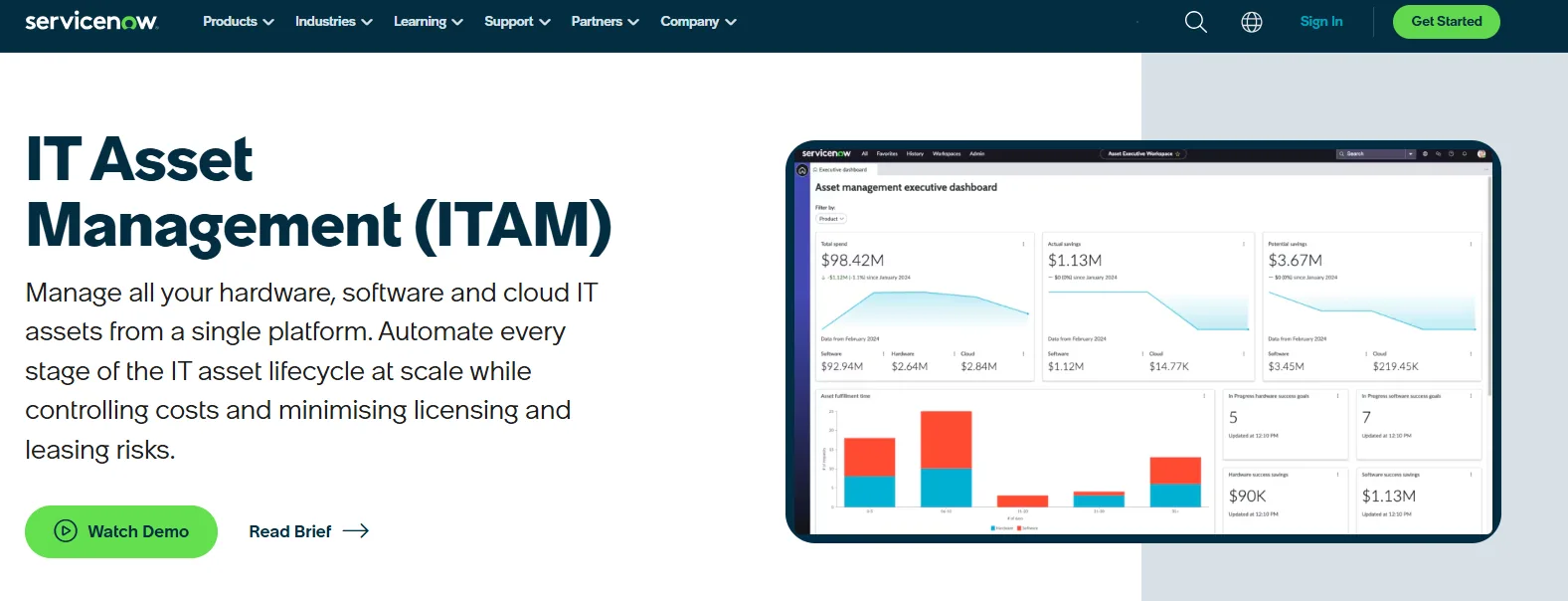
ServiceNow covers incident management, problem management, change management, a CMDB, and full hardware and software asset management. You'll also get a service catalog where employees can request new software, hardware swaps, or access changes through pre-built approval workflows. The platform supports SLA tracking, automated ticket escalation, and license reclamation rules that flag unused software for reuse. It's expensive and typically requires a dedicated admin team, but for organizations with more than 500 employees with heavy ITIL requirements, it's hard to outgrow.
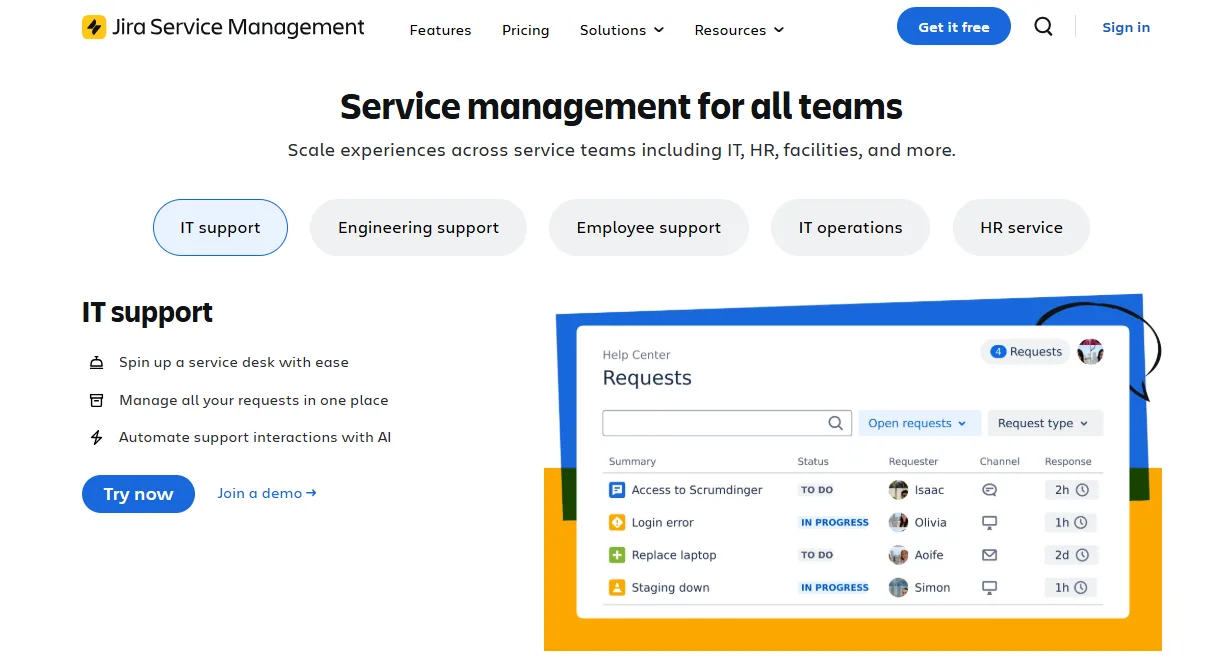
Jira Service Management (JSM) grew out of Atlassian's developer ecosystem, and that DNA is its biggest advantage. When someone reports a bug through the service portal, an agent can link that ticket directly to a Jira Software issue. JSM also includes Opsgenie for on-call alerting and paging, change management with risk-scored approval gates. There's also a module called Assets Discovery that scans networks to auto-discover IP-enabled devices and track ownership. It's free for up to three agents, with paid plans at $20/agent/month. Asset management requires the Premium tier at $51 per agent/month.
Where the Automation Stops
ServiceNow and JSM automate workflows, records, and coordination. They can even manage your stockrooms. But they don't own the inventory, run the warehouses, configure the devices, execute the shipping, chase down ex-employees, clear customs, or wipe and resell returned hardware. The physical procurement, storage, configuration, shipping, and retrieval still fall to your team or a separate partner.
Workflow Orchestration: Zapier, ActiveBatch
Zapier and ActiveBatch don't manage employees or devices directly. They connect the tools that do.
Zapier connects over 9,000 apps through a no-code builder. You set a trigger in one app (new hire added in BambooHR) and define actions in others (create a Slack account, add a row in Google Sheets, notify IT in Teams). It supports multi-step workflows with conditional logic, filters, and branching paths. Zapier added an AI copilot that builds workflow skeletons from plain-English descriptions. The platform is priced per task, which can get expensive at high volume; its free tier limits you to 100 tasks per month.
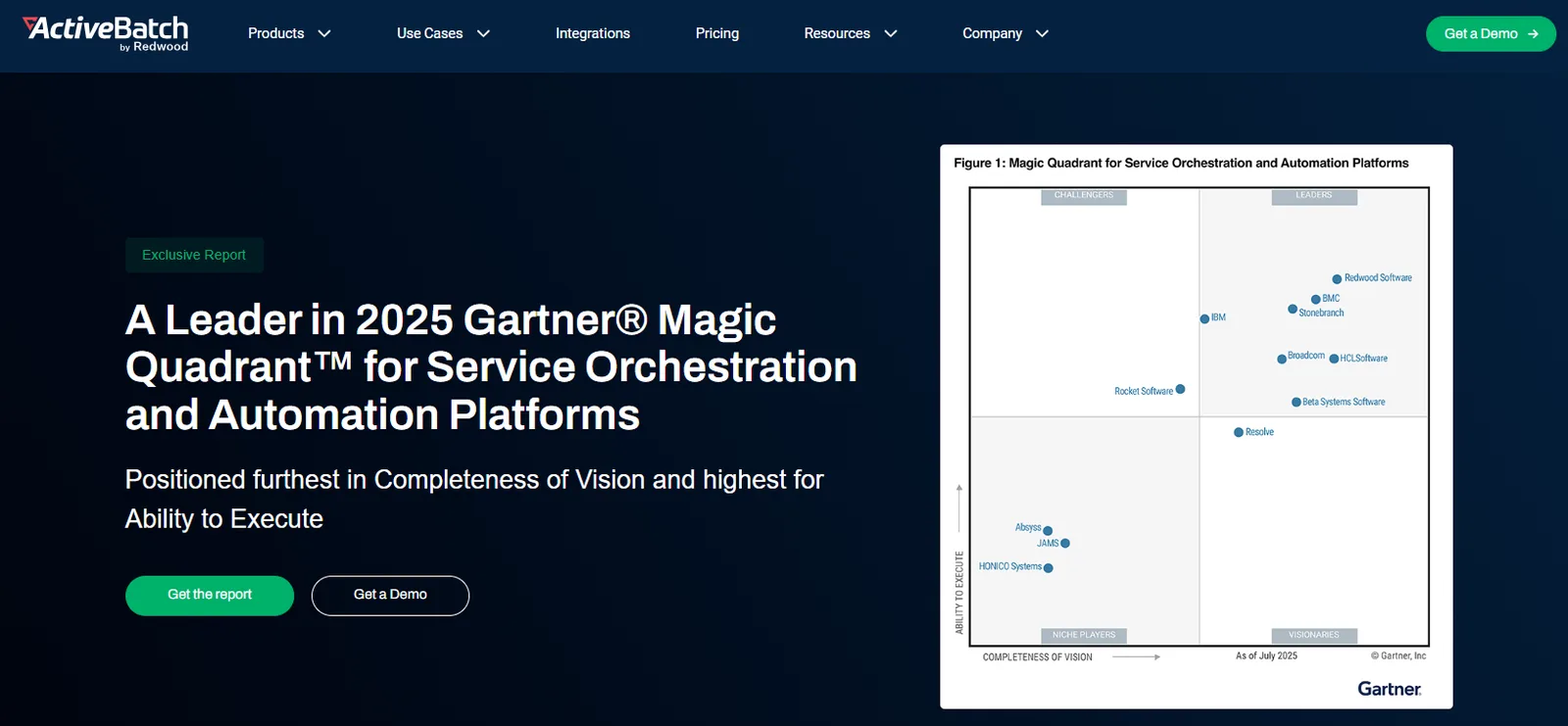
ActiveBatch (by Redwood) is an enterprise workload automation and job scheduling tool built for IT operations teams managing database jobs and cross-platform workflows across on-premises, cloud, and hybrid environments. It integrates with ServiceNow, Oracle, SAP, and SQL Server through over 100 pre-built job steps and a low-code REST API adapter. Where Zapier connects SaaS apps for business users, ActiveBatch orchestrates backend IT infrastructure jobs with event-driven triggers, SLA monitoring, and real-time alerting. It holds ISO 27001 and SOC 2 Type II certifications.
Where the Automation Stops
Both platforms are good at passing data and triggering actions between software systems. Zapier could, for example, send a Slack message to IT when a termination happens in Workday. ActiveBatch could trigger a downstream job to update asset records across systems. But neither procures a device, images it, ships it to a new hire's address, sends a retrieval kit to a departing employee, or manages the physical logistics. They automate the digital workflow between systems. The physical operations layer is entirely outside their scope.
Hardware Ops Automation: Firstbase
Ideal for: Distributed teams needing automated procurement, deployment, retrieval, and ITAD connected to their existing HRIS, MDM, and ITSM stack
Where the other four buckets stop at workflow triggers, asset records, and policy enforcement, Firstbase picks up the actual movement of hardware.
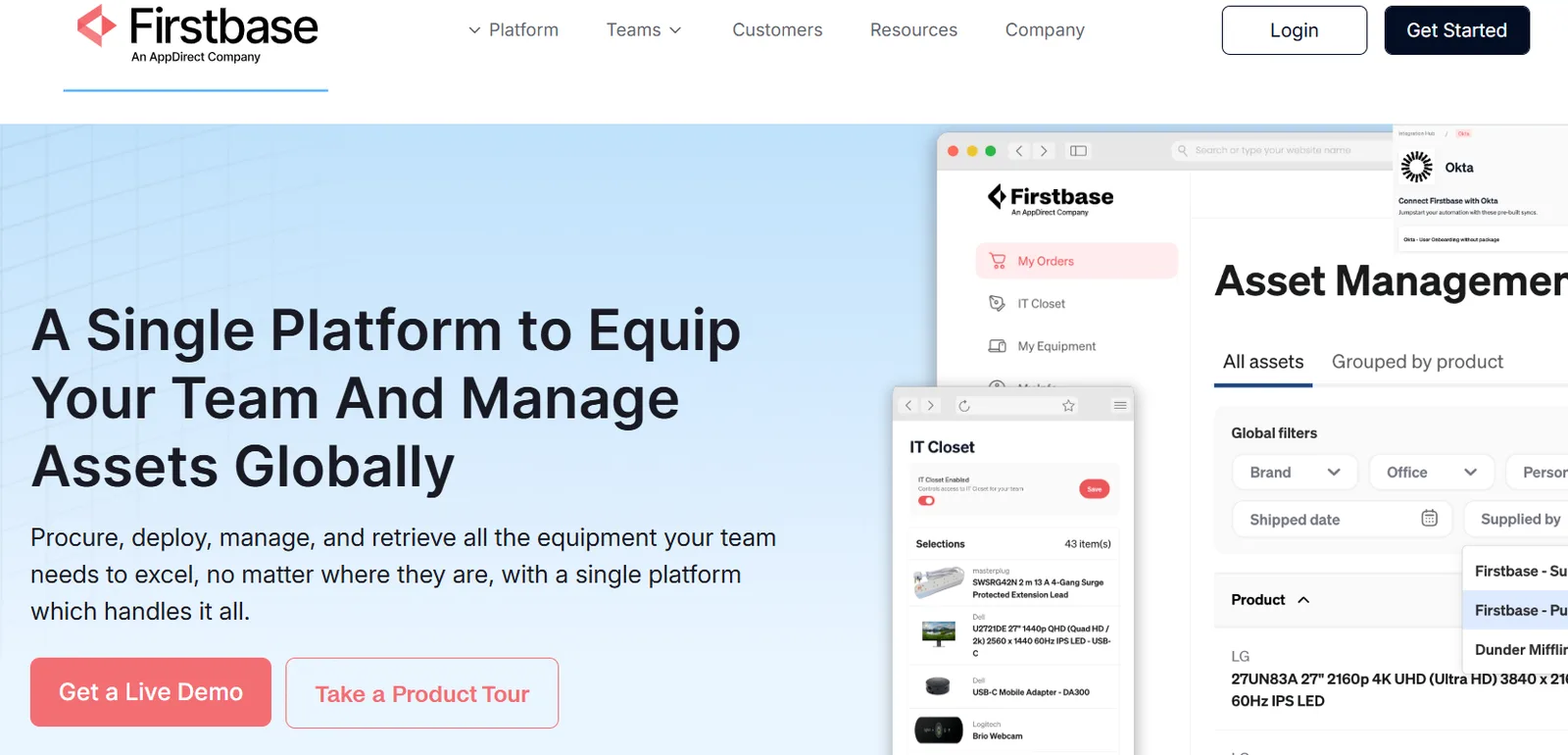
Firstbase combines a SaaS platform with a global physical operations engine: owned warehouses, dedicated operations staff, regional procurement, and logistics infrastructure across 150+ countries.
The platform integrates directly with the HRIS and ITSM tools listed above (Workday, BambooHR, ServiceNow, Jira, Okta) so that HR events trigger physical actions automatically. Then it can procure, image, enroll the device into JAMF or Kandji through Apple Business Manager, and ship it to their door.
There's value to be gleaned from automating processes from both a headcount and operational overhead perspective, and also the value you're squeezing out of the assets that you're spending thousands of dollars on. Now, we're able to maximize that in having a centralized, full lifecycle management program in place with a platform like Firstbase.
Thomas Olsen, Manager, IT Program Management, New Relic
Where the Automation Stops
Firstbase doesn't manage your software stack. It won't provision your Okta accounts, enforce your MDM policies, or route your ServiceNow tickets. It connects to those systems through integrations, but the software automation still belongs to the tools above. But it handles vendor-neutral hardware procurement, device imaging, and MDM enrollment before shipping, as well as global logistics with customs and VAT clearance.
What Does It Cost When Hardware Ops Stay Manual?
Most of the categories we discussed cover the software stack. But if your hardware logistics still run on email threads and manual FedEx trips, you could be losing money in ways that won't show up in one clean budget line.
- Lost devices: 71% of HR teams report at least one departing employee failing to return company equipment. The average unreturned device costs around $2,000 in hardware alone.
- IT hours burned on logistics: IT teams spend roughly 500 hours per year per 100 remote employees on device procurement, shipping, and retrieval. That's time pulled directly from security, infrastructure, and strategic projects.
- Delayed onboarding: 43% of new hires wait over a week for their workstation and tools to be ready. 18% wait over two months. Every idle day is a fully salaried employee producing nothing.
- Data exposure: Lost or stolen devices remain one of the oldest breach vectors. A laptop with unwiped credentials sitting in an ex-employee's closet is still a live risk. The average data breach costs $4.44 million globally and $10.22 million in the U.S.
- Replacement spend: At 15% annual attrition across 1,000 employees, you're handling 150 laptop retrievals a year. At a 50% retrieval rate and $1,500 per laptop, that's $112,500 in lost hardware annually, before counting monitors and peripherals.
We had no solutions available for our fully remote company without hiring a dedicated employee to deal with shipping things out of their home. Firstbase has saved us hundreds of hours dealing with equipment ordering and returns. We've been able to focus on projects that mean more to the company -- on both the HR and IT ends.
Caitlin Nielson, People Operations Manager, Verse.io
Building a Complete IT Automation Stack: Software + Hardware
The costs don't have to be the norm. Adding a hardware ops layer connects those software automation systems to the physical work they can't do on their own.
Firstbase automates the areas that typically eat up IT hours:
- When a new hire is confirmed in the HRIS, Firstbase prompts them to select equipment from a self-service catalog (the Virtual IT Closet) with role-based device kits. The order goes straight to Firstbase's regional warehouse.
- Firstbase procures vendor-neutral (Dell, Lenovo, Apple, or your own shipped inventory) and holds pre-configured stock so devices are ready before the employee's start date.
- Deployment is zero-touch. Firstbase images the device, enrolls it into your MDM through Apple Business Manager or Windows Autopilot, applies your configurations, and ships it directly to the employee's address across countries with customs and VAT handled.
- When HR updates an employee's status in the HRIS, Firstbase automatically initiates the retrieval: address confirmation, a retrieval kit with prepaid labels, and courier pickup from the employee's home. It also follows up on communications if they go unanswered, and performs a certified NIST 800-88 data wipe once the device returns.
What Changes When the Hardware Layer Is Automated?
| Area | Without Automation | With Firstbase |
|---|---|---|
| Manual equipment lifecycle work | IT teams managing procurement, shipping, tracking, and retrieval by hand | 75% reduction in manual work across the equipment lifecycle |
| Hardware-related IT tickets | High volume, manual resolution | 50% drop within three months |
| Device retrieval rate | 30-50% industry average | 97%+, completed in under 30 days |
| Returned device value | Devices written off or stored indefinitely | $175,000+ recouped through wipe, refurbish, and redeploy |
| Engineering productivity after device refresh | Outdated devices, $3,600/person/year in lost output | 20-30% efficiency gain after M4 Apple rollout |
1. Does Firstbase only trigger actions between tools, or does it execute the full workflow?
Firstbase executes. When your HRIS fires a hire or termination event, Firstbase doesn't just pass a notification downstream. It runs the physical workflow end to end: procurement, device imaging, MDM enrollment, shipping, retrieval kit dispatch, courier pickup, data wipe, and redeployment. Your IT team doesn't need to step in at any point unless they want to.
2. Will Firstbase eliminate manual device logistics for our IT team?
Yes. Firstbase owns the warehouses, employs the operations staff, manages carrier relationships, and handles customs clearance across 150+ countries. Your IT team stops coordinating shipments, printing labels, and chasing return kits. Firstbase customers report a 75% reduction in manual equipment lifecycle work after switching from in-house logistics.
3. How does Firstbase handle device recovery during offboarding, and what if someone doesn't return their device?
When a termination event hits the HRIS, Firstbase automatically confirms the employee's address, ships a retrieval kit with pre-paid labels, and schedules courier pickup from their home. If the employee goes unresponsive, Firstbase runs a structured follow-up communication sequence on your behalf. Firstbase customers see 97%+ retrieval rates, compared to the industry average of 30-50%.
What Does a Complete IT Automation Stack Actually Require?
IT automation in 2026 covers a lot of ground. The tools for identity, endpoint management, ITSM, and workflow orchestration are mature, and they work well together. But when IT teams still run hardware procurement, shipping, and retrieval manually, the costs of that gap show up in lost devices, burned IT hours, and compliance risk.
Closing that gap requires a hardware ops automation layer that connects to your existing stack and handles the physical work your software tools weren't built for.
With Firstbase, you can fix all of that without removing or replacing the systems you already use. It plugs into your HRIS, MDM, and ITSM stack, then takes ownership of the operational work like global fulfillment, retrievals, chain of custody, and redeployment.
Customers save 250+ IT hours and doubled their global headcount in a single year after adding Firstbase to their stack. Book a demo to see how it works with yours.
Written by
Ahmad Zakaria
Ahmad Zakaria covers IT operations, hardware lifecycle management, and distributed workforce solutions at Firstbase. His content is built from real customer data, operator interviews, and hands-on experience managing devices across 150+ countries.
Get started with
Firstbase today
Remote and hybrid work aren't going anywhere. It's our mission to make it easier to manage the assets your distributed team needs—from onboarding through offboarding and every repair, replacement, and upgrade in between.
Fill out the form and a member from our team will reach out by phone!
Get a Live Demo