Why Your IT Asset Lifecycle Management Tool Tracks Devices but Can't Move Them
In every guide you see, the IT asset lifecycle management is explained the same way: five stages, laid out in a diagram, and a few best practices. None of them cover what stage two means when a laptop is clearing…
 Ahmad ZakariaOctober 8, 2026
Table of contents
- TL;DR Top IT Asset Lifecycle Management Platforms At a Glance
- What is an Effective IT Asset Lifecycle Management? (And What It Isn't)
- Which IT Asset Lifecycle Management Tools Should You Compare?
- Where IT Asset Lifecycle Management Actually Breaks Down
- How Firstbase Closes the Physical Execution Gap
- How to Choose the Right IT Asset Lifecycle Management Platform
- Make IT Asset Lifecycle Management Operational
In every guide you see, the IT asset lifecycle management is explained the same way: five stages, laid out in a diagram, and a few best practices.
None of them cover what stage two means when a laptop is clearing customs in São Paulo, or what stage four means when a departed employee still has a company MacBook sitting in a closet in Warsaw. If you're an IT manager or systems engineer running a three-person team across 500 employees in a dozen countries, that gap is where most of your week goes. And it's the part that never comes up in a product demo.
This guide walks you through each stage the way it actually runs for distributed teams:
- where tracking tools earn their keep
- where physical execution breaks down
- what closing that gap really takes
We’ll also see where a platform that adds the physical layer like Firstbase fits in. Let’s look at the basics first.
TL;DR Top IT Asset Lifecycle Management Platforms At a Glance
| Platform | Best for | Handles physical ops? | Lifecycle stages covered | G2 Rating |
|---|---|---|---|---|
| Firstbase | Physically operating the device lifecycle across countries | Yes | All six: Procurement, shipping, retrieval, certified destruction, redeployment. | 4.8 |
| ServiceNow ITAM | Tracking mixed estates (hardware, software, cloud) with full CMDB and license compliance | No | Planning, Utilization, Disposition (record-level) | 4.3 |
| Freshservice | Mid-market ITSM + ITAM in one platform with faster deployment | No | Procurement (PO tracking), Utilization, Asset Retirement (record-level) | 4.6 |
| ManageEngine | Endpoint discovery with custom lifecycle states and software compliance | No | Planning, Utilization, Retirement (record-level) | 4.5 |
| SolarWinds | Tying asset records to help desk tickets for faster troubleshooting | No | Utilization, Maintenance (record-level) | 4.3 |
Customers save 700+ hours not coordinating logistics, decommissioning, and redeployment internally. Take a self-guided tour to have that automated system for your teams.
What is an Effective IT Asset Lifecycle Management? (And What It Isn't)
Ask most vendors what IT Asset Lifecycle Management means, and you'll get the same answer. It’s a system of record that shows where every device is at every stage of its life, from purchase order to recycling bin. It’s worth having. But recording the lifecycle isn't the same as running it.
There's a structural reason these tools stop at the record. ServiceNow ITAM, Freshservice, ManageEngine, and SolarWinds all run on a CMDB at their core. The CMDB tracks what you own, who's using it, and how it connects to other systems. That's its job, and it does it well. But a CMDB doesn't know how to ship a laptop to a new hire in Bogotá, send a return kit to a departing employee in Berlin, or route a wiped device to certified destruction. Those are physical operations, and they sit outside what a configuration database was ever designed to do.
Someone still has to place the order, get the laptop through customs, chase it back from an employee who left three months ago, and prove it was wiped clean. Here's what that leaves a distributed IT team carrying at each stage.
- Planning: The goal is forecasting device needs by role and region before a hire starts. In practice, a lean team orders per hire, since nobody has time to build a rolling forecast across time zones.
- Procurement: The stage should take minutes once a role's approved. Instead, it means checking by hand whether a vendor ships to that employee's country, and building the order manually if not.
- Deployment: The device is supposed to arrive configured on day one. But customs delays and courier handoffs mean it often doesn't, and onboarding starts without it.
- Utilization and Maintenance: It’s meant to give full visibility into the fleet. In reality, the devices bought locally or expensed by employees rarely make it into the record.
- Retrieval and Decommissioning: This stage should trigger automatically when someone exits. For remote offboarding, though, this is where hardware most often just stops coming back.
- Disposition and ITAD: It ends in a certified wipe and a documented resale or destruction. Without retrieval, this stage rarely happens at all.
Which IT Asset Lifecycle Management Tools Should You Compare?
Now that we’ve seen what an IT asset lifecycle is for a distributed team, lets look at how the platforms teams typically consider for that problem actually compare.
Firstbase
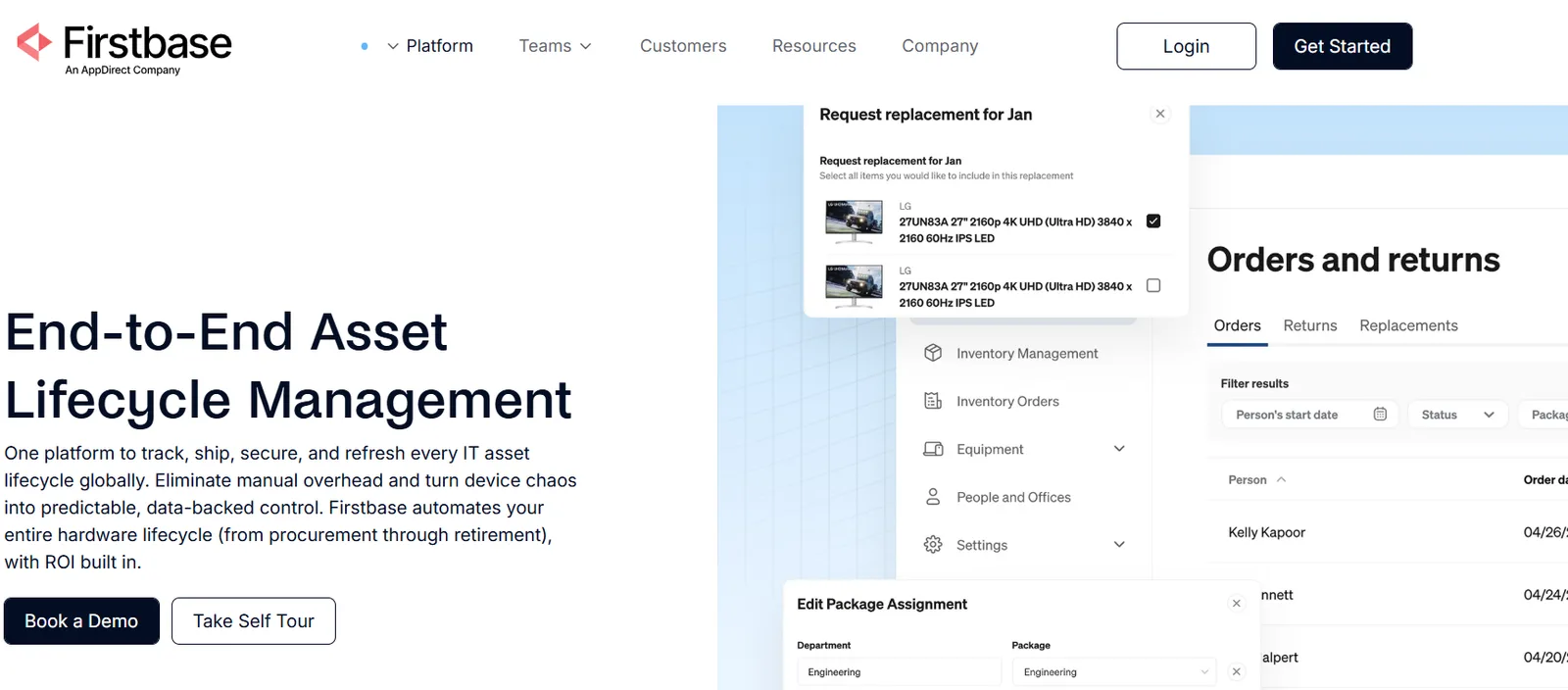
Firstbase runs the entire hardware lifecycle from a single platform, covering procurement, deployment, retrieval, and disposition. Most companies handle these steps separately: one vendor to buy laptops, another to ship them, and a courier account that only one person on the team remembers how to access.
Firstbase consolidates that work into one system with a single audit trail. It works for a 500-person company hiring its first employee in Lisbon, and also for enterprise fleets running into the thousands.
Highlights
- Global reach: Firstbase ships devices to more than 150 countries within 2 to 5 days, with devices already tax-optimized and cleared through customs.
- Recovery rate: Automated retrieval workflows and pre-paid return kits bring hardware recovery up to 97%. The recovery rate drives a roughly 30% reduction in lost-asset costs within the first year.
- Fleet visibility: A real-time dashboard tracks warranty status, refresh cycles, and the current owner of each device.
- Redeployable inventory: Devices that come back through retrieval don't sit unused. Firstbase tracks and redeploys them from its own facilities, so returned hardware becomes the next hire's laptop instead of dead stock in a closet.
- Compliance requirements: Firstbase is SOC 2 Type II certified and maintains full custody logs, two-factor authentication, and role-based access controls.
Firstbase connects to the tools most IT teams already use.
- Okta and JumpCloud handle access provisioning and single sign-on.
- ServiceNow syncs asset data directly into an existing ITSM instance.
On the HR side, Firstbase integrates natively with Workday, BambooHR, ADP, UKG, HiBob, Rippling, and Namely. This keeps onboarding and offboarding triggers synced without manual data entry. Jamf covers mobile device management.
For anything outside that list, a Workato-powered Integration Hub connects to more than 1,000 additional apps, and an open API lets teams build custom workflows for the physical work.
Limitations
Some users report gaps in reporting, particularly the lack of a filter that shows inventory by warehouse.
The approval screen also doesn't display current stock levels, which has led some teams to approve custom orders with long lead times without realizing stock was available elsewhere. And some also find the inventory-ordering interface difficult to navigate.
ServiceNow ITAM
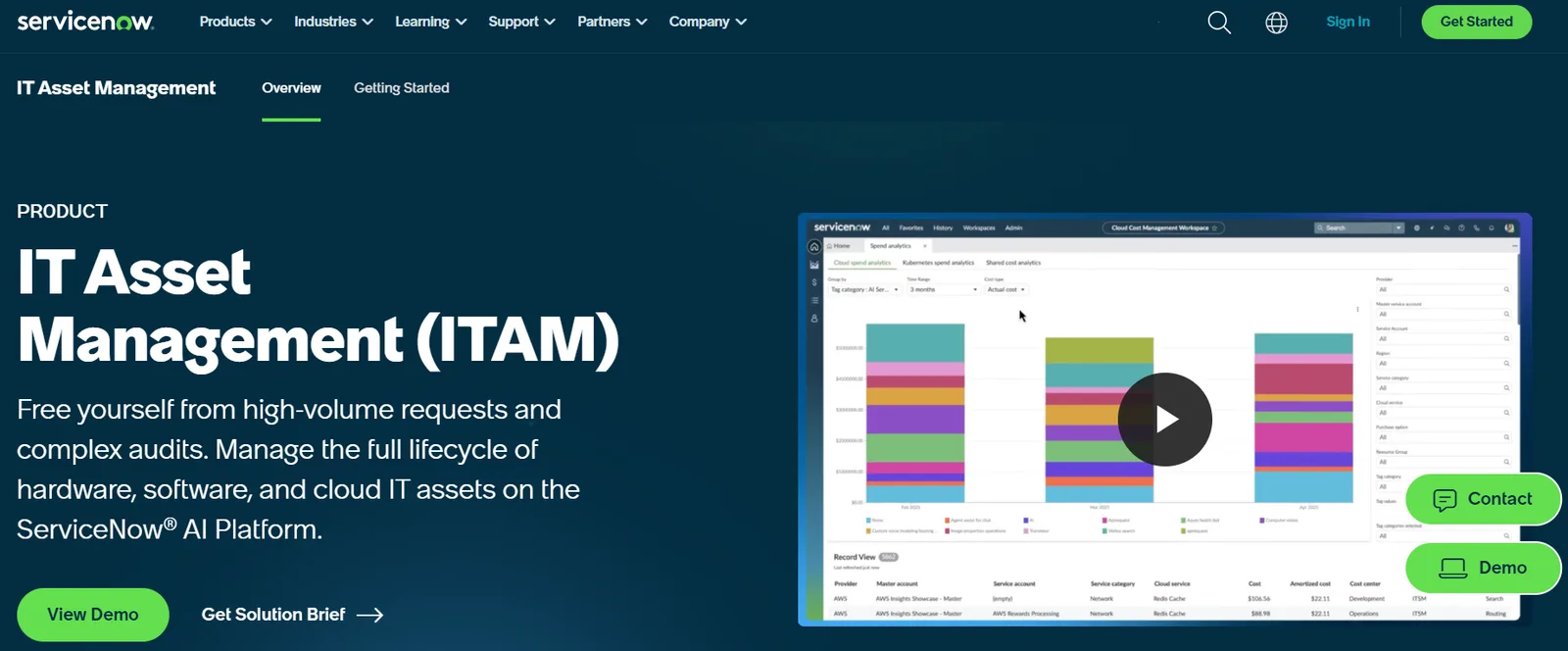
ServiceNow IT Asset Management runs on the ServiceNow AI Platform and tracks assets across hardware, software licenses, and cloud spend inside one CMDB-backed record. AI Agents automate planning-to-retirement tasks like license reconciliation and contract renewal dates. It ties into procurement and service catalogs already used across other ServiceNow modules.
It's aimed at large IT organizations already standardized on ServiceNow for IT Service Management. What it doesn't do is move the asset itself. Shipping a laptop to a new hire abroad, or getting one back from someone who's left, still happens outside the platform.
Highlights
- Cloud FinOps: Tracks and forecasts cloud spend, catching budget overruns before they appear on the monthly bill.
- Data center management: Extends tracking to individual racks and facilities, useful for teams still running physical servers alongside the cloud.
- Otto AI assistant: A newer AI agent built to execute cross-system tasks end-to-end, rather than just surfacing a dashboard.
- Stockroom tracking: Automated workflows track new assets as they're received and moved through physical stockrooms, reducing inventory loss.
- License reclamation: Flags unused software licenses, enabling teams to achieve significant cost savings by not renewing seats nobody uses.
Limitations
Setup is the recurring complaint. Getting the CMDB clean enough for ITAM to work well takes time and real expertise, and users describe having to guess at the platform's scope without expert guidance.
Licensing costs add up fast through advanced modules, a real barrier for smaller teams, and some legacy admin screens still feel disconnected from the newer workspaces.
Freshservice
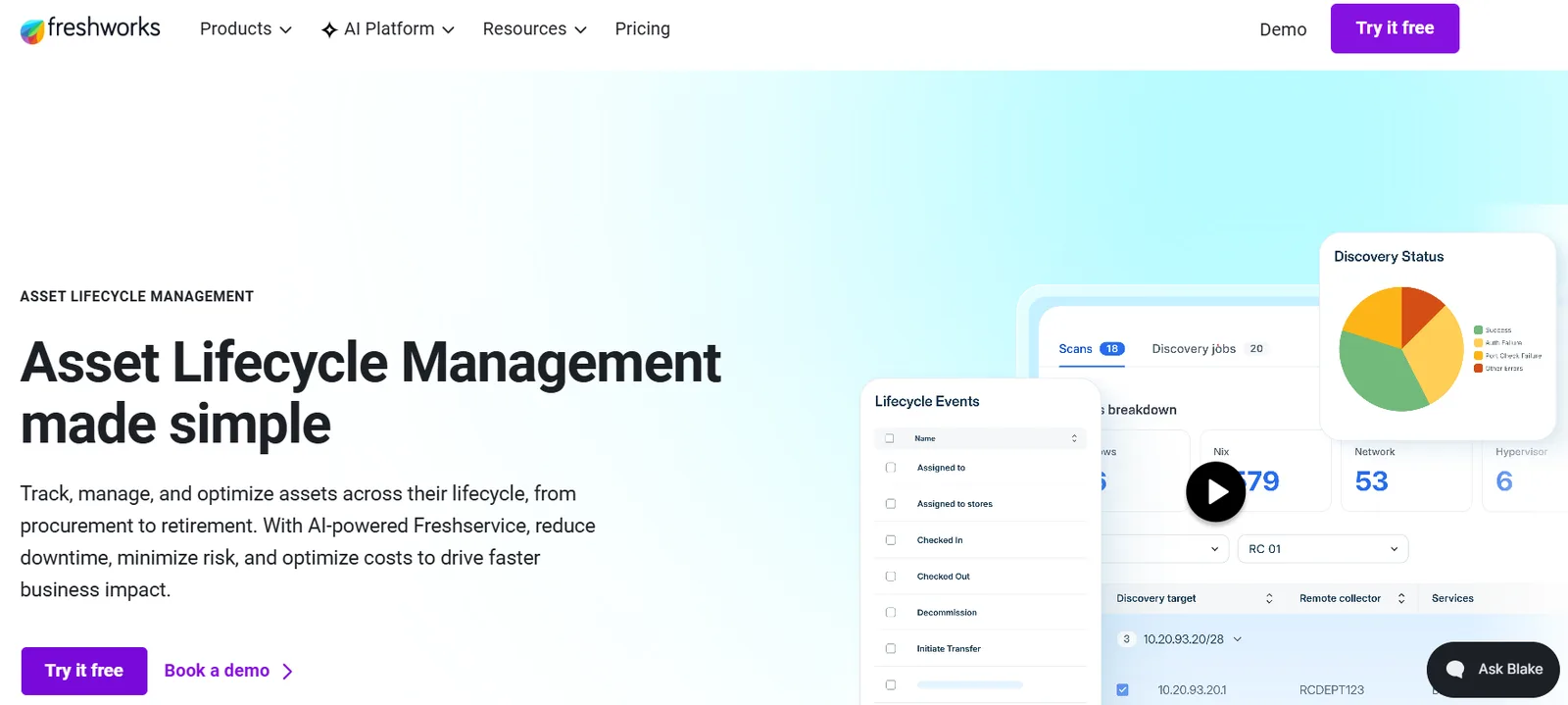
Freshservice frames asset lifecycle management as six steps: discover, request, procure, deploy, manage, and retire. An employee requests hardware through a self-service portal, which converts into a purchase order, while an auto-updating CMDB tracks the asset through assignment, usage, and eventual decommissioning.
It also covers software and cloud assets, alongside hardware. Freshservice is positioned as quicker to roll out and easier to use than a heavier enterprise platform. Each of those six steps still produces a record rather than a physical action, the same gap that shows up in ServiceNow.
Highlights
- Hardware asset management: Discovers hardware from PDUs to laptops, manages lifecycles and warranties, and centralizes vendor data for compliance and smarter spend.
- Software asset management: Discovers and manages installed software, optimizes license usage, and consolidates vendor data to control software spend.
- Dependency mapping: Visualizes how apps, services, and IT infrastructure connect, so teams can plan changes with confidence and resolve incidents faster.
- Advanced discovery: Auto-discovers assets across on-prem, cloud, and hybrid environments to maintain an audit-ready inventory without manual tracking.
- Purchase order management: Centralizes purchase requests, approvals, and orders to keep governance and control across the procurement lifecycle.
Limitations
Users point to real integration gaps: the Jamf connector is additive-only, so devices that are deleted don't sync, and someone has to clean up stale records by hand.
Customization and reporting feel constrained at this tier, sometimes forcing workarounds. Several reviewers also flag slow, unclear support, including one ticket that was left open for 9 months without a substantive answer.
ManageEngine
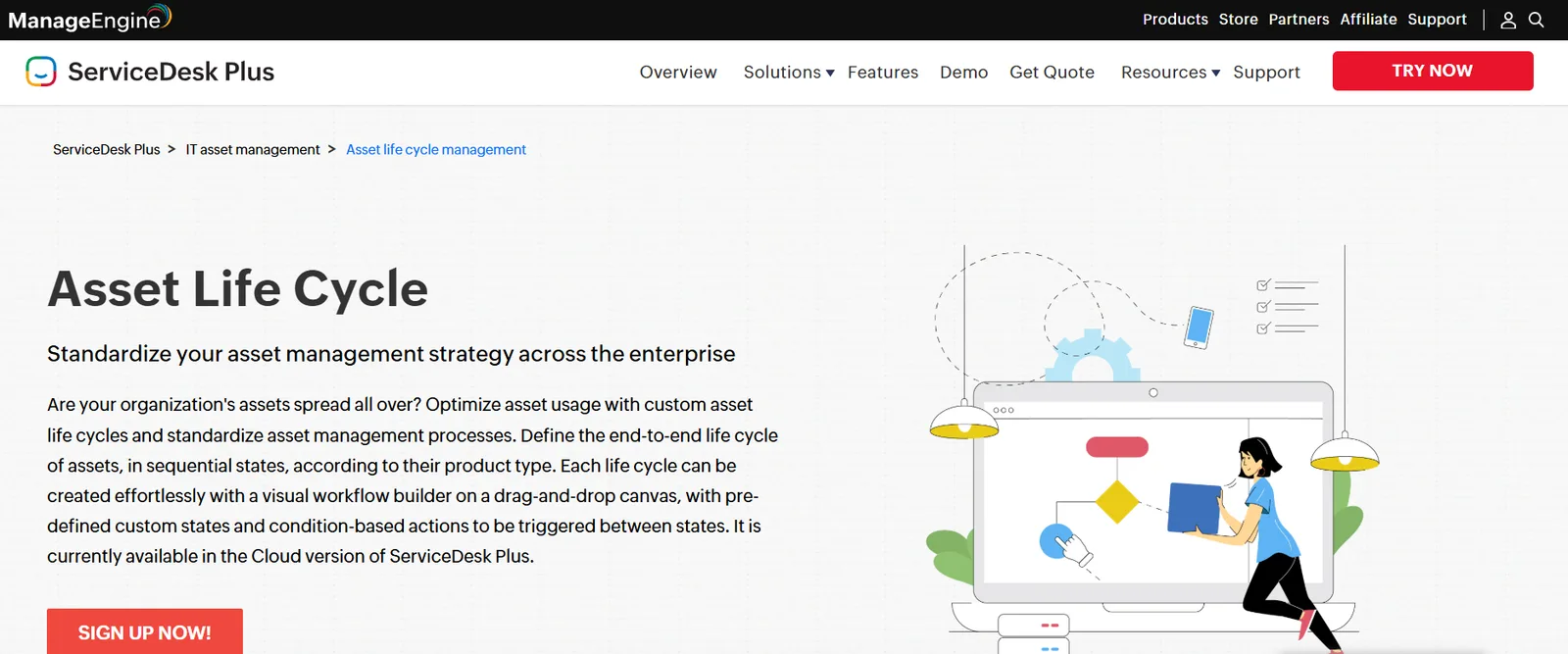
ManageEngine builds its asset lifecycle around a visual workflow tool inside ServiceDesk Plus. You drag and drop states onto a canvas to define what happens when an asset moves from, say, in-stock to deployed, and set condition-based actions that fire before, during, and after each transition.
It's built for teams that want to define their own lifecycle logic rather than accept a fixed one. Scanning happens through agents, barcodes, or network sweeps, and everything ties back to a CMDB mapping assets to people. Like Freshservice, the tool tracks the states an asset moves through but doesn't help with the asset movement.
Highlights
- Software compliance tracking: Flags unused, under-licensed, and over-licensed software, so audits don't turn into a scramble.
- Purchase and contract management: Runs purchase orders through a structured approval process and tracks contract expiry dates to ensure they do not lapse.
- Reusable life cycle templates: Duplicate an existing life cycle to build one for a new product type rather than starting from scratch.
- Role-based transition permissions: Restricts who can trigger certain transitions, so only the right technician moves an asset forward.
- Cross-platform discovery agent: One agent scans Windows, macOS, and Linux machines, and also supports remote ITAM for offsite support.
Limitations
Users feel that the updates have broken features like remote control, sometimes requiring a local agent reinstall, which is painful for offsite machines. Patch deployments can fail with unclear errors, and the console doesn't always update status right away. The interface feels unpolished and often needs scripting knowledge, and pricing runs higher than reviewers expect.
SolarWinds
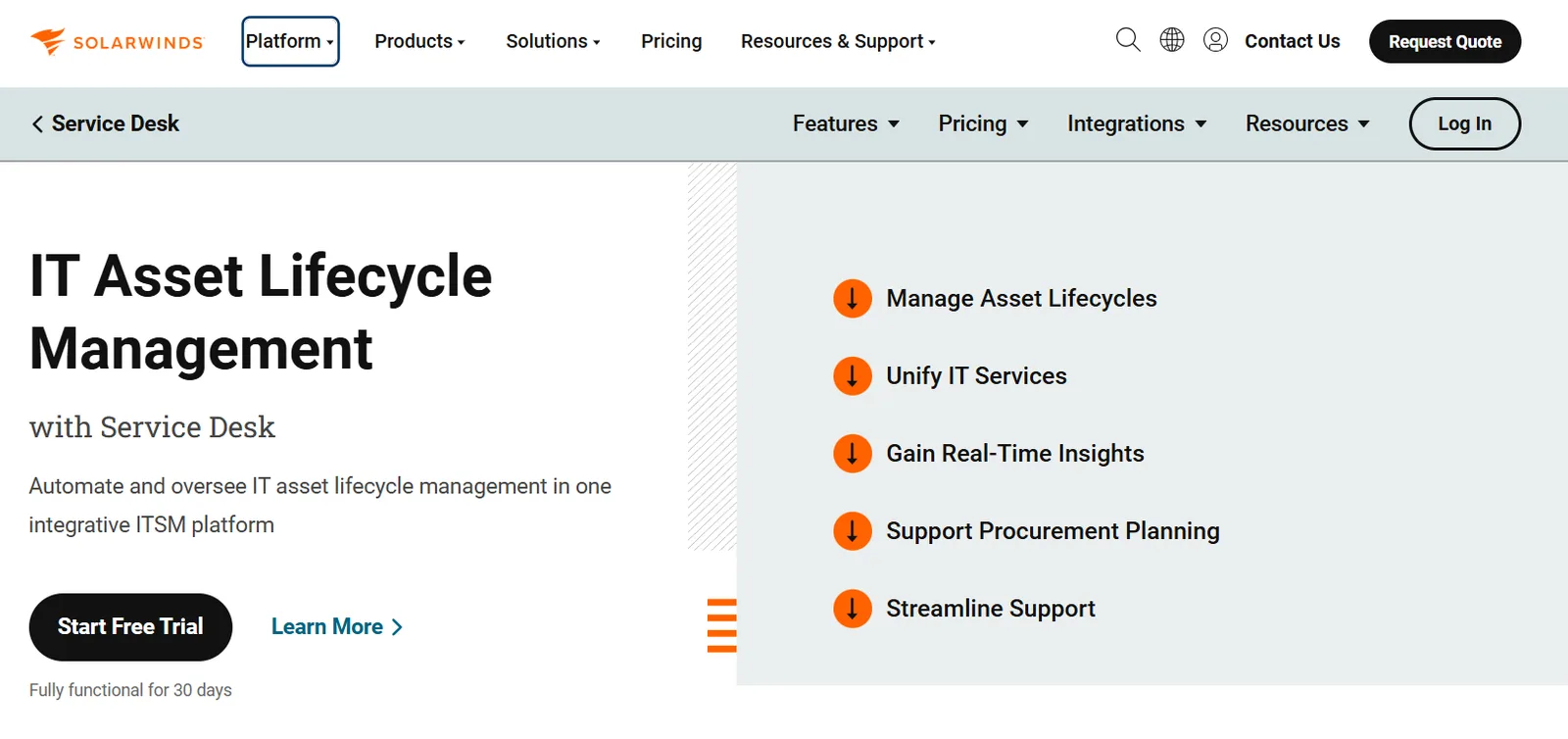
SolarWinds folds asset lifecycle management into its Service Desk platform, so procurement, licensing, inventory, and retirement live next to the ticketing system IT already runs day-to-day. Discovery tools populate a CMDB with a live view of what you own and how it connects, and every asset links directly to the incident tickets associated with it, so a technician troubleshooting a laptop can pull its history without leaving the ticket.
Remote support tools like Dameware plug in the same way, letting a technician launch a session straight from an asset record. It's asset management built around the help desk and not the hardware.
Highlights
- Visual dashboards: Real-time dashboards replace static spreadsheets, surfacing usage trends and flagging hardware likely to fail before it does.
- Procurement planning: Centralized cost, usage, and performance history give teams evidence to base purchasing decisions on, rather than guessing.
- Change impact planning: Shows how an upgrade or decommission will ripple through the environment before anyone pulls the trigger.
- Automated risk detection: Flags license compliance issues automatically rather than waiting for a manual audit.
- Universal dashboard: Every asset across the IT environment appears in a single consolidated view, rather than scattered spreadsheets or side tools.
Limitations
The initial setup takes real time because custom fields, SLA rules, and approval workflows all require upfront thought. Reporting hits a wall fast beyond standard views, often forcing an export to work with data elsewhere.
Common features like custom fields and deeper API access are available only on higher pricing tiers, and the API itself is described as confusing.
Where IT Asset Lifecycle Management Actually Breaks Down
The device lifecycle may look orderly on a slide, from procure and deploy to retrieve and retire. What it leaves out is who actually does the physical work at each step, especially once headcount crosses a few hundred people spread across a dozen countries.
Let’s see where the record stops and a phone call has to start:
The Procurement-to-Delivery Gap
Your ITSM says the order is approved and your procurement system shows the PO. But the new hire in Manila still doesn't have a laptop on day one.
For distributed teams, procurement is
- Sourcing hardware that meets role-specific specs
- Navigating import rules that change by country
- Enrolling the device in your MDM before it ships
- Coordinating delivery to a home address across time zones.
The physical work of configuring and delivering it is on your IT team to coordinate manually.
The Offboarding-to-Retrieval Gap
HR marks someone as terminated in the HRIS. The ITALM tool updates the asset status to "pending return." And then... nothing happens automatically.
For a co-located team, retrievals mean the employee leaves their laptop on their desk.
With distributed work, IT has to
- Confirm the employee's current address
- Ship packaging and prepaid labels
- Send follow-up reminders
- Track the return.
Gartner analysts have reported that enterprises recover, at best, about 50% of their laptops. The industry average sits between 30-50%. On a 1,000-person company with 15% annual churn, even a 70% retrieval rate means 45 missing laptops per year, roughly $67.5K in write-offs.
The Retirement-to-Disposition Gap
IT Asset Disposition is the end-of-life stage: wiping data to a certified standard (NIST 800-88), maintaining a verifiable chain of custody from the moment a device is flagged for retirement, and then either reselling, recycling, or physically destroying it. It's not a status update but a sequence of physical and compliance actions that need to happen in order, with documentation at each step.
Tracking-first tools mark an asset "retired" in the record and stop there. The physical disposition, the wipe, the certificate, and the audit trail proving sensitive data was actually destroyed happen outside the platform, if it happens at all. It is what separates a system of record and a lifecycle platform: one notes that a device reached end-of-life; the other executes end-of-life and documents it.
For distributed teams, the challenge multiplies because devices are scattered across dozens of countries, each with different e-waste regulations and data protection laws.
It isn’t a small risk to carry. IBM's 2025 Cost of a Data Breach Report put the global average cost of a breach at $4.44 million, and $10.22 million in the US, the highest figure on record.
How Firstbase Closes the Physical Execution Gap
The gaps outlined above are physical business operations problems. Firstbase's API makes each of those key stages programmable. Here's how it maps to the IT asset management lifecycle.
Firstbase API’s package management endpoints let you create equipment bundles by role, with category rules, specific products, delivery settings, and approval requirements baked in. When a new hire appears in your HRIS, that triggers an automated order through the Firstbase integration, without a ticket or manual PO.
Once an order is placed, Firstbase handles the physical fulfillment: configuring the device, shipping it to the employee's address, and tracking the delivery. The employee gets a configured, ABM-enrolled device that auto-provisions through their MDM (Jamf, Kandji, Intune) the moment they sign in. IT doesn't touch it.
Not every device in your fleet came through Firstbase. The asset creation endpoint lets you bring individually purchased devices into the same lifecycle record. You identify the product by SKU or by category and description, assign it to a person or office, and attach the serial number, condition, and renewal date.
The offboarding endpoint specifies what to return, how the return should be handled, and whether the employee needs to confirm their address first. If you're running Okta or Azure AD, a SCIM delete from your identity provider automatically triggers offboarding. Firstbase handles the packaging, prepaid labels, follow-ups, and return tracking.
When a device comes back, setting ITAD: true on the return routes it to certified destruction. Firstbase auto-generates NIST 800-88 Certificates of Destruction and stores them in-platform.
Inventory-level endpoints let you set minimum and maximum stock thresholds for a product at a specific warehouse. When stock drops below your minimum, and auto-restock is on, Firstbase automatically creates a restocking order.
"I don't have to manually interact with our VAR anymore. I don't have to make trips to the shipper. I don't have to be the one that receives all of the computers to my home address. To open up the computers and clean the computers and then reset the devices. These were all the features we were looking for in a tool, and Firstbase provides that to us."
— Senior Systems Engineer, Enterprise Technology Consulting Firm
How to Choose the Right IT Asset Lifecycle Management Platform
The right pick depends on which problem is eating the most time for your team right now.
| If your team needs to... | Best fit | Why |
|---|---|---|
| Track a mixed IT estate (servers, VMs, endpoints, software, cloud) with full CMDB and license compliance | ServiceNow ITAM | Broadest asset scope. Deep CMDB. Built for large, complex enterprises. |
| Get ITSM and asset management in one platform without a heavy implementation | Freshservice | Auto-discovery, self-service catalog, and purchase order management. Faster to deploy than ServiceNow. |
| Manage endpoints with agent-based discovery and custom lifecycle states | ManageEngine | Tight endpoint management and ITAM coupling. Drag-and-drop lifecycle builder. Multiple scan methods. |
| Tie asset records directly to help desk tickets for faster troubleshooting | SolarWinds | Asset-to-incident linking with built-in remote support via Dameware. |
| Physically operate the device lifecycle across countries: procure, ship, retrieve, wipe, redeploy | Firstbase | Executes the physical operations, not just records them. API-driven procurement, global retrieval, NIST 800-88 certified destruction. |
Note
Firstbase handles the physical IT operations that the record is supposed to reflect. It isn’t replacing any of the other platforms. It’s the operations layer beneath it.
Make IT Asset Lifecycle Management Operational
Moving hardware through the key stages of IT asset lifecycle management, across borders, through compliance checkpoints, and back from departing employees is the actual challenge here.
Most ITALM tools give you the record. Firstbase gives you the record and the operations behind it, in one platform, with an API that makes every stage programmable. That's the difference between knowing a device is "pending return" and actually having it back, wiped, and redeployed within 30 days.
Firstbase customers report 1.8x better asset tracking and a 75% reduction in manual IT work. Book a demo to see how it fits underneath your current stack.
Written by
Ahmad Zakaria
Ahmad Zakaria covers IT operations, hardware lifecycle management, and distributed workforce solutions at Firstbase. His content is built from real customer data, operator interviews, and hands-on experience managing devices across 150+ countries.
Get started with
Firstbase today
Remote and hybrid work aren't going anywhere. It's our mission to make it easier to manage the assets your distributed team needs—from onboarding through offboarding and every repair, replacement, and upgrade in between.
Fill out the form and a member from our team will reach out by phone!
Get a Live Demo