Endpoint management tools for remote IT ops teams: with Full Lifecycle Checklist
Compare endpoint management tools by software features — and close the physical lifecycle gap that none of them cover.
 Ahmad ZakariaMay 26, 2026
Table of contents
Endpoint management tools show a clean dashboard until a device drops off. If you run IT for a distributed company, usually 200 to 2,000 employees across multiple countries, you've seen the pattern. Your endpoint tool works well on enrolled devices, but devices still go missing during onboarding, transfers, and offboarding. Many organizations lose devices during offboarding, with about half reporting at least 5% of endpoint devices lost when employees leave.
Your real endpoint stack has two layers:
- The software control layer: enrollment, policies, patching, compliance, and remote actions.
- The physical operations layer: procurement, global provisioning, shipping, tracking, retrieval at offboarding, and certified IT asset disposition.
When you only buy the software layer, you still pay for the physical layer. You pay in IT hours, write-offs, delayed onboarding, and audit stress. But that's why you have platforms like Firstbase: to cover the physical operations layer, including retrieval workflows and documented end-of-life handling.
Here in this blog, we'll compare endpoint management tools by the software features that matter, and call out what each tool cannot cover in the physical lifecycle.
TL;DR: The Best Endpoint Management Tools at a Glance
| Platform | Ideal For | Pros | Cons | Physical Ops Layer? |
|---|---|---|---|---|
| Jamf | Apple-heavy enterprises | Deep Apple control, mature ecosystem | Admin complexity | Yes, with Firstbase |
| Kandji (Iru) | Lean IT, mixed fleets | UEM + security + compliance | Still needs logistics | Yes, with Firstbase |
| NinjaOne | IT ops, distributed endpoints | Fast patching, scripts, remote support | Remote access signals vary | No |
| Tanium | Large enterprises | CVE-to-patch workflows, automation | Steep learning curve | No |
| Mosyle | Apple-first MSPs | Bundled Apple mgmt + security | Apple-only, docs hard to navigate | No |
| Endpoint Central | Mid-market IT teams | Patching + inventory + remote support | Busy UI, setup takes time | No |
Teams using Firstbase get:
The Physical Device Lifecycle Gap: What Endpoint Management Tools Don't Cover
Endpoint management tools start working after enrollment. That leaves a pricey gap before enrollment and after offboarding. If the device is in transit, never enrolled, or no longer checked in, your tool cannot manage it in any meaningful way.
| What Endpoint Management Covers | What It Does Not Cover |
|---|---|
| Enrollment, policy enforcement, compliance checks | Global procurement, staging, and in-country warehousing |
| App deployment, patching, and configuration profiles | Shipping, customs handling, and delivery confirmation |
| Remote lock and wipe commands | Retrieval at offboarding, return kits, pickups, escalation |
| Reporting on enrolled, reachable devices | Chain of custody, certified ITAD, disposal certificates |
What does this cost you in operations?
- IT ops becomes a logistics team. Someone has to verify addresses, chase tracking, send kits, and escalate non-returns. This logistics work can take 500+ hours per 100 employees a year.
- HR faces friction during exits. Offboarding stalls turn into repeated follow-ups, awkward reminders, and delays. 71% of HR workers said at least one departing employee did not return company equipment.
- Finance gets surprise bills. When recovery fails, you write off devices and buy replacements earlier than planned. The average equipment value is about $1,963 per non-return incident.
Top Endpoint Management Tools for 2026
After you map the physical gap, the next step is choosing the right endpoint management tool for the software layer. Below is a shortlist of widely used tools.
Jamf
Best for: Apple-heavy enterprises needing deep device control and security telemetry
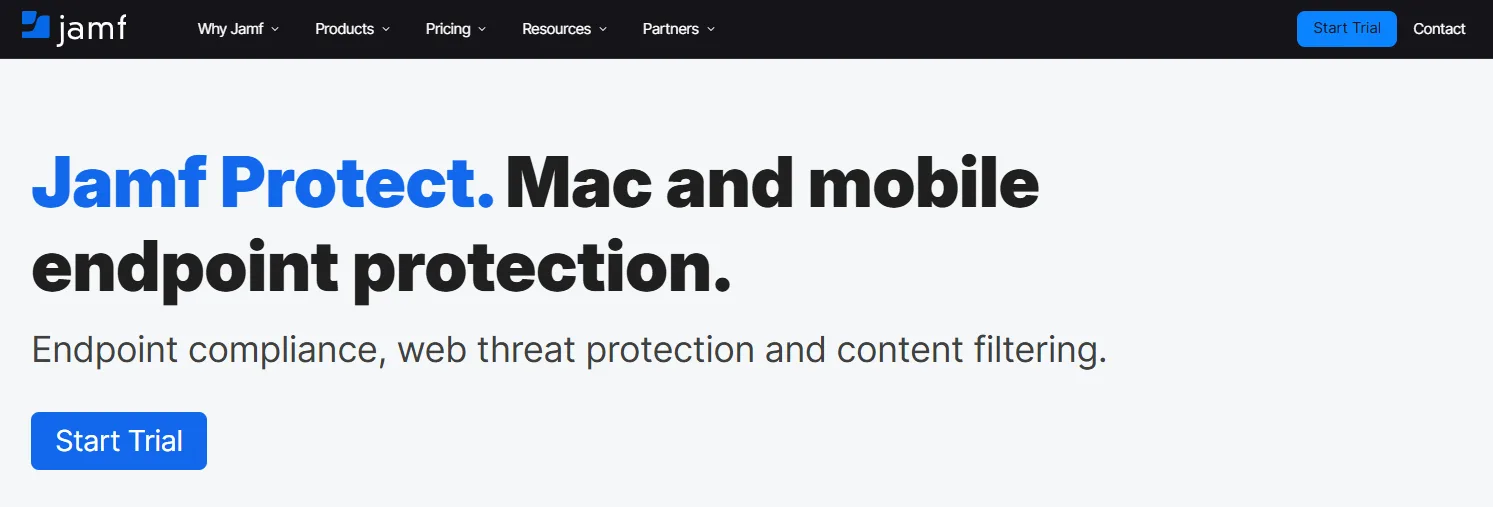
Jamf is an Apple-first endpoint management platform built for managing Apple devices at scale. It targets enterprise security needs while keeping day-to-day admin workflows usable.
- Apple endpoint security and telemetry: Uses Apple Endpoint Security API and native frameworks across macOS, iOS, and visionOS.
- Identity-based access control: Supports cloud IdP login, password sync, privilege elevation, and conditional access signals.
- Network threat prevention: Blocks malware, phishing, and cryptojacking on any network using on-device prevention.
- Mobile DFIR and forensics: Collects and analyzes endpoint telemetry, supports remote DFIR, and flags anomalous behavior.
Limitations
Jamf handles the software control layer once the device is enrolled. The Firstbase integration complements it by covering physical lifecycle workflows.
Kandji (now Iru)
Best for: Lean IT teams managing mixed fleets who need UEM, security, and compliance in one platform
Kandji is an IT and security platform that combines device management, identity, and compliance in one system to reduce tool sprawl.
- Unified endpoint management: Manage Apple, Windows, and Android with one platform.
- EDR for Mac and Windows: Prevent, detect, and contain threats in real time through a single agent.
- Vulnerability management: Visibility into software risk plus automated remediation for vulnerable apps.
- Compliance automation: Map evidence to controls and share security materials through a Trust Center.
Limitations
You'll need to add a physical operations layer to extend Iru's controls beyond enrollment — covering delivery, retrieval, chain-of-custody, and certified ITAD.
NinjaOne
Best for: IT ops teams supporting distributed endpoints across diverse environments
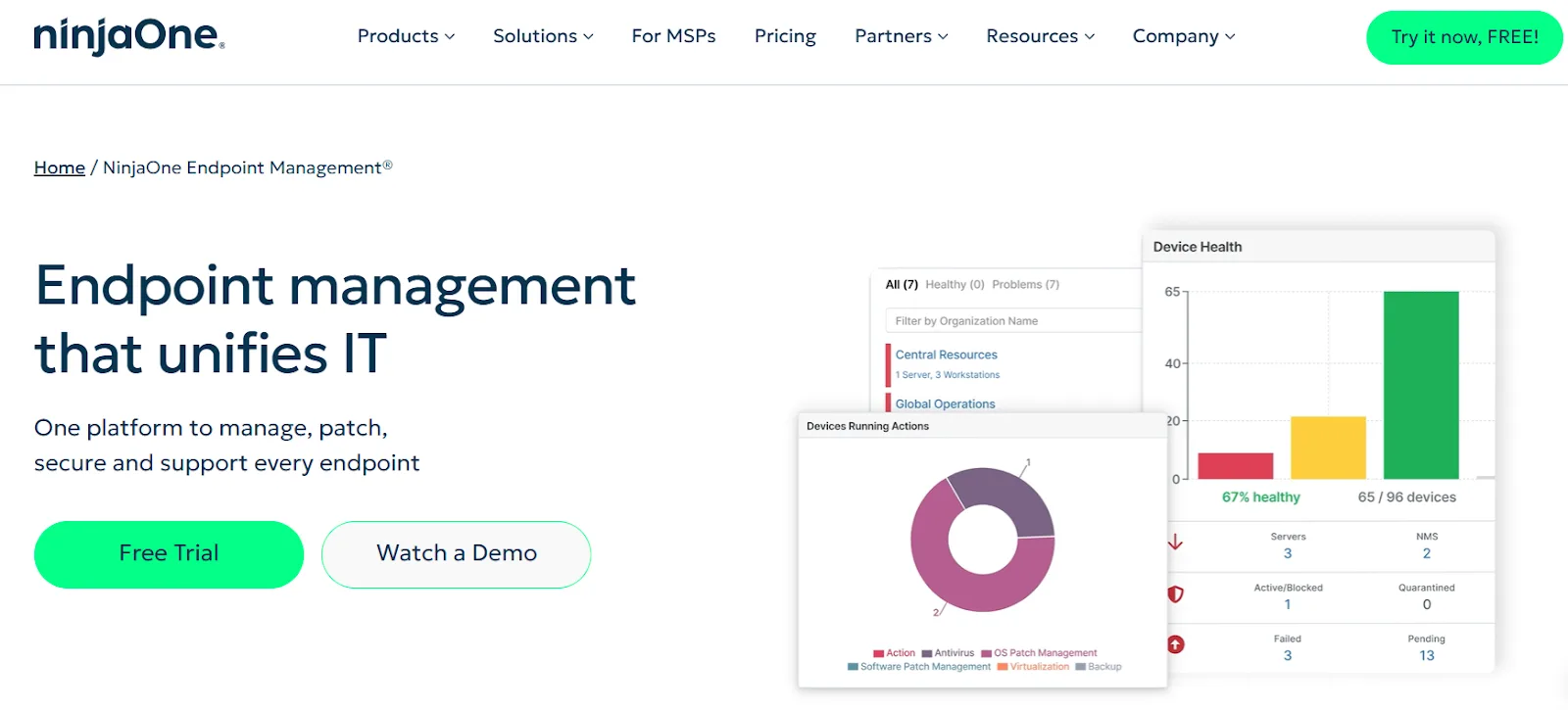
NinjaOne is a cloud-based IT operations platform that centralizes endpoint management, patching, scripting, and remote support in a single console.
- Broad coverage via agent and SNMP: Monitor workstations, servers, cloud infrastructure, plus network devices.
- Mobile remediation actions: Quarantine files, manage services, run scripts, and take control of remote endpoints.
- Patch automation: Automate OS and third-party patching across Windows, macOS, Linux, and 200+ applications.
- Script orchestration: Trigger scripts on conditions and deploy synchronously within 60 seconds.
Limitations
Some users report inconsistent remote access and unreliable "last login" signals that change after patch cycles or updates.
SEE IT IN ACTION
Take a self-guided tour of Firstbase
See how Firstbase closes the physical operations gap — procurement, deployment, retrieval, and ITAD — that endpoint management tools leave open.
Take the Tour →Tanium
Best for: Large enterprises needing CVE-to-patch workflows and endpoint automation at scale
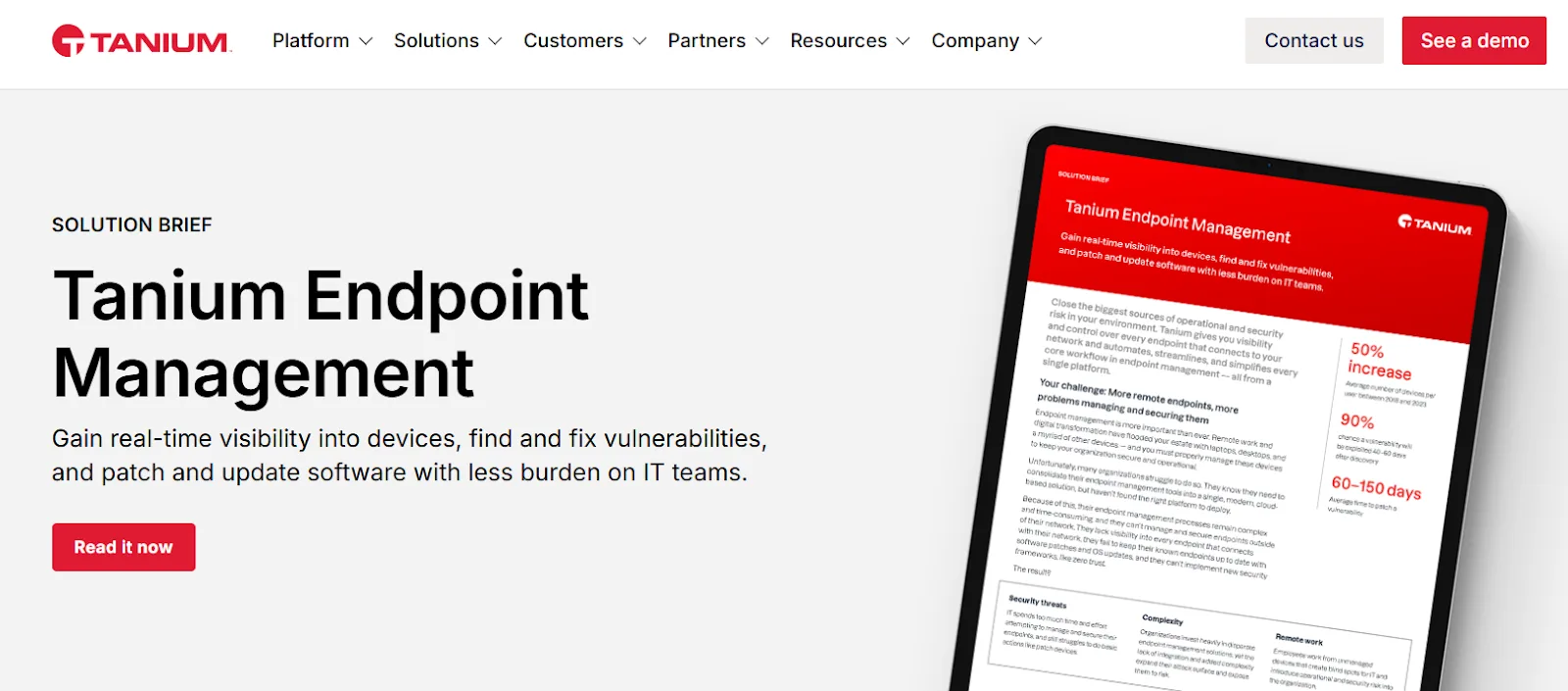
Tanium Endpoint Management is built for rapid, large-scale endpoint control. It covers provisioning, patch hygiene, and automated operations from one console.
- Remediation visibility for CVEs: Finds vulnerable endpoints and surfaces patchable findings for fix deployment.
- Zero-day response guidance: Tanium Guardian provides alerts, insights, and remediation actions for critical vulnerabilities.
- Low-code orchestration: Custom playbooks with little to no code for repeatable IT workflows.
- Cross-OS patching: Monitors and deploys patches across Windows, Linux, and Mac devices.
Limitations
Expect a steeper learning curve, and patching automation may still need hands-on tuning to reach near-zero-touch workflows.
Mosyle
Best for: Apple-first MSPs needing bundled management and security for Mac and iOS fleets
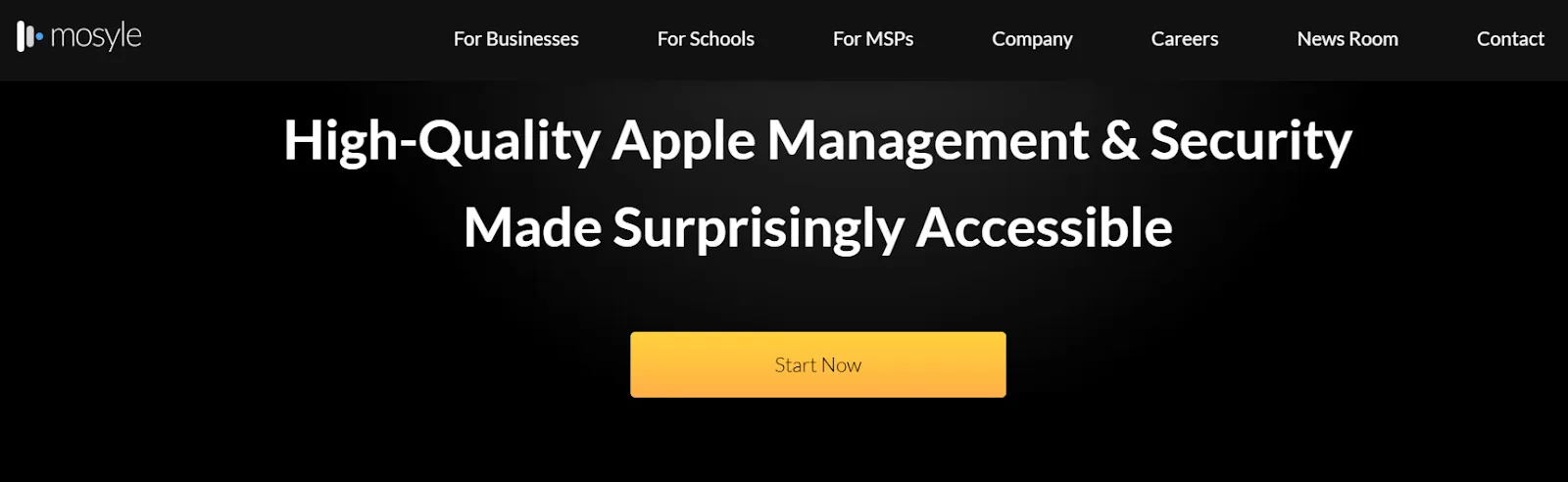
Mosyle Fuse is an Apple-focused management and security platform built after working with 500+ Apple MSPs.
- Apple device management: Remote configuration, automation, and control for Macs and iOS devices.
- Apple endpoint security: Hardening and compliance templates, macOS antivirus, and privilege controls.
- Online security and privacy: Uses Apple's encrypted DNS capabilities for always-on filtering and protection.
- Identity and app patching: Mac login and SSO workflows plus OS updates and third-party patch management.
Limitations
Apple-only scope can block mixed fleets, and some reviewers say documentation feels generic and hard to navigate.
ManageEngine Endpoint Central
Best for: Mid-market IT teams needing patching, inventory, and remote support in one console
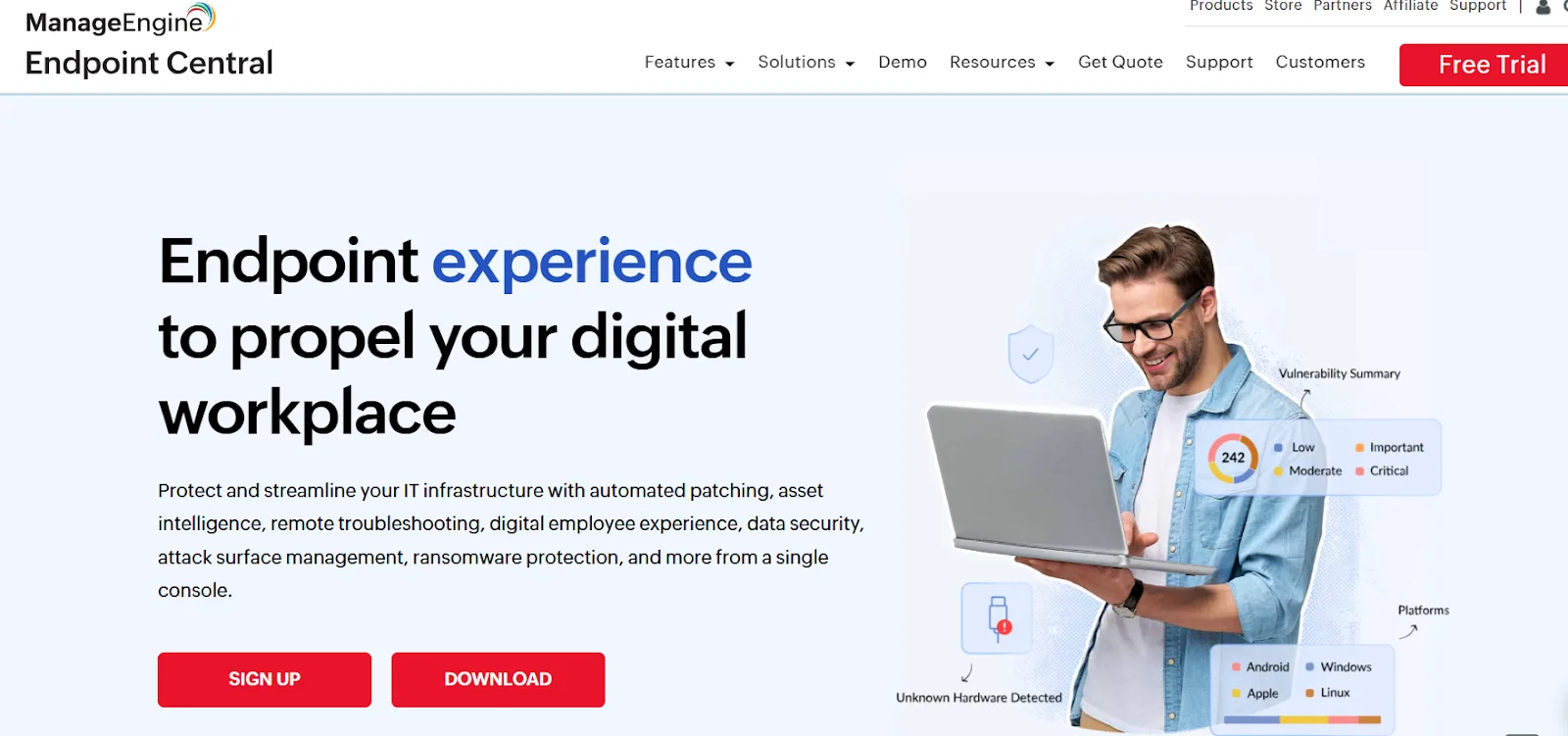
ManageEngine Endpoint Central is a unified endpoint management and security platform that brings patching, asset visibility, remote troubleshooting, and security controls into one console.
- Automated patching: Deploy patches for Windows, macOS, Linux, and third-party apps.
- Vulnerability and benchmark controls: Detect and remediate issues, including alignment to CIS benchmarks.
- Asset and software management: Track hardware and software assets, licenses, warranties, and usage.
- Remote troubleshooting and app control: Remote support plus app deployment and rule-based allow or block policies.
Limitations
The console can feel crowded, setup takes planning, troubleshooting failed deployments is time-consuming, and report customization often requires extra effort.
How to Choose the Right Endpoint Management Stack
Use this checklist to evaluate endpoint management tools without missing the operational gaps that show up later.
| Checklist Item | Software Layer | Physical Layer Gap |
|---|---|---|
| Enrollment and provisioning | Enrolls devices so policies can start | Procurement, staging, shipping, customs, delivery confirmation |
| Policy and compliance | Enforces security baselines, flags drift | Compliance doesn't prove custody; device can go missing |
| Patch management | Deploys OS and third-party updates | Devices in transit or not returned stay unpatched |
| Remote lock and wipe | Sends remote commands to protect data | Does not retrieve hardware or prove disposal |
| Inventory and reporting | Tracks device posture in a console | Inventory is not possession; need verified recovery |
| Automation and workflows | Automates remediation, patch approval | Cannot automate retrieval kits, pickups, escalation |
| End-of-life evidence | Records wipe actions and policy states | Auditors need certificates and custody logs tied to serial numbers |
Completing the Stack: What a Physical Operations Layer Looks Like
Once you see the gap, you don't need more policy menus. You need a system that keeps the device reachable by design, from day zero to retirement. That is what a physical operations layer does.
Fulfillment that links inventory, user, and shipment: A physical operations layer keeps stock close to where you hire, then ties every shipment to a named employee and a specific serial number. Firstbase offers 48-hour SLA-backed delivery and has deployed 200,000+ devices across 150+ countries with 97–98% on-time delivery.
Retrieval workflows triggered by HR events: Offboarding needs an automated workflow that starts from an HR trigger and ends with a confirmed warehouse receipt. Firstbase publishes 97%+ retrieval success and full closure from offboarding trigger to warehouse return in under 30 days.
Self-service for employees, with controls for IT: Ticket volume drops when employees can request, track, and swap hardware inside a controlled portal. Firstbase's virtual IT closet cuts ticket queues by 60% and saves 10 to 15 IT hours each week.
End-of-life handling that produces audit artifacts: Retirement needs documented outcomes. Firstbase provides NIST 800-88 aligned wipe or physical destruction, plus a Certificate of Destruction for every retired asset and an ITAD credits program that returns resale value as quarterly credits.
What Next?
Keep your endpoint management tool focused on what it does best: software control on enrolled devices. Then close the costly gaps before enrollment and after offboarding with an operations layer that handles delivery, retrieval, and end-of-life outcomes.
Firstbase fills that missing layer with automated logistics, chain-of-custody tracking, and compliant ITAD, so your team spends less time chasing hardware and more time running IT.
Teams using Firstbase retrieve 30% more devices and recover 40–65% of the original asset value per laptop through reuse and resale.
Written by
Ahmad Zakaria
Ahmad Zakaria covers IT operations, hardware lifecycle management, and distributed workforce solutions at Firstbase. His content is built from real customer data, operator interviews, and hands-on experience managing devices across 150+ countries.
Get started with
Firstbase today
Remote and hybrid work aren't going anywhere. It's our mission to make it easier to manage the assets your distributed team needs—from onboarding through offboarding and every repair, replacement, and upgrade in between.
Fill out the form and a member from our team will reach out by phone!
Get a Live Demo