Business Process Orchestration Tools
Your orchestration can coordinate the process. Firstbase handles the device work in parallel. Compare 9 business process orchestration tools and see how the pieces fit.
 Ahmad ZakariaNovember 26, 2026
Table of contents
Your HR system triggers the employee’s account setup on Friday. IT receives the approved request and starts preparing access before Monday. The laptop order, though, is delayed in transit. The workflow has moved forward, but the employee still has no device.
This is a common gap in business process orchestration. These tools coordinate work across software systems, so work moves from one step to the next, triggered by an action, without constant manual follow-up. But none of that tells you whether the device has actually reached the employee.
That limitation becomes more pronounced when you have a distributed team, where devices can be stored, shipped, and used across employee locations and warehouses.
For IT managers and operations leaders overseeing software workflows and employee hardware logistics, this article compares 9 business process orchestration platforms, what they handle, where their capabilities end, and how Firstbase picks up the physical work around employee devices.
Categories of Orchestration Tools and Where Each Stops
The platforms covered here take four distinct approaches to orchestration. The following shows how each one stands:
Category | Example tools | What it orchestrates | Where it stops | Best for |
|---|---|---|---|---|
BPM / BPMN platforms | Camunda, Pega, Appian | End-to-end business processes involving people, systems, APIs, business rules, AI agents, and human approvals. | It can coordinate workflows and trigger device tasks, but physical device work sits outside the orchestration layer. | Organizations managing structured, complex business processes across multiple systems and teams. |
Automation and agentic platforms | UiPath, Automation Anywhere | Software tasks, applications, digital workers, AI agents, business processes, and human decisions. | It handles software-based tasks and automation, while physical device work requires a separate operational process. | Teams automating repetitive, software-driven work with RPA, AI agents, or both. |
Workflow automation and iPaaS | Microsoft Power Automate, Workato | Application workflows, API calls, data movement, triggers, conditions, and actions between connected systems. | It can trigger a hardware request or update a record, but does not handle the physical movement and processing of the device itself. | Teams connecting applications and automating workflows across SaaS platforms, APIs, and business systems. |
Enterprise application orchestration | ServiceNow, Salesforce | Business processes spanning enterprise applications, teams, tasks, records, approvals, and handoffs between systems. | It can coordinate the business process around a device, but physical procurement, shipping, retrieval, repair, and disposition require a separate device lifecycle platform. | Organizations coordinating complex processes across IT, HR, CRM, finance, and other enterprise functions. |
What are the Best Business Process Orchestration Tools?
The following sections cover the main categories and the related platforms in detail:
BPM / BPMN platforms
BPM platforms help you break a business process into defined steps, automate those, and track how the process moves from start to finish. You can map who handles each stage, where decisions happen, and what action moves the process forward.
BPMN provides the visual notation for that work, using defined symbols and rules to show tasks, decisions, handoffs, and process flow. Here are the top platforms to consider in this category:
1. Camunda - Best for developer-led BPMN process orchestration
Camunda orchestrates end-to-end business processes that involve people, APIs, microservices, and AI agents. It can run automated service tasks, pause for human work or approval, and evaluate business rules.
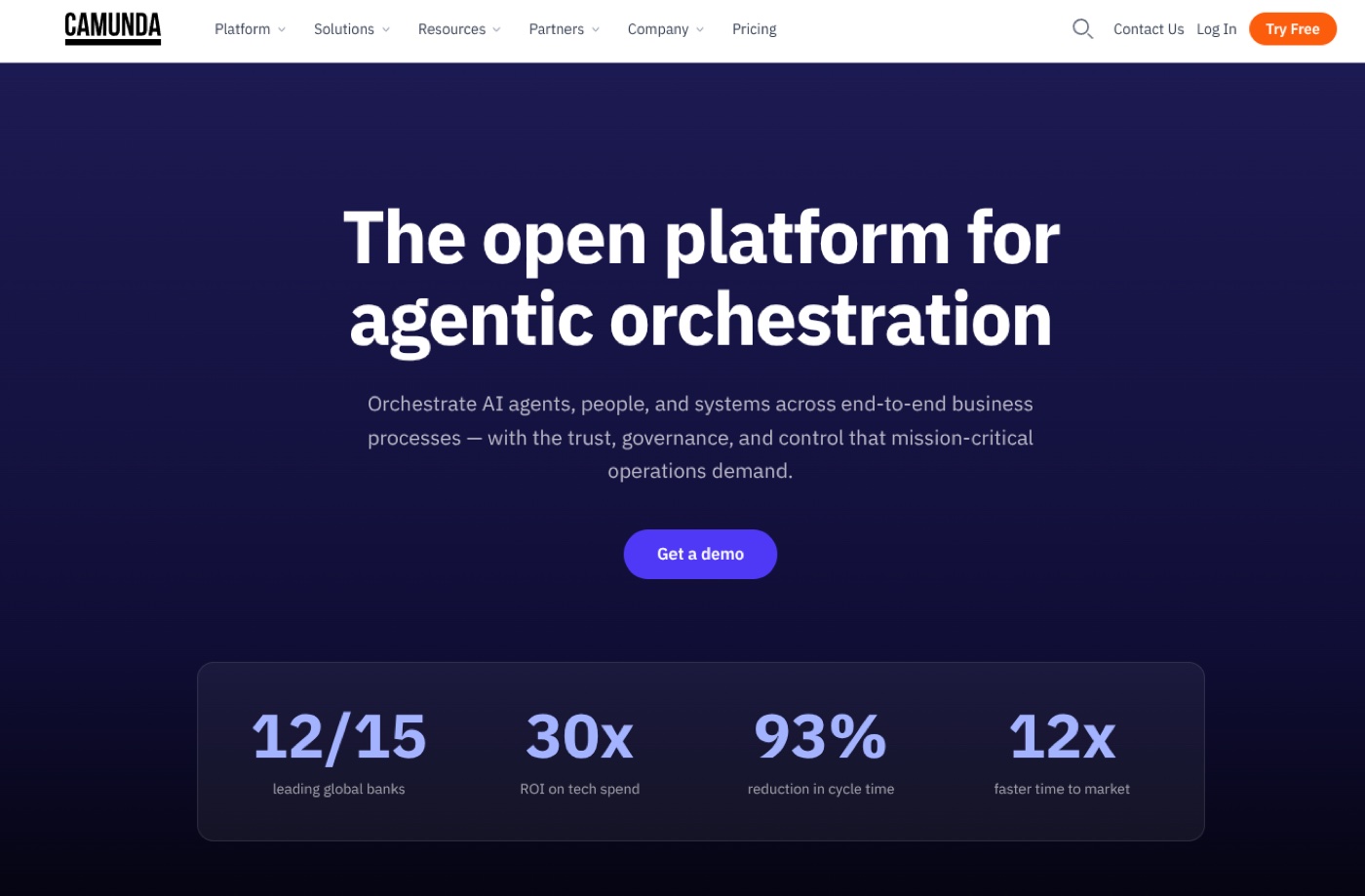
It can also respond to events and hand control to AI agents when a process requires a decision that cannot be defined in advance. The platform uses Zeebe, which distributes process execution across multiple nodes and replicates data across the cluster.
Pricing model: Gives you a free version, and the pricing plans are quote-based. Third-party sources estimate the Enterprise plan at $175,000 for a 12-month contract.
Where users push back: Some Reddit users feel Camunda's Enterprise pricing is too high for smaller businesses. G2 reviews also mention that it's difficult to learn at first, especially for non-technical teams new to BPMN.
Best for / Not for: Camunda works for larger teams with complex workflows and multiple systems that need to operate across the same workflow. Still, it’s not for businesses that only need basic task automation tools for simple, repeatable processes.
2. Pega - Best for case management and rules-driven process automation
Pega orchestrates case-based processes such as customer service, claims handling, and employee service. It brings the required data, decisions, tasks, and people into each case from creation through resolution.
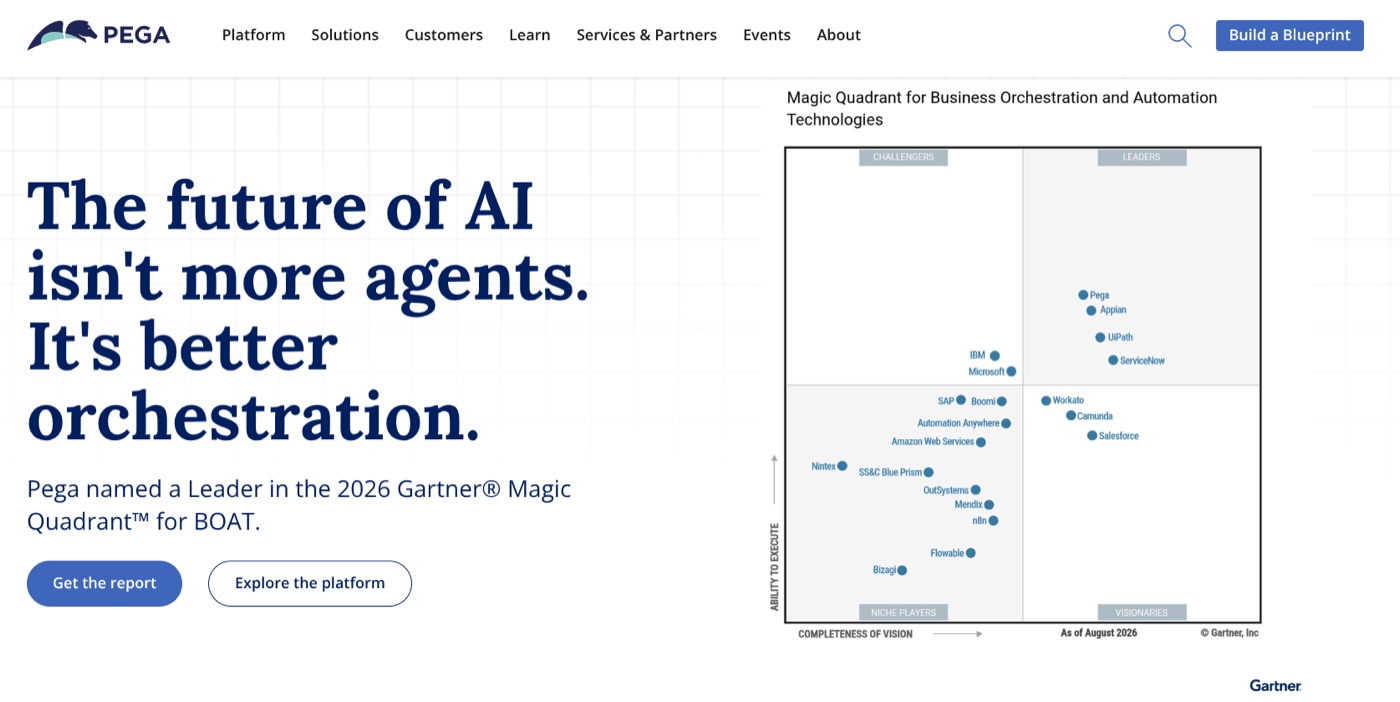
The workflow can change as a case develops. The platform lets users add optional tasks, change the order of work, route assignments based on conditions, and handle exceptions that come up during processing.
Pricing model: Follows custom, contract-based pricing. A third-party estimate puts median buyer spend at around $400,000 per year.
Where users push back: A Reddit thread points to the complexity of working with Pega and the amount of specialized knowledge it can require. A recent G2 review also flags high licensing costs and restrictions around UI customization.
Best for and not for: Pega fits large organizations in industries such as banking and insurance, where complex business processes and decisions carry high consequences. However, it’s not for smaller teams looking for a platform they can roll out quickly for a limited business application, as it takes 7 months to set up.
3. Appian - Best for low-code business process management
Appian automates workflows involving AI agents, people, business rules, RPA bots, and external systems. Its AI can analyze information, make decisions, and take approved actions within a process, while you can route work to a person when human intervention is needed.
It also offers Data Fabric that connects information from different enterprise systems without requiring you to migrate all that data into one repository. Agents can use that information in context and can read and write to source systems under defined permissions.
Pricing model: Tiered subscription pricing, billed per user, per month, per app. Exact pricing is not publicly listed, but independent sites place costs at $75-$200+ per user per month, with enterprise contracts often starting at $100,000 per year.
Where users push back: Appian can get expensive for smaller teams, with platform reviewers specifically mentioning that the cost is high compared with other low-code tools.
Best for and not for: Appian fits organizations replacing fragmented legacy systems and connecting data, AI, people, and existing systems with strong control and auditability. However, it may not suit if you want a low-cost, lightweight tool that is easy to customize and use.
Automation and agentic platforms
Automation and agentic platforms help automate repetitive tasks and business processes. They can also make decisions and adjust what happens next. Traditional automation follows rules you define in advance, while AI agents can interpret information, choose actions, and handle changes as they work.
They apply to workflows where the next step depends on the information available at that point, such as reviewing documents, responding to requests, or deciding when human input is needed. Here are the main platforms in this category:
4. UiPath - Best for RPA-led automation across business applications
UiPath coordinates robots, AI agents, enterprise systems, and people. You can use it for long-running processes where different actors handle different stages, including structured BPMN workflows and case-based work such as lending, claims, and investigations.
It orchestrates with OpenAI, Claude, Gemini, Microsoft Copilot, and custom agents. It also uses semantic scoring, allowing automations to adapt to application changes instead of breaking.
Pricing model: Uses tiered subscriptions, with the basic automation cloud plan starting at $25 per month; Standard and Enterprise plans use custom pricing.
Where users push back: Cost is a recurring issue with UiPath users. A Reddit thread says some clients are moving away from UiPath because of licensing costs, and another reports a steep price increase.
Best for and not for: Appian is a good choice if you want to automate repetitive work involving desktop applications, websites, spreadsheets, and other user-facing software. But it will not fit for automating workflows through APIs alone, and you'll rarely need software robots to interact with application interfaces.
5. Automation Anywhere - Best for intelligent automation with AI-powered digital workers
Automation Anywhere orchestrates business processes where digital tasks need to move between automation, applications, and human decisions. You can use it for document-heavy business operations, data processing, customer service, finance, and other repetitive business tasks.
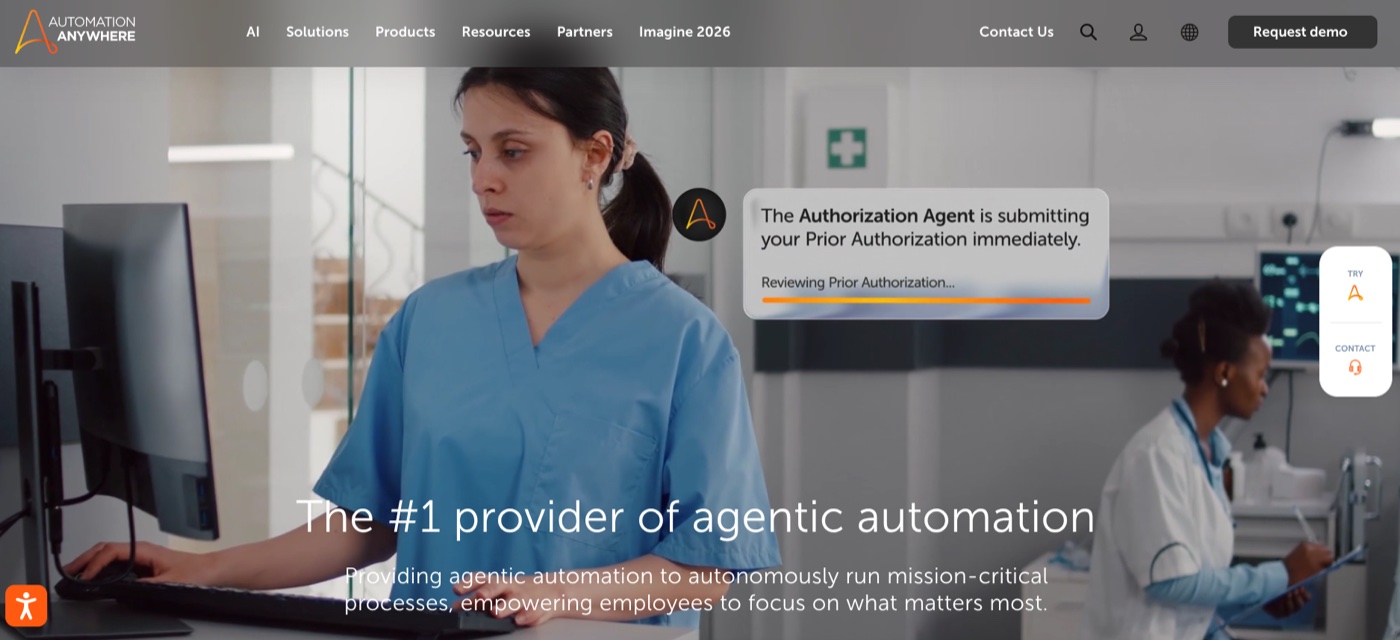
Its differentiator is the Process Reasoning Engine (PRE), which gives AI agents context and reasoning capabilities as they work through business tasks. It supports adaptive, self-healing workflows that can plan, act, and learn from each run.
Pricing model: Custom enterprise pricing, with costs based on the licenses and usage you need. Third-party pricing data indicates that the median annual spend on the platform is around $27,650.
Where users push back: Platform users point to 2 common issues: a learning curve for advanced automation features and limited availability of industry-specific, ready-made templates.
Best for and not for: Automation Anywhere suits mid-sized and large businesses with enough automation work to justify an enterprise-grade platform. But it’s less suitable for teams that need new users to quickly build and troubleshoot advanced automations with minimal training.
Workflow automation and iPaaS
Workflow automation platforms coordinate how work moves from one stage to the next. A trigger can start a task, update a record, send information to another system, or move a request forward without any manual data entry. The focus is on workflow and connectivity.
iPaaS, or Integration Platform as a Service, is for the systems involved in those workflows. It provides cloud-based tools for linking SaaS applications, APIs, and databases, so data can move between them and trigger actions. The following platforms fall in this category:
6. Microsoft Power Automate - Best for Microsoft-centric workflow automation
Microsoft Power Automate orchestrates work between cloud services, business applications, and desktop tasks. In this platform, a cloud flow triggers a desktop flow, passes data into it, and receives output data when the desktop task finishes, allowing the broader workflow to proceed.
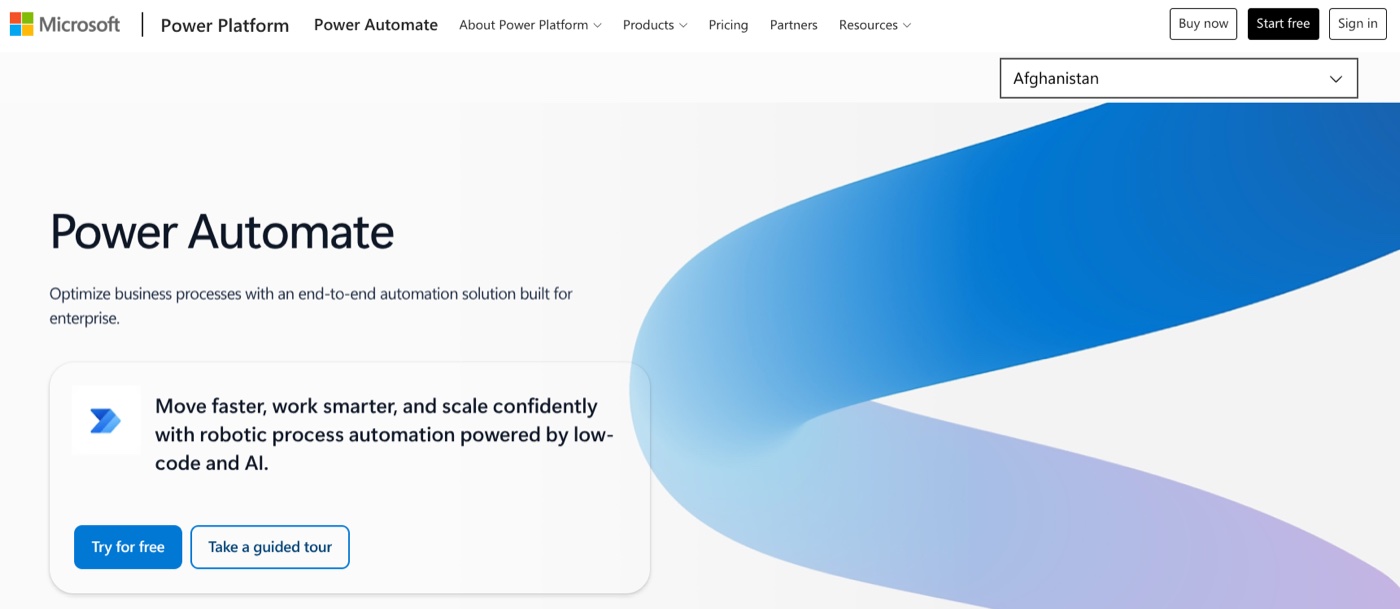
It provides a wide set of connectors and automation options available within the Microsoft Power Platform. It offers services for SharePoint, Excel, Teams, Outlook, OneDrive, and SQL Server, and supports desktop RPA and custom connectors.
Pricing model: Power Automate uses different pricing models based on how you run your automations. For example, Power Automate Premium is priced at $15 per user/month when paid yearly. It covers cloud flows, attended desktop RPA, and process mining. Whereas Power Automate Process is priced per bot at $150 per bot/month for unattended automation.
Where users push back: Reviewers mention the platform’s licensing complexity and inconsistent connector behavior as pain points. A user review platform also points to the difficulty of identifying and fixing errors in more involved automations.
Best for and not for: Power Automate is for teams already working heavily with Microsoft 365 and the wider Power Platform and a weaker fit for teams handling detailed workflows where keeping track of versions, environments, and errors needs to be manageable.
7. Workato - Best for enterprise integration and API-driven automation
Workato orchestrates business workflows by using “recipes” that connect applications, APIs, data sources, and business logic. A recipe can start with an event, run actions, apply conditions or loops, and pass data between systems as the process moves forward.
It lets you reuse workflow logic through recipe functions: build an automation once and call it from other recipes when needed. It also supports API recipes and data pipelines, so the same platform can handle application workflows, API-driven processes, and large-scale data movement.
Pricing model: Workato uses a credit-based pricing model. You choose a platform edition based on the features you need, then pay for usage through Workato credits. Its self-service offering includes a free plan, while the Pro tier costs $100/month for 3,500 credits.
Where users push back: Managing larger Workato environments can make troubleshooting across recipes, APIs, integrations, and AI agents time-consuming, with a platform user calling for better end-to-end tracing, dependency analysis, and asset discovery.
Best for and not for: It’s for teams where business users and technical specialists share responsibility for automation, with the expertise to handle more involved workflows when needed. But it may not work for teams looking for AI to handle complex automation design with minimal technical input.
Enterprise application orchestration
Enterprise application orchestration software brings the different systems involved in a business process into a coordinated sequence of tasks. It manages tasks in the right order, passes information between systems, and handles handoffs that move a process from one application to the next.
Think of processes such as order-to-cash, procure-to-pay, or recruit-to-hire, where ERP, CRM, HR, finance, and other enterprise systems each handle part of the work. The focus is on the whole business process rather than on individual tasks. Here are the tools to consider under this:
8. ServiceNow - Best for IT service and enterprise workflow orchestration
ServiceNow uses remote services, servers, applications, and hardware to orchestrate processes. It coordinates IT and business tasks across different management areas, including employee onboarding, user access, server management, managed file transfers, and security operations. It can also work with external web services and systems.
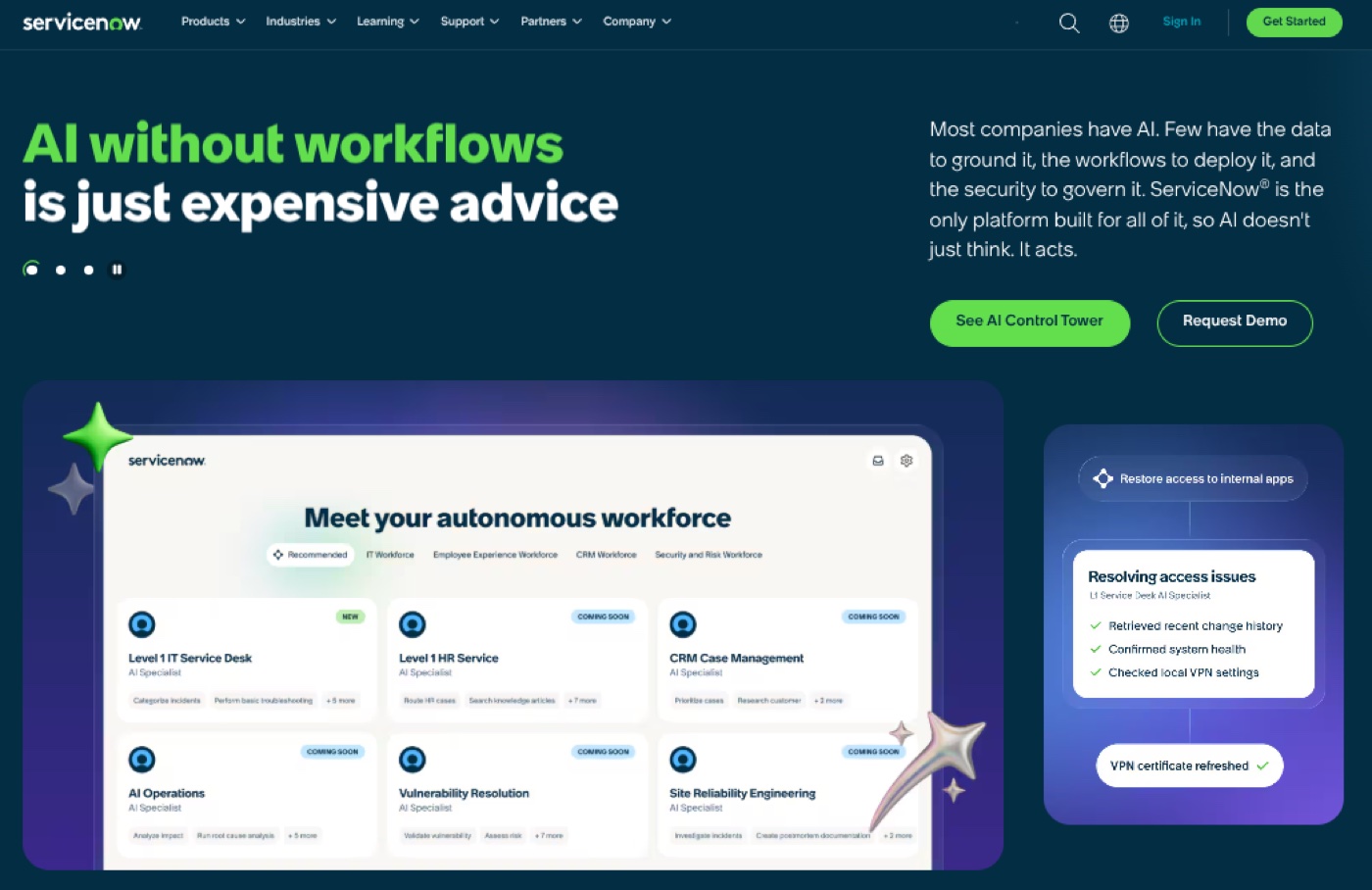
ServiceNow also offers reusable automation components that can be shared across workflows, and it shows which workflows use each component when it is updated.
Pricing model: ServiceNow uses custom pricing rather than a fixed public rate for its automation and orchestration products.
Where users push back: ServiceNow users say customization can make the platform increasingly difficult to manage over time. As teams add custom workflows, scripts, and data structures, the setup can become harder to maintain, making even small changes time-consuming.
Best for and not for: ServiceNow can fit enterprise IT teams with established ServiceNow environments and a need to automate work that covers several IT functions. Meanwhile, it may not work for organizations that lack the internal expertise or operational maturity needed to manage extensive configuration, integrations, and ongoing workflow maintenance.
9. Salesforce - Best for Salesforce-native process automation
Salesforce Flow Orchestration is built to orchestrate multi-step business processes that involve multiple people and stages, such as employee onboarding, where different teams need to complete actions in sequence or in parallel. It does this by stringing existing Salesforce Flows and business processes into a larger orchestration.
It follows a low-code, point-and-click approach, allowing admins to configure automation without traditional programming.
Pricing model: Salesforce Flow Orchestration is included with eligible Salesforce editions at no additional usage-based cost. You still need a qualifying Salesforce subscription to use it.
Where users push back: Users often find Salesforce difficult to learn and configure, especially for more advanced setups.
Best for and not for: It's for teams already working in Salesforce that want admins to build and manage process automation with minimal developer involvement. However, it’s not for businesses that need a low-maintenance automation platform with minimal configuration and a short learning curve.
Where Does Business Process Orchestration Stop?
The line between orchestration and physical execution becomes clearer at each stage of the device lifecycle. Here’s how it breaks down:
Process step | Orchestration handles it? | What happens outside the orchestration layer |
|---|---|---|
Employee approved in HRIS | Yes | — |
User account and application access created | Yes | — |
Device request triggered | Partly | The workflow creates the request, but procurement and fulfillment happen separately |
Device configured and delivered | No | Hardware needs to be sourced, configured, shipped, and tracked |
Employee access revoked | Yes | — |
Device retrieved after offboarding | No | Return logistics, pickup, and device tracking happen separately |
Device processed after return | No | Wiping, inspection, redeployment, resale, or disposal requires a separate process |
Device lifecycle record updated | Partly | The orchestration tool can update a record, but physical status has to come from the device operation |
Firstbase: Orchestrating the Physical Steps
Enterprise orchestration platforms can coordinate what needs to happen across applications, teams, and business processes. It can trigger an HR workflow, create an IT ticket, provision an identity, send an approval, update a record, or hand work from one system to another. The physical device work sits outside that digital process.
Firstbase continues from where that digital process ends, working alongside your existing orchestration tools to handle the physical execution layer of IT device lifecycle management. Here’s how the platform works in action:
Triggered by the same employee events
Your existing employee systems can trigger the device work. Firstbase supports integrations with HRIS and identity platforms, including Workday and Okta, so employee events can initiate the relevant hardware workflow.
Say an employee leaves the company and their Okta account is deactivated. Firstbase can use that event to trigger the device retrieval process, including remote wipe and warehouse refurbishment. The same integration can support onboarding by creating an Okta user when Firstbase adds a new hire.
For systems without a direct integration, Firstbase provides webhooks for onboarding, employee updates, and offboarding. An offboarding webhook, for example, can notify Firstbase that an employee is leaving and trigger the device return process.
This gives each system a clear job in the process. Your enterprise orchestrator can coordinate approvals, employee records, tickets, identity changes, and notifications. Firstbase takes over the device-related work generated by those events.
Executes the physical device work
Firstbase handles procurement, fulfillment, deployment, retrieval, and retirement throughout the device lifecycle. It supports shipping and tracking in 150+ countries through regional fulfillment hubs. This lets you source, store, configure, and ship devices in one operation.
When an employee joins: Firstbase follows a zero-touch deployment model where devices arrive pre-configured, MDM-enrolled, and SSO-ready. With tax-optimized, duty-paid delivery in 2-5 days, employees can receive equipment ready for work without IT manually configuring each laptop.
When an employee leaves: Firstbase sends automated return kits, schedules UPS pickups, and grades returned devices to add back into inventory. That automated process pushes hardware recovery to 97%+, compared with roughly 60-70% with traditional retrieval processes.
When a device is retired: Firstbase supports NIST 800-88-compliant data wiping and generates Certificates of Destruction for certified destruction, helping teams improve asset tracking by 1.8x.
“The main business case for Firstbase was giving time back to the team because our IT team is just two people, myself included. Earnest's KPI for a successful onboarding experience is a 98% CSAT expressed by new hires — no one is complaining about slow laptops, everyone has access to all the apps and systems they need.”
- Francis Calata, VP of Corporate IT, Earnest
Which Orchestration Category Should You Start With?
Start with the orchestration tool that fits your existing systems and workflow requirements. The matrix below compares the main categories by where they fit, where they fall short, and when Firstbase can complement them for device lifecycle work.
Category | Right choice IF | Not the right choice IF | Add Firstbase IF |
|---|---|---|---|
BPM / BPMN platforms | You need structured process modeling, defined process logic, and control over long-running workflows. | Your needs are mainly application connections or task-level automation. | The processes you model include hardware provisioning, retrieval, or retirement. |
Automation and agentic platforms | You need to automate tasks using software bots, AI agents, or a mix of automated actions. | You need formal process modeling and tightly controlled end-to-end process state. | Automated employee workflows include physical device actions. |
Workflow automation and iPaaS | You need to connect applications, move data, and trigger actions between systems. | Your process requires extensive process modeling, human coordination, or long-running state management. | An HR, identity, or IT event needs to trigger a hardware lifecycle action. |
Enterprise application orchestration | You need to coordinate work that covers multiple enterprise applications and business functions. | Your needs are limited to isolated tasks or a small number of application integrations. | Those enterprise processes include device procurement, deployment, retrieval, or retirement. |
Where Orchestration Meets Device Logistics
The orchestration tool you choose sets the structure for how your business processes are coordinated. Firstbase fills a different need when those processes involve physical devices.
It handles the device work outside the software workflow while continuing to sync with the systems already responsible for employee, identity, and IT processes, helping you onboard and offboard 3x faster.
That difference becomes important when your workflows trigger physical device operations for distributed teams.
Firstbase has processed more than 200,000 devices, and it automates more than 75% of device lifecycle management. With its automated retrieval workflows, you can also target a 30% reduction in lost-asset costs within the first year.
Book a demo with Firstbase to see how your software workflows can connect with the device operations they trigger.
Written by
Ahmad Zakaria
Ahmad Zakaria covers IT operations, hardware lifecycle management, and distributed workforce solutions at Firstbase. His content is built from real customer data, operator interviews, and hands-on experience managing devices across 150+ countries.
Get started with
Firstbase today
Remote and hybrid work aren't going anywhere. It's our mission to make it easier to manage the assets your distributed team needs—from onboarding through offboarding and every repair, replacement, and upgrade in between.
Fill out the form and a member from our team will reach out by phone!
Get a Live Demo