Automated Asset Management Tools Compared for Distributed IT Teams
When you look for automated asset management software or tools, you'll get a dozen resources telling you to connect your HRIS, run discovery scans, and set up lifecycle workflows. Solid advice if your endpoints are in…
 Chris HerdJuly 21, 2026
Table of contents
- TL;DR: Automated Asset Management Tools at a Glance
- What Is Automated Asset Management, And Which Type of Problem Are You Solving?
- Automated Asset Management for Centralized IT Teams: What to Automate and Which Tools Do It Well
- Why Does Automated Asset Management Fail for Distributed Teams?
- Which Platforms Actually Automate the Physical Device Lifecycle?
- How to Set Up Automated Discovery for a Fully Distributed Team
- How to Choose The Right Automated Asset Management Tool?
- Which Layer of Asset Management Should Your Team Automate?
When you look for automated asset management software or tools, you'll get a dozen resources telling you to connect your HRIS, run discovery scans, and set up lifecycle workflows. Solid advice if your endpoints are in one building. But it falls apart when your team is spread across countries.
IT managers at distributed companies (especially lean teams of two or three managing 500+ devices globally) already know the gap. The automation runs fine inside the software. It's the physical side of device operations that stays manual: procurement, shipping, retrieval, and certified wipe. That's a different category of problem, and it needs a different category of tooling.
This blog covers both. We'll break down what to automate and which tools handle it, whether you're centralized or distributed, with platforms like Firstbase built specifically for the latter.
TL;DR: Automated Asset Management Tools at a Glance
| Platform | Best For | Software Layer | Physical Execution Layer | Integrations | Coverage |
|---|---|---|---|---|---|
| Firstbase | Distributed teams needing full lifecycle ops | Yes (via ITSM/MDM sync) | Yes (procurement, shipping, retrieval, wipe, redeployment) | 400+ nodes, HRIS, MDM, ITSM | 150+ countries |
| Oomnitza | Asset intelligence and data governance | Yes (discovery, workflows, compliance) | No | 150+ integrations | 190 countries |
| NinjaOne | Unified endpoint management with built-in ITAM | Yes (patching, discovery, ticketing) | No | ServiceNow, public API | Global (software-only) |
| Workwize | Distributed teams with warehouse-based logistics | Limited (directory sync, notifications) | Yes | HRIS, Active Directory, SCIM, Slack | 100+ countries |
| GroWrk | Distributed teams wanting a la carte pricing | Limited (HRIS sync, MDM enrollment) | Yes | 40+ integrations, open API | 150+ countries |
| Lansweeper | Network discovery and inventory for on-prem/hybrid | Yes (agentless and agent-based scanning) | No | CMDB, ITSM exports | Global (software-only) |
| ServiceNow | Enterprise ITSM with embedded ITAM | Yes (CMDB, discovery, ticketing, compliance) | No | Broad enterprise ecosystem | Global (software-only + PaaS) |
| Snipe-IT | Check-in/check-out for shared on-site equipment | Yes (custody tracking, audit logs) | No | Open-source, self-hosted, or cloud | Global (software-only) |
| Freshservice | Mid-market ITSM with HRIS-triggered asset workflows | Yes (HRIS integration, auto-assignment) | No | HRIS, ITSM native | Global (software-only) |
What Is Automated Asset Management, And Which Type of Problem Are You Solving?
At its simplest, Automated asset management is the practice of replacing manual tracking (spreadsheets, ticket queues, verbal handoffs) with systems that handle discovery, record-keeping, and lifecycle workflows without human intervention.
In practice, that breaks into two distinct workflows depending on how your team is set up.
Centralized IT teams (devices in offices, labs, or warehouses) need automation for:
- Asset discovery and network scanning
- Check-in/check-out tracking
- License management and compliance
- Integrated ticketing for repairs and replacements
Distributed IT teams (devices in 10, 20, 50+ countries) need all of that, plus automation for:
- Procuring and shipping devices to employees globally
- Retrieving hardware from departing employees across borders
- Certified data destruction before redeployment
- Real-time tracking of devices in transit, at repair, or in storage
Automated Asset Management for Centralized IT Teams: What to Automate and Which Tools Do It Well
If your devices are mostly in offices or on-site, the automation priorities are straightforward. Here's what to focus on and which platforms handle each one well.
Automated discovery
You need agents or network scans that find every endpoint. For example, Lansweeper runs agentless scans across on-prem and hybrid environments and feeds everything into a single asset inventory. ServiceNow ties discovery data directly into its CMDB, so asset records stay linked to incidents and changes.
Check-in/check-out and physical tracking
For shared equipment, loaners, or lab devices, you need a system that tracks custody. Snipe-IT is free, open-source, and built specifically for this. Asset Panda is a paid alternative with barcode/QR scanning and configurable workflows.
HRIS and ticketing integration
A new hire in your HRIS should trigger a device assignment, and termination should trigger a return. Freshservice handles this well for mid-market teams; it connects HRIS events to ITSM workflows and auto-assigns assets from inventory. ServiceNow does the same at enterprise scale with more configuration overhead.
License compliance
ManageEngine AssetExplorer and ServiceNow both track software deployments against entitlements and flag compliance gaps before an audit does.
These tools are built for environments where IT can physically touch the device. Someone walks to a stockroom, grabs a laptop, images it, and hands it over. The automation handles the recordkeeping and the workflows around that handoff.
Why Does Automated Asset Management Fail for Distributed Teams?
Distributed teams don't have an IT person (or a stockroom) at the other end of every action. Let's see what breaks in such cases:
Say, an HR flags a new hire in São Paulo. The HRIS triggers a ticket. But who sources the laptop locally, handles customs, configures it, and gets it delivered in under a week? That's still a person on your team sending emails and tracking shipments.
When a termination event is triggered in Workday, a ServiceNow retrieval ticket opens. And then it sits there. According to Gartner, many enterprises have a retrieval rate of 50% at best on laptops. The ticket existed; the device just never came back.
Devices in transit, at repair, sitting in a regional warehouse, or on a shelf in someone's home office don't show up in network scans. They're invisible to agent-based discovery until someone powers them on and connects to your VPN. For distributed teams, that can be weeks or months.
The software layer is doing its job. The problem is that there's no execution layer underneath it.
Which Platforms Actually Automate the Physical Device Lifecycle?
A few platforms go beyond records and tickets to handle what happens to devices in the real world.
Firstbase
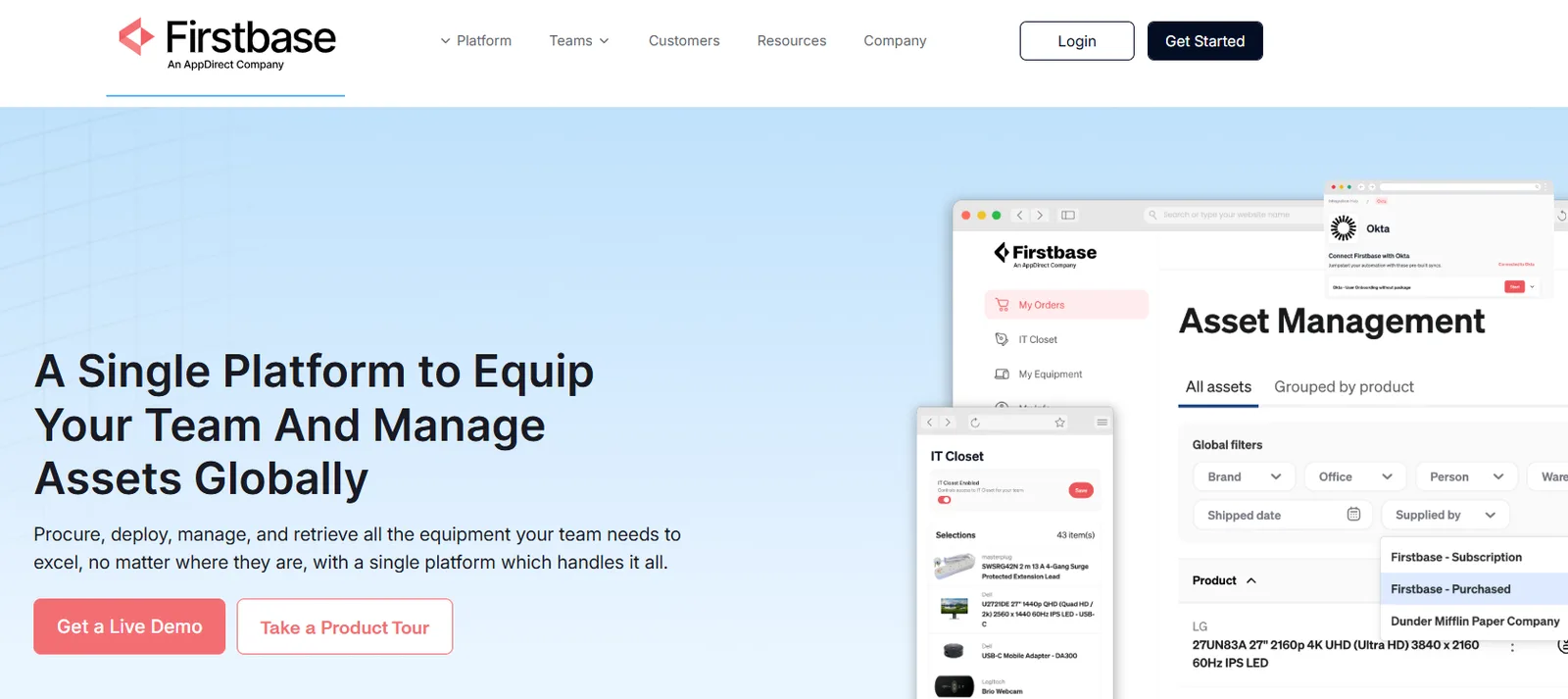
Firstbase is a device lifecycle management system built for distributed teams. It handles procurement, global shipping, retrieval, certified data destruction, and redeployment from a single platform, with warehouse coverage across 50+ countries.
Instead of IT coordinating logistics manually, Firstbase executes physical device operations triggered by HRIS events (Workday, BambooHR) and syncs every movement back to your ITSM and MDM tools.
Highlights
- Automated retrieval with prepaid return kits and courier pickup: 90%+ retrieval rate, compared to the 30-50% industry average.
- Global procurement and delivery across 150+ countries, with customs and VAT handled; devices can reach employees within 2-5 days in major markets.
- NIST 800-88 certified data wipes with auto-generated Certificates of Destruction; full retrieval-to-redeployment cycle completes in under 30 days.
- Workflows builder with 400+ integration nodes for conditional approval routing, status notifications, ITSM ticket creation, and retrieval escalation sequences.
- Device reuse and redeployment pipeline where returned devices are graded, wiped, and fed back into deployable inventory, with customers recovering up to $175,000+ in asset value through reuse.
Firstbase customers report 1.8x better asset tracking and $125 saved per departing employee on offboarding costs. Take a self-guided product tour to see the platform in action.
How it handles automation
HRIS-triggered events (new hire, termination, department change) automatically initiate physical workflows. A termination in Workday creates a ticket, sends a return kit to the employee's address, schedules a courier pickup, and updates asset records once the device is returned and wiped.
"We integrated Firstbase into Workday, our HRIS system, which extends the automated zero-touch experience into the retrieval process. As employees exit, HR updates their employment status in Workday, which in turn feeds directly to Firstbase. Every night, the return process initiates automatically."
Thomas Olsen, Manager of IT Program Management, New Relic
The platform's AI-assisted workflow builder also lets IT teams create custom automation using natural language, like escalation sequences when a retrieval stalls or department-specific approval chains.
Limitations
Shipping times in certain regions can run longer than expected, though this is often carrier-dependent rather than platform-specific. Some users have also flagged a need for more granular reporting, like per-warehouse inventory filters.
Oomnitza
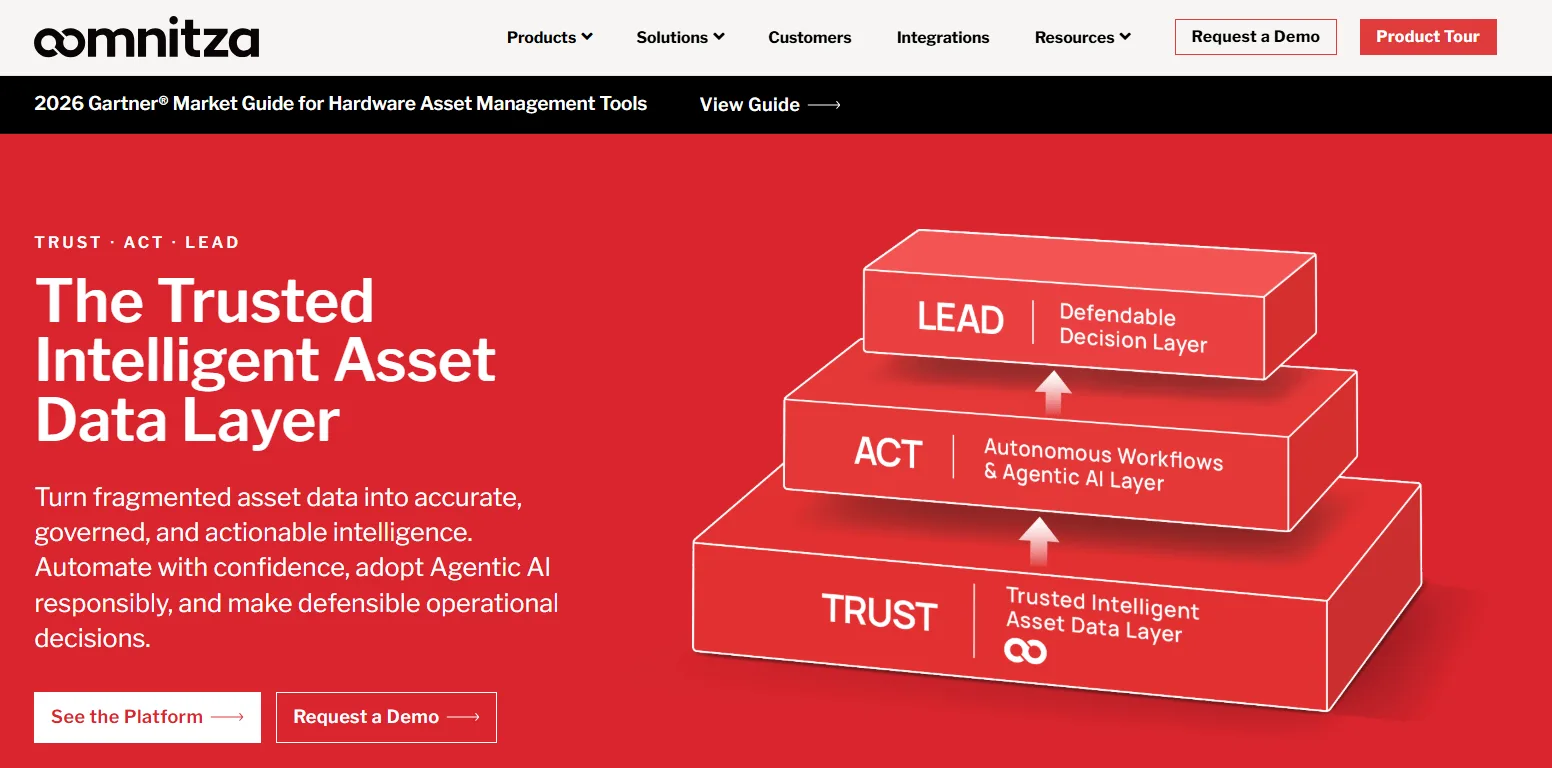
Oomnitza positions itself as an intelligent asset data layer. It pulls fragmented device data from across your HR, ITSM, CMDB, security, and procurement systems into a single reconciled view.
The platform normalizes and deduplicates records through bidirectional integrations, so changes in one system (say, an HRIS termination) automatically propagate everywhere else. It's built more for asset intelligence and governance than for physical logistics.
Highlights
- 1,500+ pre-built connectors plus REST API support for connecting to any system in your stack
- Automated onboarding and offboarding workflows that trigger across connected systems when employee status changes
- Asset health monitoring that flags issues before they turn into downtime or unplanned spend
- Agentic AI capabilities for powering autonomous workflows and feeding trusted asset context into ITSM, CMDB, and enterprise automation tools
- SOC 2 and GDPR audited, with compliance tracking that helps close security gaps ahead of audits
How it handles automation
Oomnitza automates the data and workflow layer of the IT asset management process. When an employee is offboarded in your HRIS, connected workflows can trigger ticket creation, access revocation, and record updates across systems. It keeps your asset data accurate and your processes consistent. But the physical side (shipping, retrieval, wipe) isn't something it executes.
Limitations
The platform has a steep learning curve; setup, schema design, and workflow logic require strong technical ownership to get right. Non-serialized asset tracking requires workarounds, and some users flag reporting and self-service workflow creation as areas for improvement.
NinjaOne
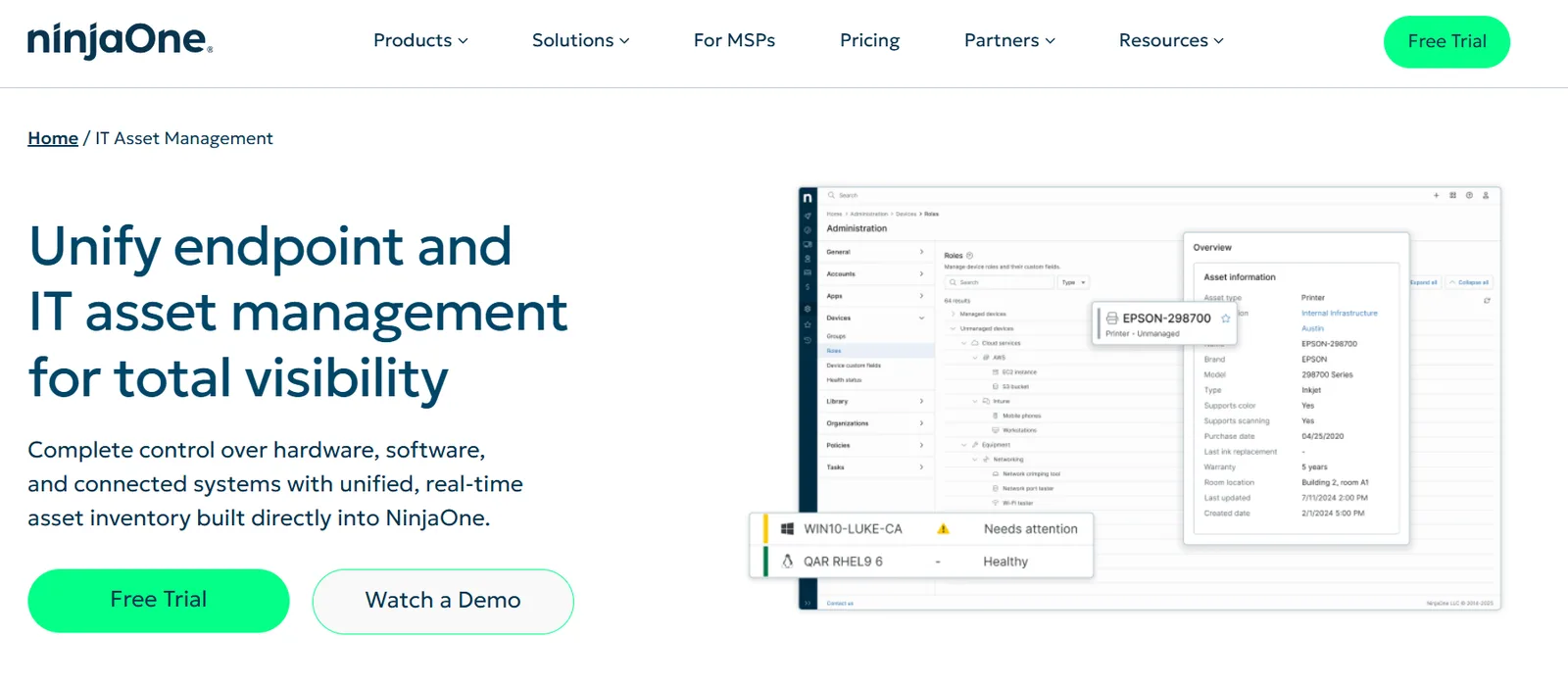
NinjaOne is a unified endpoint management platform with a built-in IT asset management solution. It combines device monitoring, patching, remote access, and asset tracking into a single console, which makes it a strong fit for IT teams that want endpoint control and asset visibility in one tool.
Its ITAM capabilities pull in managed, unmanaged, and offline assets into a real-time inventory alongside the endpoint data it already collects.
Highlights
- AI-powered Patch Intelligence that identifies and blocks problematic updates before they deploy, automating vulnerability remediation across the fleet.
- Shadow IT and rogue device detection that surfaces unmanaged endpoints (IoT, desk phones, legacy systems) and maps them for remediation or decommissioning
- Software license management with usage tracking, renewal monitoring, and compliance reporting to reduce overspend and stay audit-ready
- Relationship mapping and dependency visualization that shows how devices, applications, and users connect, useful for change impact planning and incident response
- ServiceNow and ITSM integrations via public API for automating asset updates, ticket workflows, and license management across systems
How it handles automation
NinjaOne automates the endpoint and software layer well. Patch deployment runs on intelligent scheduling; asset information is updated in real time by endpoint agents; and tickets are generated with full device context attached.
But its automation scope is limited to the management and security of IT assets. Physical lifecycle operations such as procurement, shipping, retrieval, and disposition aren't handled by the platform.
Limitations
File size restrictions in deployment packages can force workarounds for larger application rollouts. Reporting flexibility is a common complaint; users say they cannot run grouped device-level software reports. The Remote Desktop feature also lacks per-user credential saving, which creates shared credential issues for security-conscious teams.
Workwize
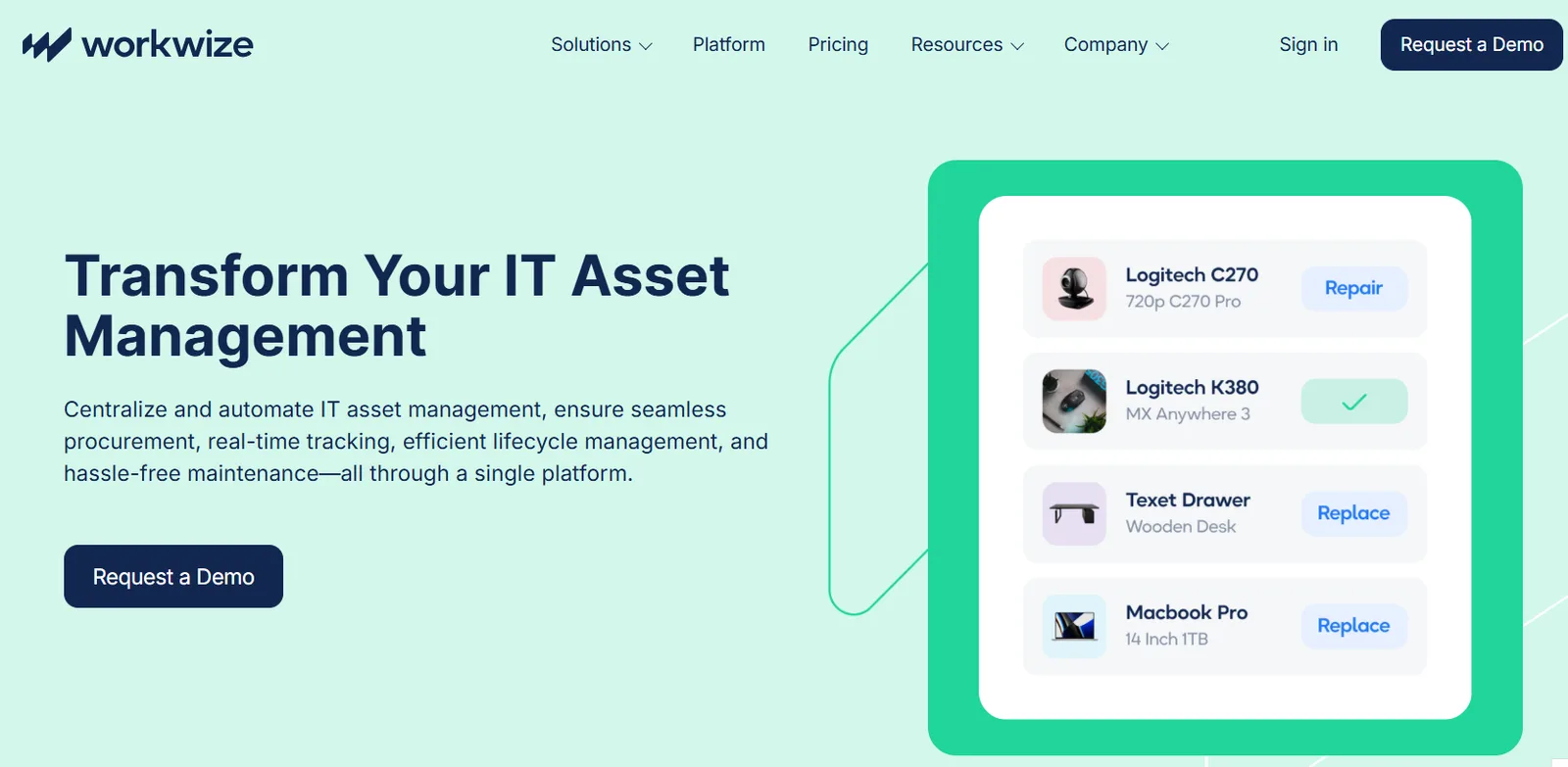
Workwize is a global IT asset lifecycle management platform built for distributed teams. It connects procurement, deployment, retrieval, and disposal through a single dashboard linked to its own network of local warehouses across 100+ countries (with physical warehouse locations in the EU, UK, US, and several other regions).
The platform pairs asset management with vendor relationships and warehouse operational efficiency, so IT teams can manage hardware logistics without building their own supply chain.
Highlights
- Zero-touch deployment with pre-configured laptops enrolled in Apple Business Manager or Windows Autopilot, shipped from local warehouses to employees within days
- Automated retrieval with scheduled courier pickups triggered during offboarding, plus storage in local warehouses for quick redeployment
- Self-service employee portal where employees can request devices directly, with real-time stock visibility and automated approval workflows
- Native HRIS and directory integrations (Active Directory, SCIM) for automated user provisioning, plus Slack notifications for status updates
- End-of-life disposal options, including certified wipe, recycling, resale through their marketplace, or repurposing phased-out equipment
How it handles automation
Workwize automates the physical lifecycle end-to-end. HRIS or directory sync triggers provisioning; devices ship pre-configured from the nearest warehouse. On offboarding, retrieval workflows schedule courier pickups, and returned devices get stored locally for redeployment.
Where Firstbase goes further is in asset-level automation: scheduled workflows that flag devices due for refresh and auto-sync inventory changes to your CMDB without manual entry. These also trigger compliance workflows (security notifications, ITSM audit logs) the moment a device is flagged for disposition.
Limitations
Courier pickups for returned devices can be slower in LATAM and parts of APAC. Product availability notifications are lacking. If a device goes out of stock, IT typically only finds out when placing an order. Costs can also scale up quickly if you're managing a large fleet across many regions.
GroWrk
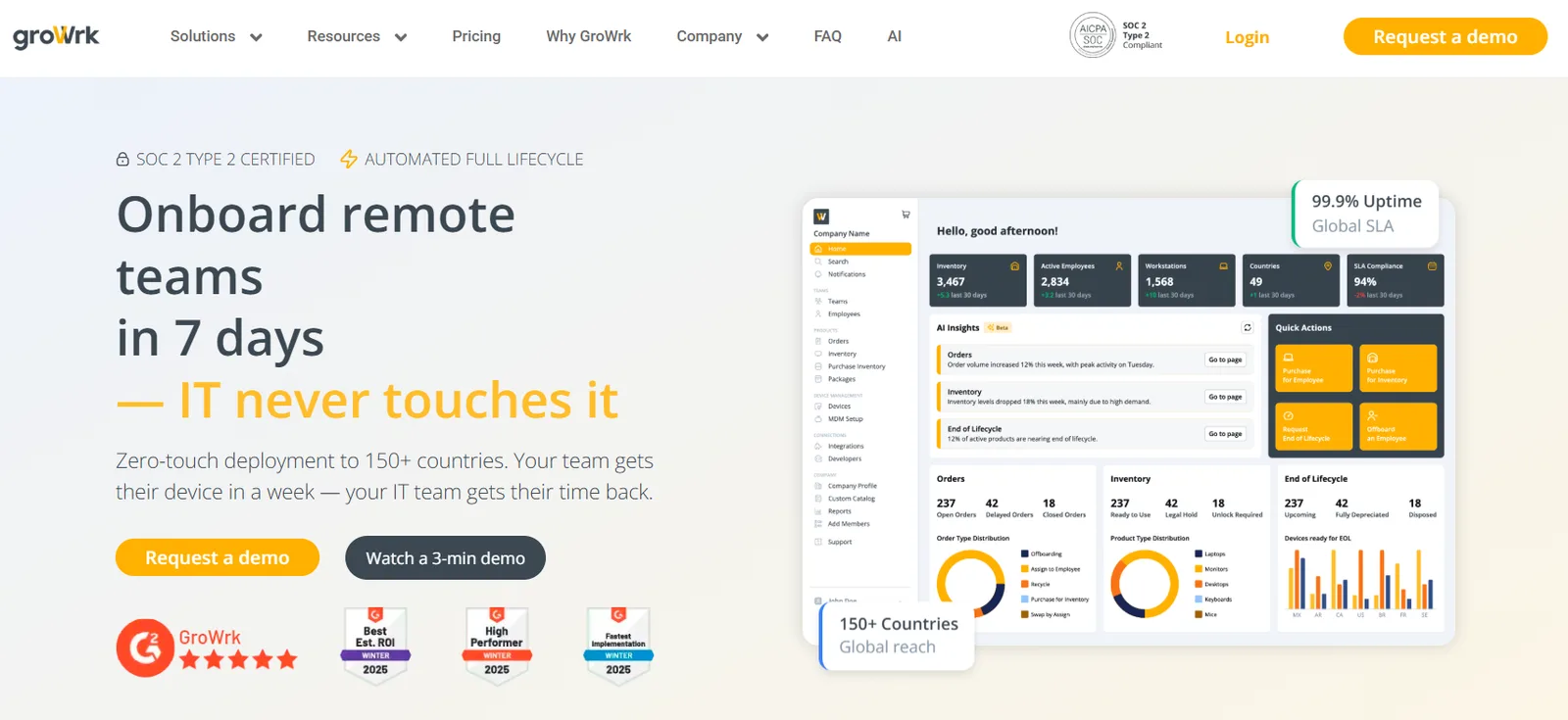
GroWrk is a remote hardware lifecycle platform that handles procurement, deployment, retrieval, and disposal across 150+ countries. The platform runs on an a la carte pricing model where you pay only for the services you use (procurement, retrieval, or storage), with the platform itself available for free.
It's SOC 2 Type 2 certified and offers zero-touch deployment with devices reaching employees within seven days.
Highlights
- Two-click offboarding for device retrievals and redeployments through their global warehouse network, with end-of-life options for recycling, resale, or disposal handled in-platform
- MDM-ready device delivery with pre-configured specs for macOS, Windows, or Linux, including remote access and SSO setup before the device ships
- 40+ integrations that sync with existing workflows, plus an open API for custom builds
- Automated compliance reporting and monitoring backed by enterprise-grade data protection and independent security audits
- An AI-powered help desk that covers platform questions, order status tracking, and technical troubleshooting alongside their human support team for urgent global issues
How it handles automation
GroWrk automates procurement, deployment, and retrieval through its platform with HRIS syncing and MDM enrollment handled pre-shipment. Retrieval and redeployment run through global warehouses, and end-of-life disposal happens in-platform.
Compared to Firstbase, it offers fewer integrations (40+ vs. 400+), and there's no equivalent to Firstbase's asset-level automation for scheduled refresh alerts, inventory-to-CMDB syncing, or compliance workflows triggered at disposition.
Limitations
The platform can be buggy, particularly with custom-spec orders, where specs sometimes change after placement. Retrieval tracking is a pain point; users report difficulty understanding where a device is in the process, with dashboard updates lagging behind actual status.
How to Set Up Automated Discovery for a Fully Distributed Team
If your devices are spread across countries and home offices, discovery isn't a single tool problem. It's a layered setup. Let's show how to build an automated discovery setup.
Step 1: Audit what you actually have
Before automating anything, get a count. How many devices exist, where are they, how old are they, and are any unaccounted for? Most IT teams will already have this data in some form, even if it's scattered across spreadsheets, MDM dashboards, and HRIS records. Pull it together into one view, even a rough one. You can't automate what you haven't inventoried.
Step 2: Layer your discovery methods
No single discovery approach covers a distributed fleet. You need agent-based discovery (through your MDM like Jamf, Intune, or Kandji) for managed endpoints, network scanning tools for office-based devices, and HRIS or directory sync (Active Directory, Okta, SCIM) for tying devices to employee records. Each layer catches what the others miss.
Step 3: Make your HRIS the lifecycle trigger
Your HRIS should be the starting point for every device event. New hire created in Workday? That triggers procurement. Termination processed? That triggers retrieval. Department change? That triggers a config update. If your HRIS isn't connected to your provisioning and retrieval workflows, every lifecycle event still requires manual IT coordination.
Step 4: Automate physical device movements into your records
This is where distributed teams get stuck. Discovery tools track what's on the network. But devices in transit, at a warehouse, in repair, or sitting in an ex-employee's apartment aren't on any network.
Platforms like Firstbase close this gap by automatically updating asset records when a device ships, is received, is retrieved, or completes a wipe, so your inventory reflects physical reality and not just network presence.
How to Choose The Right Automated Asset Management Tool?
If you're evaluating tools, the software layer (discovery, records, workflows) and the physical execution layer (procurement, shipping, retrieval, wipe, redeployment) require different capabilities. Some tools cover one; very few cover both. Here's how to map them.
| Criteria | Software Layer | Physical Execution Layer |
|---|---|---|
| Discovery and inventory management | Agent-based and network scanning across endpoints | Tracks devices in transit, at the warehouse, in repair, and with ex-employees |
| Lifecycle triggers | HRIS integration fires tickets and records updates | HRIS events trigger procurement, shipping, and retrieval automatically |
| Offboarding | Creates a retrieval ticket and revokes access | Sends return kit, schedules courier, processes device back into inventory |
| Data destruction | Triggers remote wipe via MDM | NIST 800-88 certified physical wipe with Certificate of Destruction |
| Redeployment | Updates records when the device is reassigned | Grades, wipes, repairs, and returns the device to deployable inventory |
| Geographic coverage | Works wherever agents are installed | Requires warehouse network and carrier partnerships across regions |
Firstbase is the only platform in this comparison that fills both columns. The results reflect that: customers have automated 75% of manual lifecycle work, saved 250+ IT hours while doubling headcount with the same three-person IT team, and retrieved 1.5x more laptops for cost-saving reuse.
Which Layer of Asset Management Should Your Team Automate?
Centralized teams have plenty of tools to automate records, tickets, and scanning. Distributed teams need all of that, plus a platform that actually moves the hardware.
Firstbase serves a category most ITAM tools don't touch. It's the execution layer that turns HRIS events into shipped devices, returned laptops, certified wipes, and redeployable inventory, all without your IT team coordinating any of it manually. And it connects to the software layer tools you already run (your MDM, ITSM, CMDB) through hundreds of integration nodes, so both layers stay in sync.
IT teams using Firstbase have saved 700+ hours on logistics coordination alone and freed up 10 to 15 hours per week to spend on strategic work instead of tracking shipments. Book a demo to see how it maps to your environment.
Written by
Chris Herd
Chris Herd is the visionary founder and CEO of Firstbase, recently acquired by AppDirect, who pioneered the end-to-end hardware provisioning platform now used by tens of thousands of remote employees. Including employees from Spotify, UI Path, Verint and WeWork. With roots in fintech, Chris experienced firsthand the logistical pains of remote hardware management. His company has since scaled, backed by top-tier investors like Andreessen Horowitz and Kleiner Perkins, before its recent strategic acquisition. As an outspoken champion of remote-first culture, Chris continues to shape how companies equip, empower, and trust their distributed teams.
Get started with
Firstbase today
Remote and hybrid work aren't going anywhere. It's our mission to make it easier to manage the assets your distributed team needs—from onboarding through offboarding and every repair, replacement, and upgrade in between.
Fill out the form and a member from our team will reach out by phone!
Get a Live Demo