Best Automated Asset Inventory Discovery Tools for Distributed Device Management
Discovery tools and ITAM databases solve different problems, but most IT teams are forced to treat them as one. As an IT manager pointed out on Reddit, even all-in-one platforms like ServiceNow or Jira Asset Discovery…
 Chris HerdJuly 21, 2026
Table of contents
- TL;DR: Which Tool Handles Which Layers of Automated Asset Inventory Discovery
- Why Does Manual Asset Tracking Break When Teams Go Distributed?
- What Are the 5 Layers a Distributed IT Asset Inventory Actually Needs?
- What Does "Automated Asset Discovery" Actually Mean for a Distributed Fleet?
- How to Set Up Automated Discovery for a Fully Distributed Team
- How Do You Measure Whether Your Automated Asset Inventory Is Actually Working?
Discovery tools and ITAM databases solve different problems, but most IT teams are forced to treat them as one. As an IT manager pointed out on Reddit, even all-in-one platforms like ServiceNow or Jira Asset Discovery still require you to "separately maintain the scanning and the ITAM/CMDB processes." That's already an issue. But the bigger issue? Neither system tracks devices that aren't on your network.
For distributed teams, that's the default state: devices in transit, laptops awaiting deployment, and equipment never retrieved after offboarding. These assets drop out of your records without triggering a single alert while your CMDB still shows them as active.
This guide breaks down the five layers a distributed IT infrastructure actually needs to keep asset inventory accurate through every shipment, retrieval, and redeployment, not just at scan time.
TL;DR: Which Tool Handles Which Layers of Automated Asset Inventory Discovery
| Tool | Discovery | Data Normalization | Integration | Lifecycle Triggers | Physical Execution |
|---|---|---|---|---|---|
| Firstbase | Physical IT asset discovery (real-time tracking of every serial number, device location, status, and custody across warehouse, in-transit, deployed, and returned states) | Yes (serial-to-employee records with full chain of custody) | Yes (400+ nodes, HRIS/ITSM/MDM connectors) | Yes (Workflows with conditional logic, timing controls, escalation) | Yes (procurement, global shipping, retrieval, certified wipe, redeployment) |
| CrowdStrike | Yes (agent-based, network, cloud) | Partial (security-focused normalization) | Yes (API, SIEM integrations) | No | No |
| Armis | Yes (agentless discovery, IT/OT/IoT devices) | Partial (asset classification and risk scoring) | Yes (security stack integrations) | No | No |
| Lansweeper | Yes (agentless network scanning) | Yes (single hardware + software inventory) | Yes (CMDB/ITSM connectors) | Partial (lifecycle stages tracked, limited automation) | No |
| ManageEngine | Yes (agent + network + barcode/RFID) | Yes (central repository across sites) | Yes (built-in ITSM) | Partial (scheduled scans, change notifications) | No |
| Jamf | Partial (enrolled Apple devices only) | Yes (standardized Apple inventory) | Yes (Apple Business Manager, identity providers) | Partial (zero-touch deployment, auto inventory) | No |
| Intune | Partial (enrolled devices only) | Yes (cross-platform normalization) | Yes (deep Entra ID/Microsoft 365 integration) | Partial (conditional access, compliance policies) | No |
See Firstbase in action
Track every device from procurement to redeployment
Customers report saving 270 IT hours after moving device logistics to Firstbase. Take a self-guided tour to see the platform in action.
Take a Self-Guided Tour →Why Does Manual Asset Tracking Break When Teams Go Distributed?
A 500-person company in one building can run asset tracking on spreadsheets and ticket queues and get by. It's messy, but it works well enough. The real break happens when geography enters the picture. Say, your first hire in another country or the first offboarding where nobody's around to collect the laptop.
That's the threshold. And once you cross it, three things start going wrong at the same time.
A scan runs, and your CMDB is accurate for maybe 48 hours. Then a device is shipped to a new hire in Lisbon, and another goes out for repair. Then you find a returned laptop lands in a warehouse. None of those movements trigger a record update because they're physical events, and your discovery tool only watches the network. By the end of your work week, the inventory and your reality are two different things.
The ticket closes. The IT sent a return label, or maybe a Slack message. But the device is still in someone's apartment. You won't notice, until a license audit or a refresh cycle turns up a laptop that's been marked "active" for months with zero check-ins.
Sourcing, configuring, and shipping a device to a new country takes weeks. So teams start over-purchasing to keep a buffer. But without complete visibility into what's in storage or available for reuse, the buffer becomes its own black hole of untracked inventory.
What Are the 5 Layers a Distributed IT Asset Inventory Actually Needs?
A scalable asset inventory for a hybrid environment has five layers, and each one depends on the layer before it.
Teams build the first three layers well, partially configure the fourth layer, and leave the fifth layer entirely manual. That fifth layer is where IT staff burn roughly 500 hours per year on coordination work that should be automated.
This is where most teams start. You pick a tool (or a combination) that scans your entire network, queries your MDM, or pulls data from your cloud environments. For distributed teams, the catch is that this layer only sees devices that are online and enrolled. Anything in transit, in storage, or unprovisioned is invisible.
If you're running two or three discovery sources (and most distributed teams are), someone has to reconcile those records into a single, consistent format without duplicate entries, conflicting fields, or missing attributes. This layer is where your CMDB or ITAM database turns raw scan data into something you can actually trust.
This layer connects your HRIS, ITSM, MDM, and CMDB tools, so data moves without someone manually copying it between dashboards. Most teams get this partially right using native connectors or middleware such as Workato or Zapier. But the connections are usually unidirectional and limited to tools with prebuilt connectors.
A lifecycle trigger is an automated action that fires based on a device event, such as a new hire being added to your HRIS or a lease expiration. In practice, most teams have some triggers configured (maybe onboarding creates an ITSM ticket), but leave the rest to manual follow-ups.
This is the layer almost nobody automates, and it's the one that eats the most time. Physical execution refers to the actual logistics: procuring a device, shipping it across a border, clearing customs, delivering it to an employee's door, retrieving it after offboarding, wiping it to NIST 800-88 standards, grading it, and making it available for redeployment. For a company with everyone in one office, this layer is a walk down the hall. For a distributed team across 15 countries, it's weeks of coordination per device. And because none of the tools in layers 1 through 4 handle physical logistics, this work falls to IT staff doing it manually: emailing shipping providers, tracking customs paperwork, and chasing return labels.
What Does "Automated Asset Discovery" Actually Mean for a Distributed Fleet?
Now that we know the layers, let's take a look at the tools that serve them.
Network security discovery
These platforms scan your IT environment to map your attack surface. They find managed and unmanaged devices and help security teams understand what's connected and what's at risk.
CrowdStrike
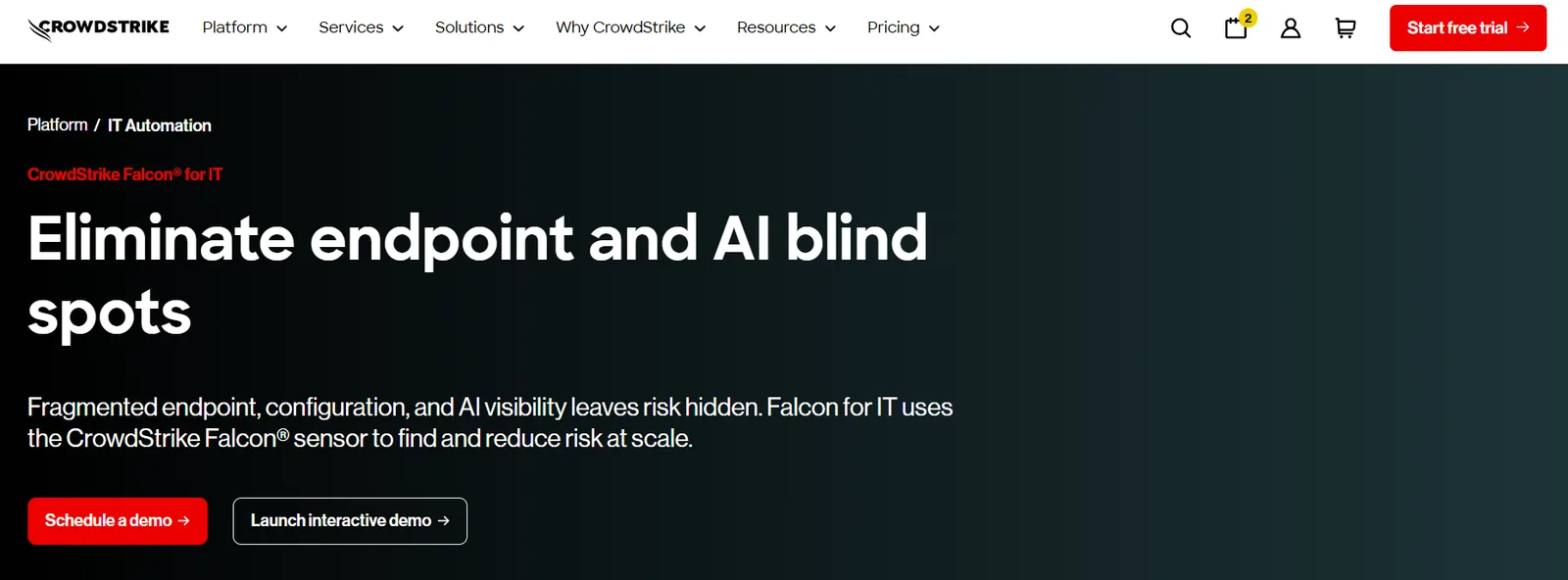
CrowdStrike uses its Falcon agent as a distributed scanner across endpoints, cloud workloads, and networks. It finds unmanaged AI tools, identifies configuration drift, maps cryptographic risk, and prioritizes vulnerability management using its ExPRT.AI engine.
It's built for SOC teams that need continuous visibility into what's on the network and whether it's a threat. It doesn't track where a physical device is sitting between purchase and enrollment.
Armis
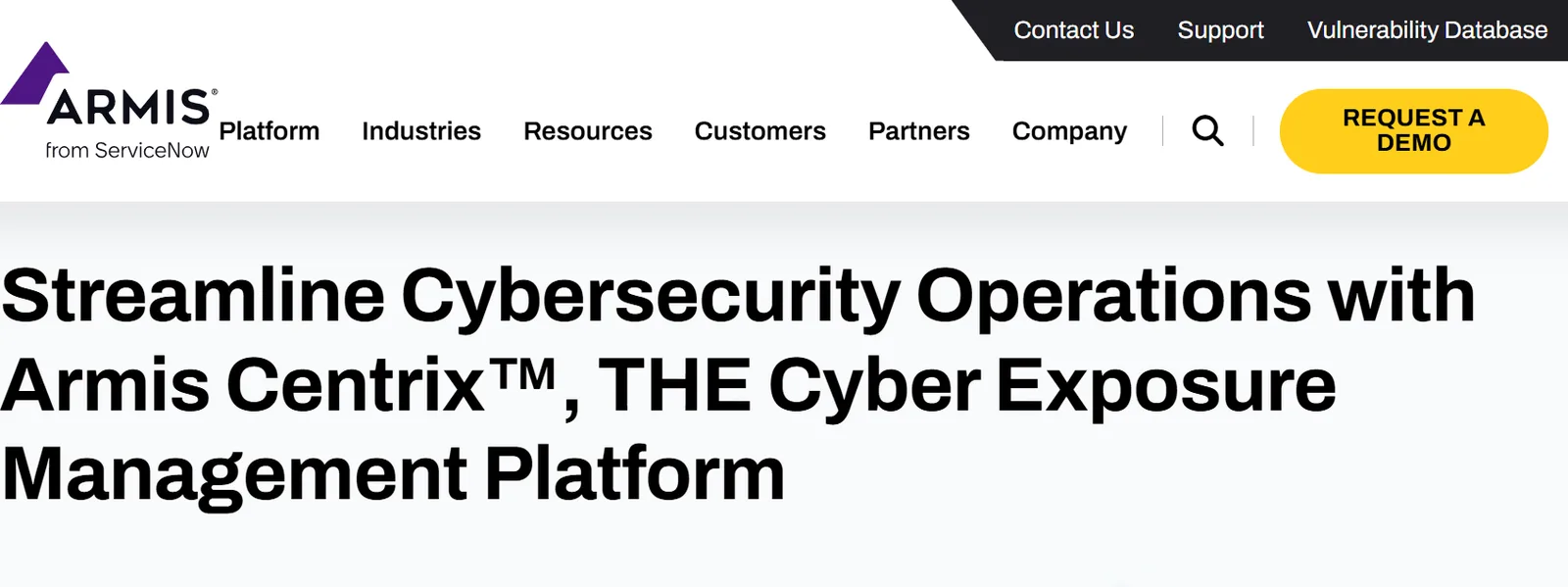
Armis takes an agentless approach through its Centrix platform, continuous monitoring network traffic to discover and classify every connected asset, including IT, OT, IoT, and IoMT devices. Its Asset Intelligence Engine tracks over a billion devices to score security risks and detect anomalies in real time.
Like CrowdStrike, the focus is on cybersecurity exposure management. It gives you network discovery. It can't tell you about a laptop that's in a FedEx truck.
ITAM software discovery
ITAM discovery tools scan networks to build and maintain a hardware and software assets inventory. They're closer to what an IT manager needs for day-to-day IT asset management and tracking, pulling serial numbers, OS versions, warranty data, and license compliance into a central record.
Lansweeper
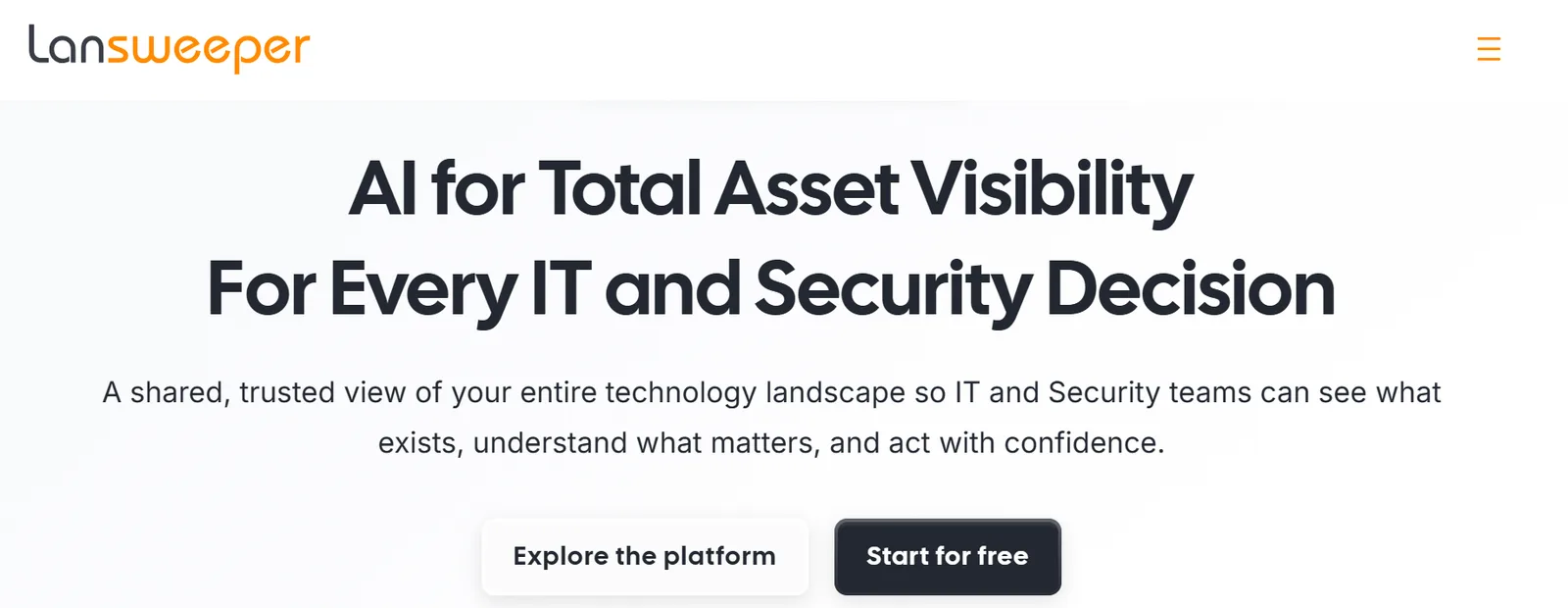
Lansweeper automatically discovers and catalogs IT, OT, IoT, and cloud assets across your environment. It continuously refreshes asset data, tracks hardware specs and configurations, monitors software licenses and deployments usage, and feeds everything into a single inventory.
It also handles asset lifecycle stages from procurement to retirement. But it still depends on devices being network-reachable. A device in a warehouse or in transit doesn't get scanned.
ManageEngine
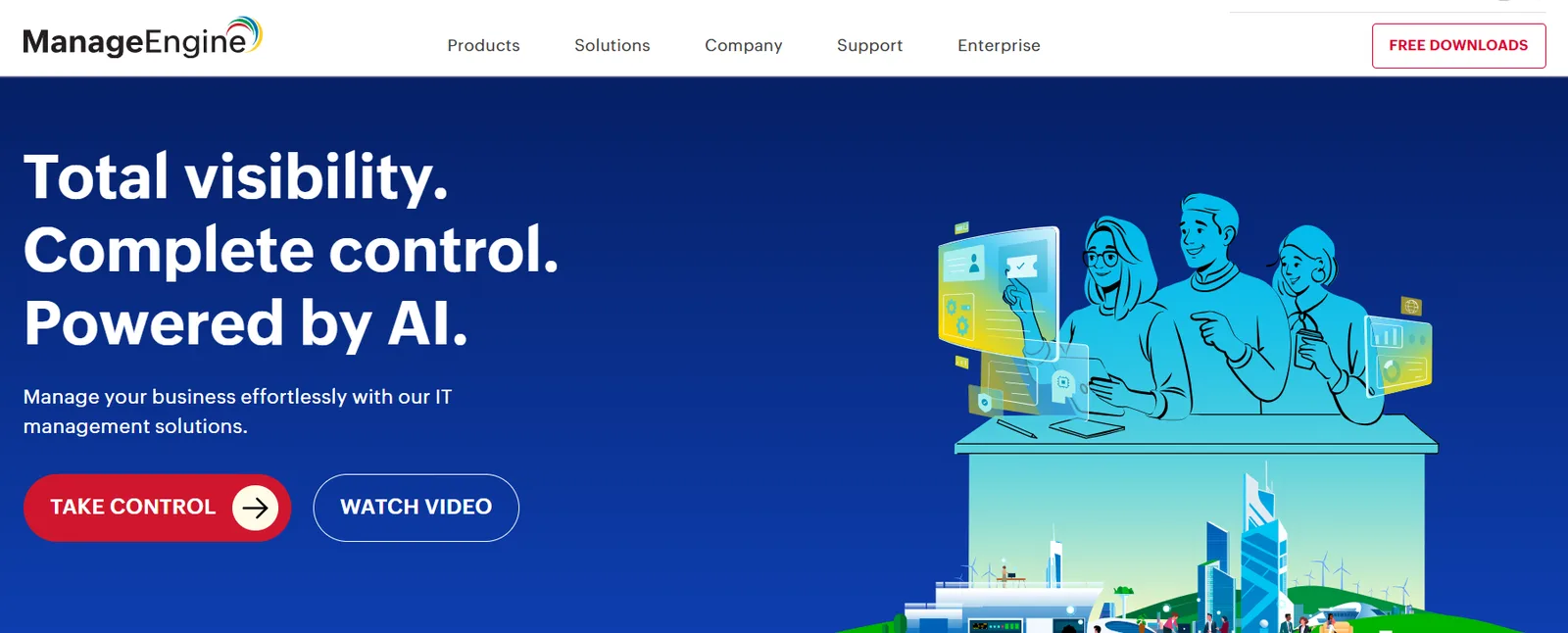
ManageEngine offers ServiceDesk Plus and AssetExplorer, which combine ITSM with asset discovery. It scans Windows, Linux, and macOS workstations using a unified agent, discovers IP-based devices such as printers and routers via network scans, and supports barcode, QR code, and even RFID scanning for physical asset capture.
It can aggregate asset information from remote sites into a central repository. The scanning is thorough for networked devices, but it's still a scan-and-record system. If a device isn't reachable, it's not in the inventory.
MDM inventory
MDMs manage enrolled devices. They handle configuration, compliance, patching, and app deployment. But enrollment is the entry point. If a device hasn't been set up yet or has been wiped and returned, it drops out of your MDM inventory entirely.
Jamf
Jamf is purpose-built for Apple. Devices enrolled through Apple Business Manager ship directly to users, and Jamf auto-configures access and apps based on the employee's cloud identity. It handles zero-touch deployment, same-day OS support, app distribution, patch management, and automatic inventory collection.
It also supports BYOD through User Enrollment, which separates personal and corporate data. But a MacBook sitting in a box waiting to ship? Jamf doesn't know it exists until someone opens it and logs in.
Intune
Intune is Microsoft's cloud-based endpoint management service covering Android, iOS, iPadOS, Linux, macOS, and Windows. It supports two modes: full device management (MDM), where the device is enrolled and managed end-to-end, and app-only management (MAM), where Intune protects work apps without controlling the device.
It ties into Microsoft Entra ID for identity and conditional access, gating resource access based on real-time device compliance. The same limitation applies, though. A device that hasn't been enrolled yet is invisible to Intune.
Physical lifecycle management
This is the category that the IT asset discovery tools above don't cover. Physical lifecycle platforms track devices through the stages that happen outside your digital systems: procurement, shipping, customs, deployment, retrieval, certified wipe, storage, and redeployment.
Firstbase
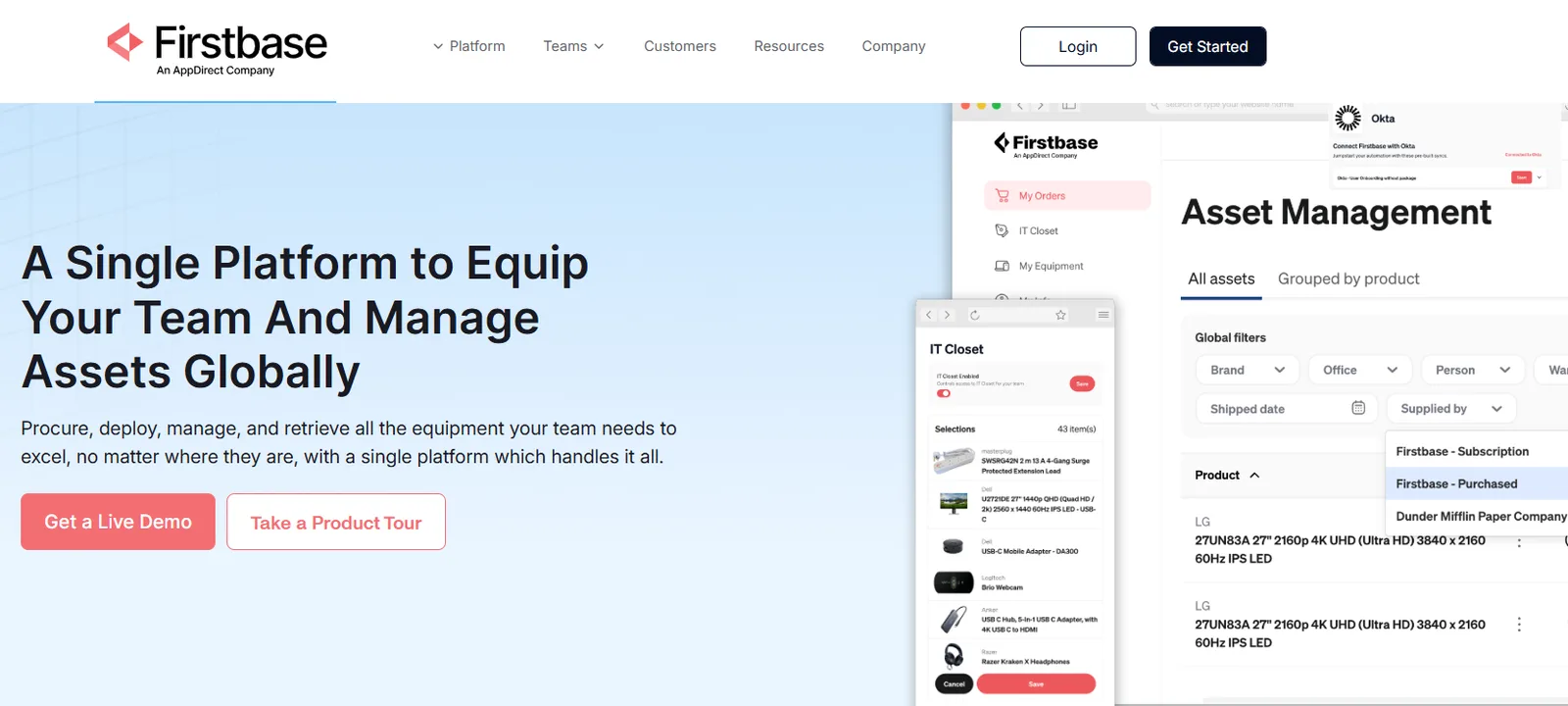
Firstbase combines a SaaS platform with a global physical operations engine. It tracks every serial number to a real employee and creates an audit trail as equipment moves through its lifecycle which means your CMDB reflects what's actually happening to hardware, not just what was last scanned, from its first owner to its last.
The platform handles onboarding, offboarding, and everything in between: device orders, international shipping, retrieval coordination, NIST 800-88 certified wipes, and redeployment of returned equipment.
It integrates with HRIS, ITSM, and ITAM tools so that physical device movements are reflected in your records. For distributed teams operating across 150+ countries, this is the layer that keeps your inventory management accurate during the weeks or months a device spends off-network, in transit, or sitting in a warehouse.
How to Set Up Automated Discovery for a Fully Distributed Team
A single scanning tool won't cut it when your fleet spans home offices in 15 countries. You need a layered setup where each piece covers the gaps left by the others.
Step 1: Audit your assets
Start with a headcount of your devices. Where are they, who has them, how old are they, and which ones can't be accounted for? IT teams usually have fragments of this data sitting in MDM dashboards, HRIS exports, and procurement spreadsheets. Stitch those fragments into a single rough view. It doesn't need to be perfect yet.
Step 2: Layer your discovery methods
Agent-based scanning via your MDM (Jamf, Intune, Kandji) detects managed endpoints. Network scanning tools detect office-based devices such as printers, switches, and shared workstations. Directory sync via Active Directory, Okta, or SCIM ties devices to the people who use them. None of these alone gives you a full picture. Together, they cover most of the fleet that's online and enrolled. The keyword there is "most."
Step 3: Make your HRIS the lifecycle trigger
Every device event starts with a people event. Someone gets hired, someone leaves, someone switches teams. Your HRIS already tracks all of that. Do those records actually trigger anything downstream? If a new hire appears in Workday, it doesn't automatically trigger a device order; IT still handles that manually. If a termination doesn't initiate a retrieval workflow, that laptop stays in someone's apartment.
Step 4: Automate physical device movements into your records
The devices in transit, at a warehouse, in repair, or sitting in an ex-employee's apartment aren't on any network. They don't generate discovery events. They just quietly fall out of your inventory.
Platforms like Firstbase close this gap by automatically updating asset records when a device ships, is received, is retrieved, or completes a certified wipe. And because Firstbase syncs those updates back into your CMDB and ITSM through its integration layer, the rest of your stack stays current too.
"Before, everything was on a spreadsheet with some accuracy. We didn't really have the ability to understand our fleet. Now that we have everything through Firstbase, we understand our inventory."
Shane Stephens, IT Service Team Lead, Docebo
How Do You Measure Whether Your Automated Asset Inventory Is Actually Working?
Digital discovery metrics like scan coverage, CMDB accuracy, and enrollment rates are table stakes. Every tool in your stack already tracks those. The metrics that actually expose gaps in a distributed environment are the physical ones:
- Device retrieval rate: Industry average is 30-50%. Anything below that means your inventory is leaking assets you're still licensing.
- Ghost asset percentage: Gartner found 30% of fixed IT assets in many enterprises were unaccounted for. If devices haven't checked in for months, your CMDB is lying to you.
- Retrieval timeline: How many days from offboarding to having a wiped, graded device back in available inventory? The MSP industry average is 30+ days just for post-arrival processing.
If you can't measure the physical side, your digital metrics will always look better than reality. Firstbase customers report a 90%+ retrieval rate, a 75% reduction in IT staff hours on device logistics, and a 1.8x improvement in asset-tracking accuracy.
Written by
Chris Herd
Chris Herd is the visionary founder and CEO of Firstbase, recently acquired by AppDirect, who pioneered the end-to-end hardware provisioning platform now used by tens of thousands of remote employees. Including employees from Spotify, UI Path, Verint and WeWork. With roots in fintech, Chris experienced firsthand the logistical pains of remote hardware management. His company has since scaled, backed by top-tier investors like Andreessen Horowitz and Kleiner Perkins, before its recent strategic acquisition. As an outspoken champion of remote-first culture, Chris continues to shape how companies equip, empower, and trust their distributed teams.
Get started with
Firstbase today
Remote and hybrid work aren't going anywhere. It's our mission to make it easier to manage the assets your distributed team needs—from onboarding through offboarding and every repair, replacement, and upgrade in between.
Fill out the form and a member from our team will reach out by phone!
Get a Live Demo