IT Process Automation Solution
IT Process Automation Solutions: What Executes vs What Doesn’t.
 Ahmad ZakariaFebruary 19, 2026
Table of contents
- TL;DR Best IT Process Automation Solution (A Quick View)
- The Process Leakage Layer in IT Process Automation
- IT Process Automation Tools Can Look the Same. Here’s How We Told Them Apart
- IT Process Automation Platforms: An In-Depth Review
- Firstbase Compared: Execution Across IT Process Automation Platforms
- The Costs IT Process Automation Tools Rarely Account For
- How Firstbase Expands IT Process Automation Coverage
- What’s Next?
Automation in IT is often talked about as a feature. In practice, it’s experienced as a gap.
Most organizations automate isolated IT actions such as approvals, ticket workflows, and alert routing, but stop short of automating the underlying operational processes.
As teams scale and work becomes more distributed, these gaps compound into delays, cost leakage, and operational risk.
This is where the IT process automation solution comes into focus. Unlike tools that optimize individual tasks, real process automation looks at how work flows end-to-end across systems, teams, and, increasingly, physical operations.
It’s about ensuring that once a process is triggered, every step executes reliably without constant human intervention.
In this article, we evaluate the best IT process automation solutions: what each platform covers, and where its automation stops. We’ll also see how Firstbase extends the scope from software workflows into the full IT asset lifecycle, from procurement and zero-touch deployment to retrieval and ITAD.
TL;DR Best IT Process Automation Solution (A Quick View)
| Platform | Best suited for | Automation scope | Asset lifecycle coverage | SLA focus |
|---|---|---|---|---|
| Firstbase | Remote-first, globally distributed teams | End-to-end process execution (software + logistics) | Full lifecycle: procure → deploy → retrieve → ITAD | 97–98% on-time delivery plus logistics SLAs (delivery + retrieval) |
| ServiceNow ITSM | Large enterprises with complex IT governance | Enterprise IT workflows and orchestration | Asset records and CMDB | Ticket and service SLAs |
| SolarWinds Service Desk | IT teams standardizing ITIL processes | Ticket-centric workflow automation | Asset tracking within ITSM | Ticket response SLAs |
| Ivanti Neurons | Enterprises with endpoint-heavy operations | AI-assisted service and endpoint automation | ITSM- and endpoint-driven lifecycle | Service and endpoint SLAs |
| Freshservice | Mid-market teams needing fast ITSM | Workflow and service request automation | Asset tracking and lifecycle rules | Service desk SLAs |
| PagerDuty Process Automation | SRE / DevOps teams | Event- and runbook-driven automation | No asset lifecycle coverage | Incident response SLAs |
The Process Leakage Layer in IT Process Automation
IT process automation is widely adopted, but unevenly applied. Most organizations automate decision points: approvals, routing, notifications, while the work that follows still depends on people coordinating across tools, teams, and vendors.
The result is time loss for IT teams, cost leakage, and growing operational risk that accumulates with workforce scale and regional distribution.
- Manual coordination still dominates “automated” IT work: 58% of IT teams spend 5+ hours per week handling repetitive requests like onboarding and access changes. 40% of these tasks remain manual, even with automation tools in place.
- Ghost assets and record–reality mismatch: 12–25% of IT assets listed in systems don’t accurately reflect what physically exists. This will increase unused inventory, unnecessary replacements, and audit risks.
- Time lost to cross-tool handoffs: 40%+ of employees spend at least 25% of their workweek on manual, repetitive coordination tasks. In IT, this shows up as follow-ups, status checks, and exception handling.
- Audit and reconciliation drag: Disconnected systems force IT and finance teams to manually reconcile asset, access, and lifecycle data during audits. All these efforts scale linearly with headcount and location.
Teams using Firstbase achieve 97%+ device retrieval rates, reducing asset loss and lowering manual follow-ups tied to offboarding. Take a self-guided tour to see how Firstbase aligns with ITSM processes and closes the execution gaps where most IT process automation tools stop.
IT Process Automation Tools Can Look the Same. Here’s How We Told Them Apart
Most IT process automation platforms promise the same outcomes: fewer tickets, faster workflows, and better visibility.
On paper, they all automate approvals, route requests, and update records across systems.
But the differences show up when work leaves the screen. When devices need to be procured and shipped globally, retrieved during offboarding, or reconciled for audits, some platforms stop at the record, while others drive execution.
How This Guide Evaluates IT Process Automation
To make comparisons practical, this guide evaluates IT process automation solutions across the following criteria:
- What it actually automates: Does the platform automate full processes, or only isolated steps like approvals and updates?
- Where automation stops: Are outcomes executed, or simply recorded in tickets and asset databases?
- Who it’s built for: Centralized IT teams, or distributed, remote-first organizations operating across regions?
- Operational trade-offs: What still requires manual coordination, third-party vendors, or internal workarounds?
IT Process Automation Platforms: An In-Depth Review
Following the qualification criteria, the following are the top IT process automation platforms to consider:
Firstbase
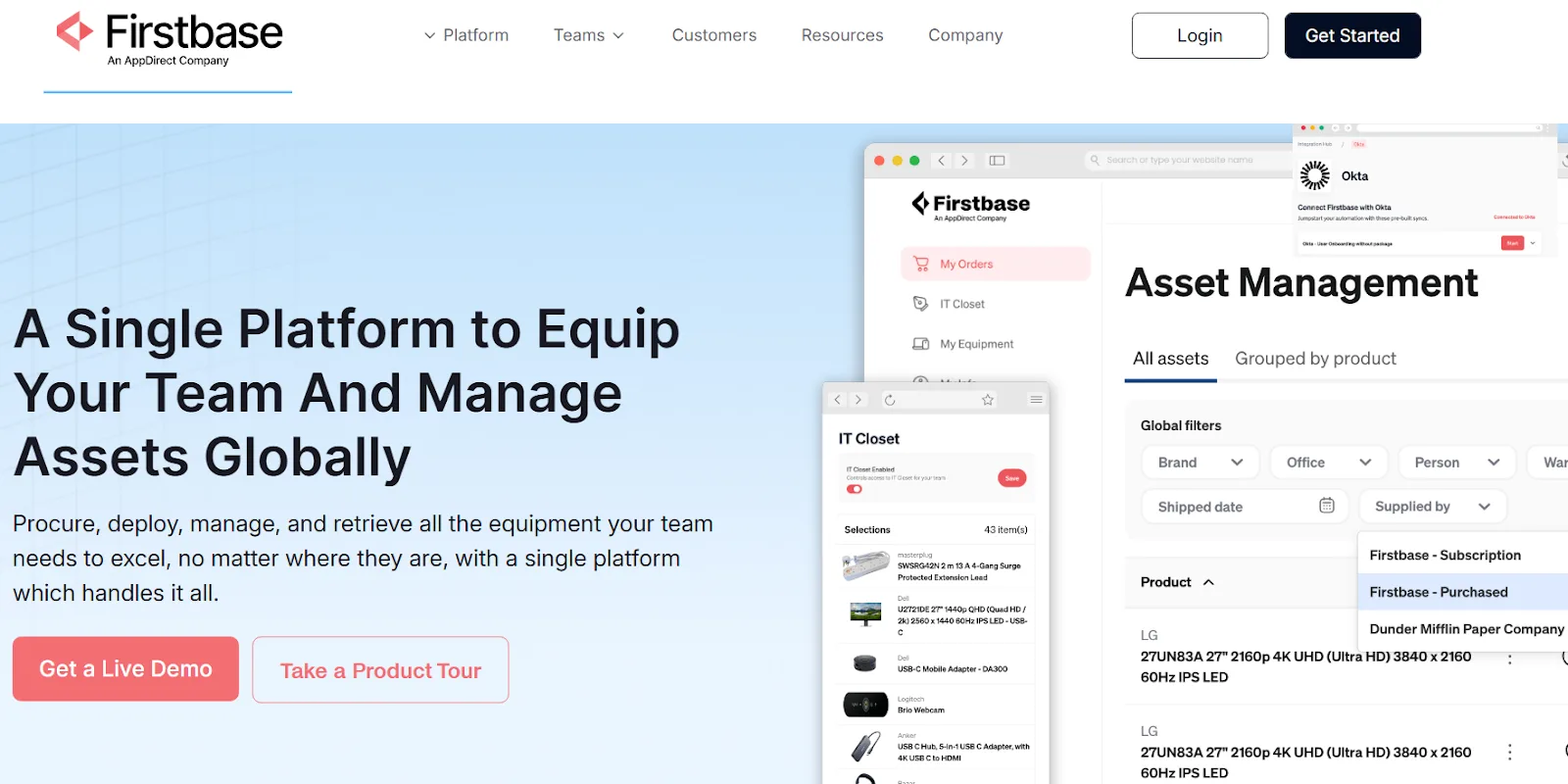
Firstbase is an IT asset lifecycle and process automation platform for distributed, remote-first, and hybrid teams. It automates equipment procurement, deployment, tracking, retrieval, redeployment, and secure disposal across the employee lifecycle.
Teams using Firstbase see 30% reduction in lost asset costs within the first year due to automated recovery and lifecycle tracking, reducing dependence on spreadsheets, email coordination, and regional vendors.
Device recovery rates exceed 97%, helping organizations avoid write-offs and recover $67K annually through automated retrieval workflows.
Firstbase works as a central place of record for hardware operations, combining workflow automation with global logistics to ensure devices are delivered, tracked, and recovered with minimal manual effort.
Key features
- System integrations: Workday, Okta, ServiceNow, and MDM tools integration to trigger automated workflows and keep asset data in sync, helping reduce IT tickets by up to 60% and saving 10–15 hours per week.
- Real-time asset visibility: Live dashboards track device status and location, with automated chain-of-custody logs to support audits and SOC 2 compliance.
- Event-driven lifecycle automation: Automatically provisions, deploys, retrieves, and decommissions devices in response to HR and IT system events, eliminating manual handoffs.
- Flexible procurement models: Supports purchasing, leasing, and BYOD to align hardware lifecycle management with budget needs.
Ideal use case
Scaling, remote-first companies that need to automate IT asset provisioning, tracking, and recovery across multiple countries without adding operational overhead.
Limitations
Firstbase’s APIs cover core integration needs, though teams with highly custom automation requirements may occasionally need additional endpoints as the platform continues to evolve.
The message is clear: Automation creates value when workflows actually move forward, not when tasks simply sit in a system. By turning asset data into real-world action, Firstbase helps teams align what’s tracked with what’s truly happening across the device lifecycle.
ServiceNow ITSM
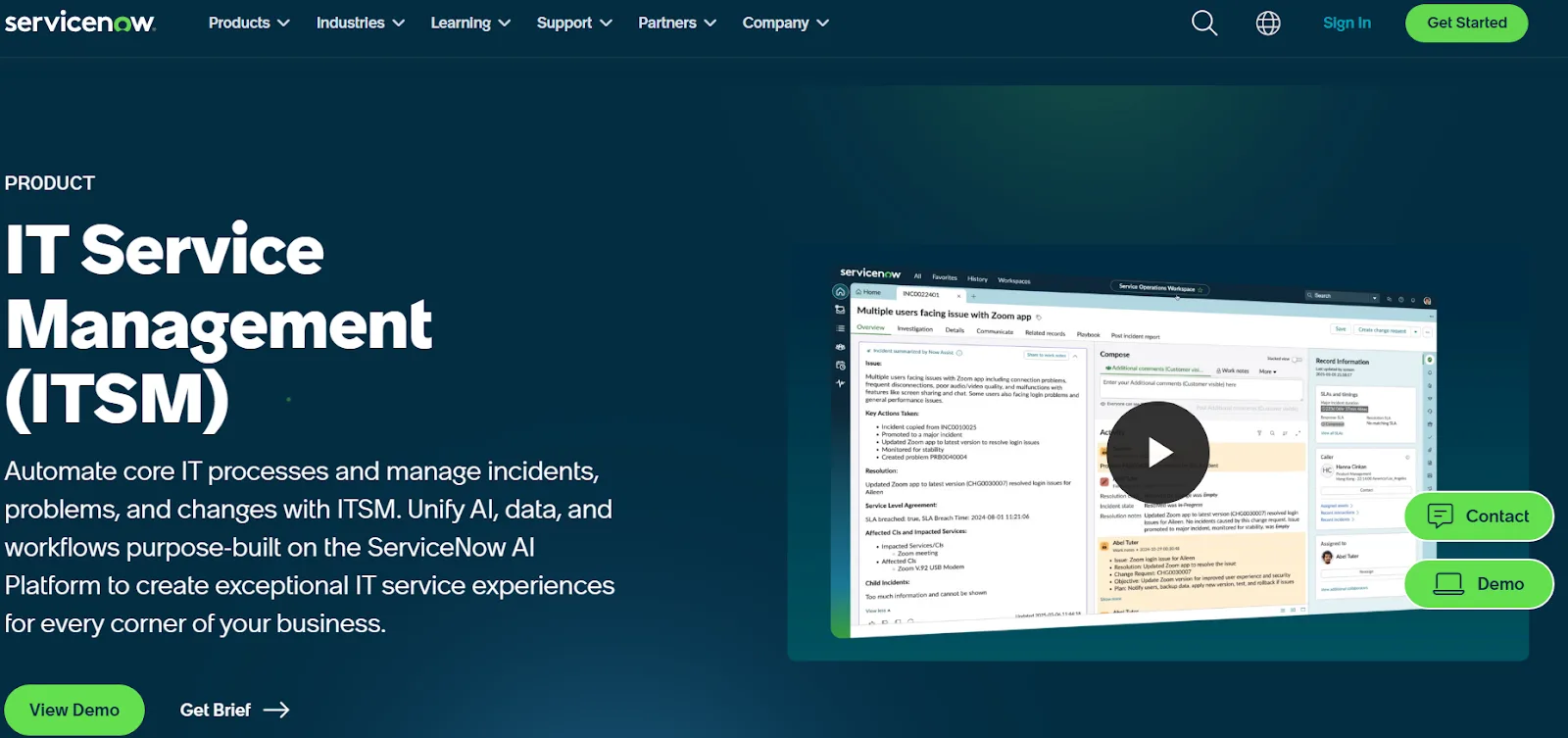
ServiceNow IT Service Management (ITSM) is a cloud-based, enterprise ITSM platform that combines service operations, request fulfillment, incident and change workflows, and automated process orchestration across large IT teams.
It standardizes and automates core IT processes, including incident, problem, and change management, service requests, and knowledge workflows, on a single platform. This improves efficiency, reduces manual work, and accelerates service delivery.
Key features
- Workflow management and AI-driven actions: Routine tasks automation, such as ticket assignment, approval routing, predictive triage, notifications, and SLA enforcement.
- Service request and self-service portal: Enable end users to raise requests, search the knowledge base, and track fulfillment independently.
- Configuration management and CMDB: Automated view of IT assets and their relationships, supporting impact analysis for incidents and changes.
- Predictive intelligence and Virtual assistants: Automate ticket classification, routing, and suggestions, reducing resolution cycles and improving service delivery.
Ideal use case
Large enterprises with complex IT environments that require standardized workflows, along with strong governance and compliance.
Limitations
As ServiceNow mainly fits large IT ecosystems, it can have higher licensing costs, longer implementation timelines, and increased administrative overhead for mid-sized or fast-moving teams.
Why choose Firstbase over ServiceNow ITSM?
While ServiceNow ITSM supports workflow management and CMDB-driven visibility, its automation primarily manages processes and records. Whereas Firstbase focuses on distributed teams that need IT processes executed, not just managed. It removes the cost and complexity of enterprise ITSM while automating real-world IT operations, including device provisioning, retrieval, and end-to-end lifecycle tracking.
SolarWinds Service Desk
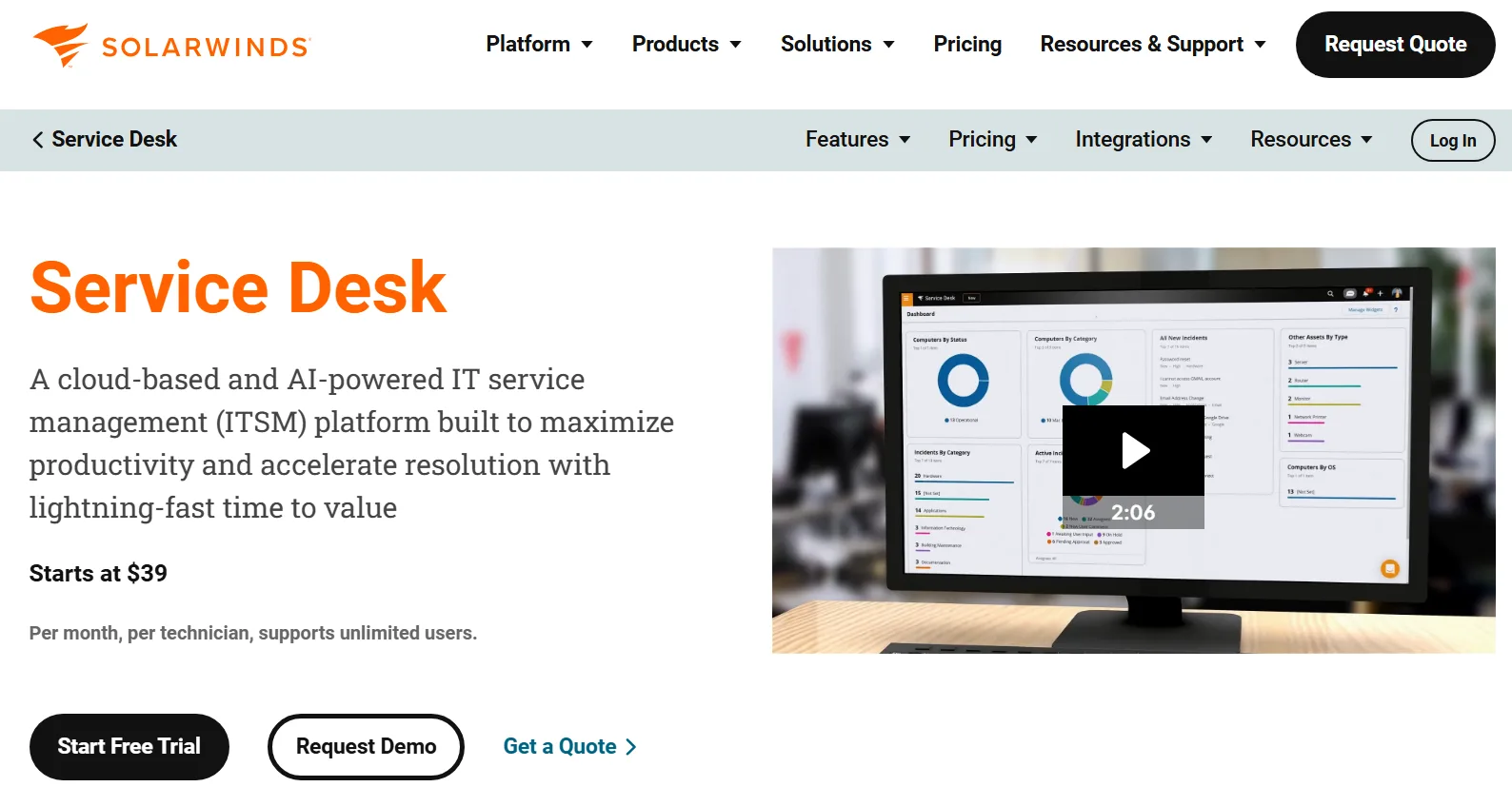
SolarWinds Service Desk brings incident, change, problem, and asset management into a single workflow-driven system. It optimizes IT operations by automating ticket handling, service request fulfillment, asset tracking, CMDB dependency mapping, and multi-channel support.
All of these enable IT teams to resolve issues faster, improve agent productivity, and provide a consistent internal IT service experience.
Key features
- AI-assisted ticket automation: Automatically captures, categorizes, flags, and prioritizes tickets with machine-assisted workflows and smart routing.
- Workflow automation: Custom workflows to automate common IT tasks, like status updates, escalations, notifications, and approval paths.
- Service catalog with automated fulfillment: Customizable catalogs help users request services. Also, predefined automation manages fulfillment based on business rules.
- Integrated asset and license management: Automated discovery, tracking, and reconciliation of IT assets and software licenses linked to tickets and workflows.
Ideal use case
Organizations that are looking for a centralized, ITIL-aligned service management platform that automates ticketing, asset tracking, and change processes.
Limitations
While SolarWinds Service Desk integrates service desk and asset management, certain features are limited, which could impact deeper workflow customization and detailed device control in some environments.
Why choose Firstbase over SolarWinds Service Desk?
SolarWinds Service Desk manages asset lifecycles within ITSM workflows, primarily through tickets and tracking. Firstbase goes further by automating the asset lifecycle, including procurement, global deployment, retrieval, and redeployment, making it a stronger fit for distributed organizations.
Ivanti Neurons
Ivanti Neurons is a cloud-native platform that combines IT Service Management, autonomous endpoint management, AI-driven automation, and security operations into a single platform.
With shared data and integrated workflows, it automates routine IT tasks and service processes, reducing manual effort, improving service delivery, and providing proactive issue resolution across workflows.
The platform leverages AI and machine learning to improve automation and predictive insights and to offer self-healing capabilities within IT operations and service management.
Key features
- Self-service and virtual agents: AI-driven assistants and portals help users resolve common requests independently, reducing service desk workload.
- Low-code/no-code workflows: Configurable automation and connectors extend workflows across systems without heavy coding.
- Integrated CMDB workflows: Centralized asset data and relationships feed directly into automated IT processes.
- Automated patch management: Risk-based patch scanning, prioritization, and deployment keep endpoints up to date with minimal manual effort.
Ideal use case
Mid-sized to large enterprise IT teams that need an integrated, AI-supported ITSM and operations platform. It automates service delivery workflows, endpoint remediation, and predictive issue handling while unifying asset, service, and security domains.
Limitations
Some advanced Ivanti Neurons features are more tightly aligned with Microsoft-centric environments, which can limit functionality for organizations that rely primarily on Google Workspace for email and collaboration.
Why choose Firstbase over Ivanti Neurons?
While Ivanti Neurons supports IT asset lifecycle automation, it's within a broader ITSM and endpoint management framework. Whereas Firstbase is purpose-built to execute the physical IT asset lifecycle, with deeper automation across device workflows.
Freshservice
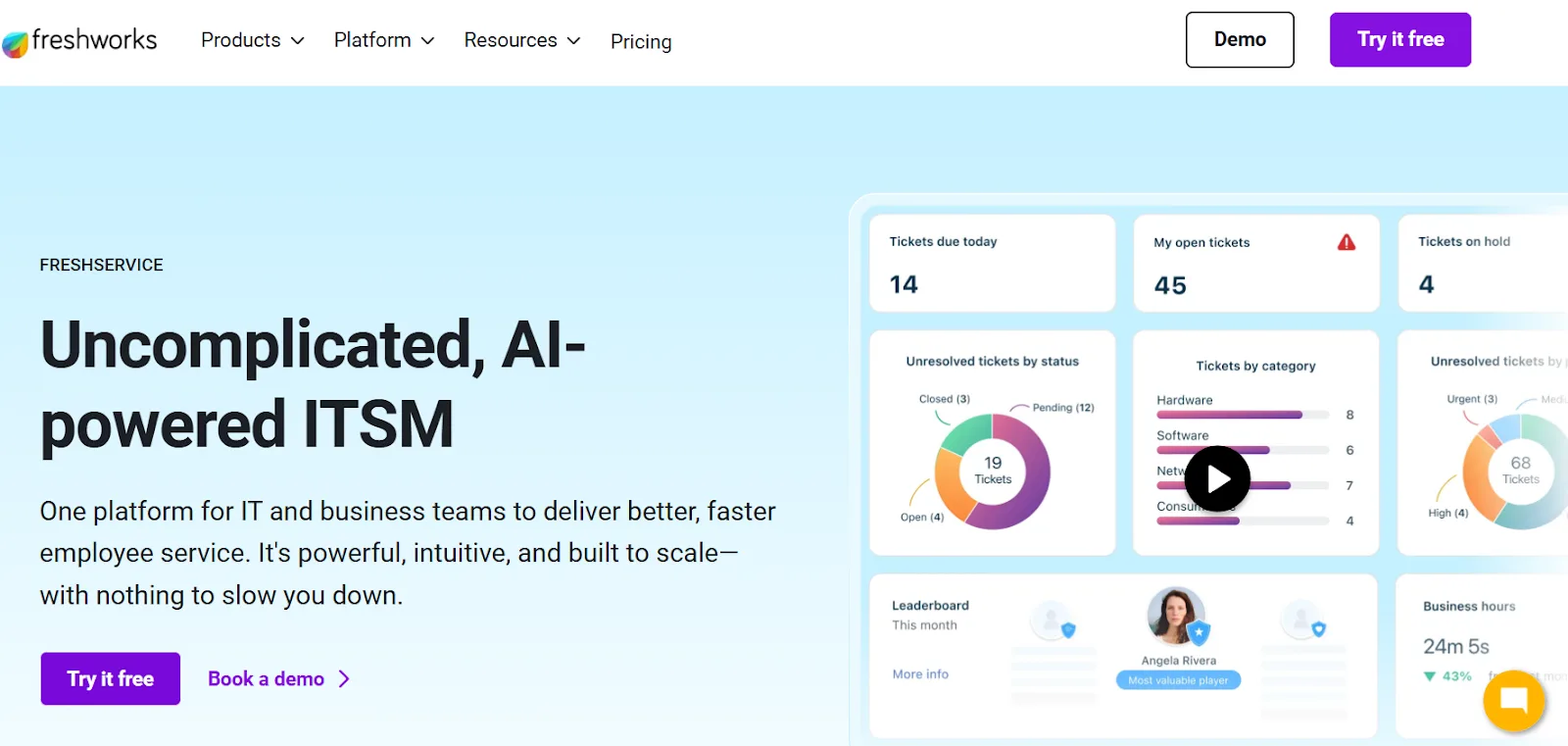
Freshservice standardizes everyday IT operations without enterprise-level complexity. It automates service requests, incident workflows, approvals, and asset-driven processes using no-code workflow builders and AI assistance, helping IT service desk teams reduce manual ticket handling at scale.
For SaaS companies hiring across regions, Freshservice centralizes workflows and asset data into a single system, improving operational visibility for IT Ops managers while supporting distributed teams.
Key features
- Freddy AI assistants: Conversational AI suggests ticket resolutions, automates triage, and supports virtual agents for self-service.
- Auto-updating CMDB and asset lifecycle rules: Entries update automatically and feed into lifecycle rules that trigger actions (like asset assignment, incidents).
- Multi-channel ticket capture and management: Email, portal, chat, and orchestrate fulfillment across systems support through integration apps.
- ITAM, contract, and SaaS management: Hardware/software inventory tied to contracts and SaaS subscriptions to automate renewals and compliance checks.
Ideal use case
IT teams that want a fast-to-deploy, AI-assisted ITSM with built-in asset management and no-code automation.
Limitations
While Freshservice is easy to start with, building complex, enterprise-grade automation or deeply customized journeys requires time and a capable admin. Also, it has limitations in the mobile app and some asset UI/detailing compared with specialist ITAM tools.
Why choose Firstbase over Freshservice?
Freshservice tracks IT assets in software, while Firstbase combines automation with physical infrastructure like bonded warehouses and global logistics to execute the hardware lifecycle end to end.
PageDuty Process Automation
PagerDuty is a SaaS platform built to help IT and operations teams detect, manage, and resolve incidents by automating critical workflows, alerting, and response actions across complex infrastructure.
Its automation capabilities include workflow orchestration, incident response, runbook automation, and event-triggered actions, helping teams to reduce manual tasks and standardize incident handling from detection through resolution.
Key features
- AIOps and alert intelligence: Uses AI/ML to reduce alert noise and automate routing and prioritization at scale.
- UI-triggered automation actions: Run automated diagnostics or remediation directly from the incident UI or ChatOps.
- Scheduled automation: Execute automated jobs on defined schedules, independent of real-time incidents.
- Event orchestration: Automatically route, enrich, and escalate events from monitoring tools before they become incidents.
Ideal use case
IT operations, SRE, and DevOps teams in mid-sized to enterprise organizations that need automated incident response, real-time alerting, and runbook-style remediation workflows.
Limitations
Advanced automation modules and add-ons (like runbook automation) are expensive or require higher pricing tiers, which can be a challenge for budget-conscious teams.
Why choose Firstbase over PagerDuty Process Automation?
PagerDuty focuses on automating digital incident response, alerting, and event-driven workflows for cloud and infrastructure operations. Whereas Firstbase specializes in automating the physical IT asset lifecycle: procurement, global deployment, device retrieval, and redeployment, with built-in logistics execution.
Firstbase Compared: Execution Across IT Process Automation Platforms
| Criteria | Firstbase | ServiceNow ITSM | SolarWinds Service Desk | Ivanti Neurons | Freshservice | PagerDuty Process Automation |
|---|---|---|---|---|---|---|
| Shipping (procurement → delivery) | Full physical automation covering procurement through doorstep delivery. | No physical execution; request and record tracking only. | Record tracking only. | Record tracking only. | Record tracking only. | Not designed for hardware logistics. |
| Retrieval (returns and pickup coordination) | Automated retrieval workflows with carrier coordination. | Manual, ticket-driven processes. | Manual, ticket-driven processes. | Ticket-based, manual workflows. | Ticket-based, manual workflows. | Not applicable. |
| SLA logistics execution | Logistics SLAs tied directly to delivery and retrieval outcomes. | SLAs apply to tickets, not physical execution. | SLAs apply to tickets. | SLAs apply to tickets and endpoints. | SLAs apply to tickets. | SLAs apply to incident response. |
| Audit and compliance logs (physical custody) | Automated chain-of-custody and lifecycle audit logging. | Audit logs limited to ITSM activities. | ITSM audit logs. | ITSM and endpoint audit logs. | ITSM audit logs. | Incident automation audit logs. |
The Costs IT Process Automation Tools Rarely Account For
What most IT process automation solutions rarely consider is the cost of execution when processes span multiple tools, teams, and physical operations. That gap is where time, money, and risk accumulate.
What manual intervention costs teams even after automation
- Persistent manual work: Up to 80% of businesses still rely on manual processes for tasks that automation could handle, signaling that partial automation leaves significant work unresolved.
- Productivity drain: Employees spend about 28% of their workweek on administrative tasks that could be automated, lowering overall productivity even when tools exist.
- Productivity upside unmet: Organizations that automate business processes see a 25–30% average productivity increase, implying that incomplete automation leaves that potential untapped.
- Time and cost savings unclaimed: Automation can cut routine task time by up to 50% and reduce errors by 40–75%, showing what teams miss when execution remains manual.
How Firstbase Expands IT Process Automation Coverage
While most IT process automation platforms automate orchestration and system-of-record updates, Firstbase operationalizes automation by executing downstream lifecycle actions.
Firstbase gives teams:
- 5,000+ hours saved per year in labor by automating manual lifecycle tasks like shipping, tracking, returns, and updates.
- 30%+ reduction in lost asset costs in the first year through automated retrieval and return workflows.
- Up to $100,000 saved annually in shipping and logistics costs through optimized fulfillment and global delivery.
- Live lifecycle visibility across procurement, deployment, retrieval, and retirement reduces reconciliation effort during audits and compliance reviews.
- 1.8× better inventory tracking with live dashboards showing deployed, stored, and redeployable devices, improving audit readiness and budget accuracy.
- 99%+ customer satisfaction at scale reported by global teams leveraging Firstbase for end-to-end lifecycle execution.
See what this could mean for your team. Use Firstbase’s ROI calculator to estimate time saved on your headcount and operating model.
What’s Next?
In many organizations, IT process automation delivers structure but not closure. Approvals are logged, workflows advance, and records update, yet the real work of moving, recovering, and retiring devices still depends on manual coordination.
As teams scale across regions, that gap becomes costly. Delays in provisioning affect new-hire productivity, missed retrievals inflate replacement budgets, and fragmented visibility turns audits into reconciliation tasks.
This is where Firstbase brings the shift. With operations in 150+ countries, 2–5-day global delivery timelines, and 200,000+ devices deployed worldwide, Firstbase brings consistency to the physical side of IT operations that most automation tools don’t address.
If your priority is to reduce manual intervention and gain dependable control over how IT processes play out in the real world, Firstbase provides the execution layer that turns automation into measurable results. Book a demo to see how it helps with your organization’s end-to-end asset lifecycle management.
Written by
Ahmad Zakaria
Ahmad Zakaria covers IT operations, hardware lifecycle management, and distributed workforce solutions at Firstbase. His content is built from real customer data, operator interviews, and hands-on experience managing devices across 150+ countries.
Get started with
Firstbase today
Remote and hybrid work aren't going anywhere. It's our mission to make it easier to manage the assets your distributed team needs—from onboarding through offboarding and every repair, replacement, and upgrade in between.
Fill out the form and a member from our team will reach out by phone!
Get a Live Demo