NinjaOne alternatives that offer more for less
Best NinjaOne Alternatives for 2025 That Go Beyond RMM
 Ahmad ZakariaOctober 30, 2025
Table of contents
NinjaOne earned its name in remote monitoring circles. It does RMM well enough — until you need to do anything beyond that. It can’t ship 200 laptops across five countries on day one, recover 97% of them when employees leave, or reconcile the freight costs Finance gets stuck with later.
Users say it’s expensive and still misses key features. For example, you can’t run custom SQL monitors. There’s no easy way to pull detailed reports and device patching is more limited than you’d expect from a platform with this much hype. Yes, they ship regular updates. But core gaps linger.
So why is “NinjaOne alternatives” a breakout search? Because most of them ignore the mountain of manual work IT is stuck with: global shipping, customs, compliance paperwork, chasing down lost devices, and praying you pass the next audit.
If you want to save hours on global logistics, stop losing devices, and actually measure outcomes, patch management alone won’t cut it.
In this blog, we’ll compare today’s top platforms and show why thinking beyond RMM is where modern Ops teams actually win.
TL;DR: NinjaOne alternatives at a glance
| Platform | Rating | Transparent pricing | USP | Best if |
|---|---|---|---|---|
| Firstbase | 4.6 | Yes, per seat, no surprise charges | Full device lifecycle automation. Global delivery, retrieval, compliance, cost recovery. IT, HR, Finance, and Security all in one system. | Your distributed teams need logistics, automation, and visibility far beyond remote monitoring. |
| Atera | 4.6 | Starts from $149–$219/mo | All-in-one RMM with built-in AI-driven ticketing and patching | You need an all-in-one RMM with built-in AI-driven ticketing and patching |
| ConnectWise RMM | 4.1 | No, contact for a quote | RMM with deep automation, NOC services, and remote access | Your MSPs and IT teams need advanced scripting and NOC support |
| Kaseya VSA | 4.1 | No, seat/license model | Unified endpoint, patching, and auto-remediation at scale | You’re an enterprise needing complex automation, network monitoring, and asset management |
| ManageEngine Endpoint Central | 4.4 | Partially, license-based (starts ~$955/250 assets) | Comprehensive endpoint management with broad device coverage | Your IT departments manage diverse devices and security from a single console |
| PDQ | 4.7 | Yes, per device ($12–$28/yr) | Lightweight, cloud-native patching with real-time inventory | You’re a small IT team prioritizing speed, patch compliance, and ease of use |
Teams using Firstbase have reported a 97% retrieval rate for offboarded devices and audit-ready chain-of-custody documentation in every region they operate. Take a self-guided tour and see how.
Worried about the migration?
Firstbase runs a 14-day shadow pilot alongside your current provider, without agent downtime or data gaps. Setup takes about 90 minutes with your admin for SSO and API integration. And there’s a 30-day rollback window, so you don’t switch fully until performance meets your benchmarks.
The hidden lifecycle costs nobody budgets
Say you signed the deal, deployed the agents, and ticked “monitoring” off the list. Yet the hidden costs, like the ones below, will drain your time and budget quietly.
Customs complexity
Every cross-border device shipment carries VAT, duty, and classification risk. Customs authorities often reject declared values that seem too low, triggering revaluation or audits. That adds days in transit and surprise fees.
For example, in markets like India, values below benchmark pricing are flagged and taxes escalated. The invoice doesn’t stay sacred at the border: import costs, insurance, and freight (CIF) often get added in after the fact.
Device retrieval failures
Loss rates for devices not actively retrieved range from 50% or higher. Every device that doesn’t come back is pure loss: hardware cost, licensing, reimaging. Add in the hours spent chasing people, dispatching kits, tracking shipments, and you’re paying unseen labor.
Meanwhile, lost devices carry an elevated security risk. HP estimates organizations lose $8.6 billion annually to lost or stolen devices.
Missed resale value
A laptop returned in good condition can recoup 20–40% of its original value (or more in tight markets). But without a disciplined retrieval and grading process, you forfeit that upside entirely. Instead, you incur depreciation, disposal, and lost recycling opportunities.
And because many teams don’t track this systematically, those losses hide in “miscellaneous IT expense.”
Note: Customs creates predictable friction, retrieval gaps create hard losses (and risk), and missed resale is money left on the table.
Comparing the Top NinjaOne Alternatives
When your operations teams finally tally the lost hours, failed retrievals, and budget drift, it all becomes clear. Monitoring is just one small aspect of endpoint management. The real differentiator is in how well a platform handles the entire device lifecycle.
Firstbase
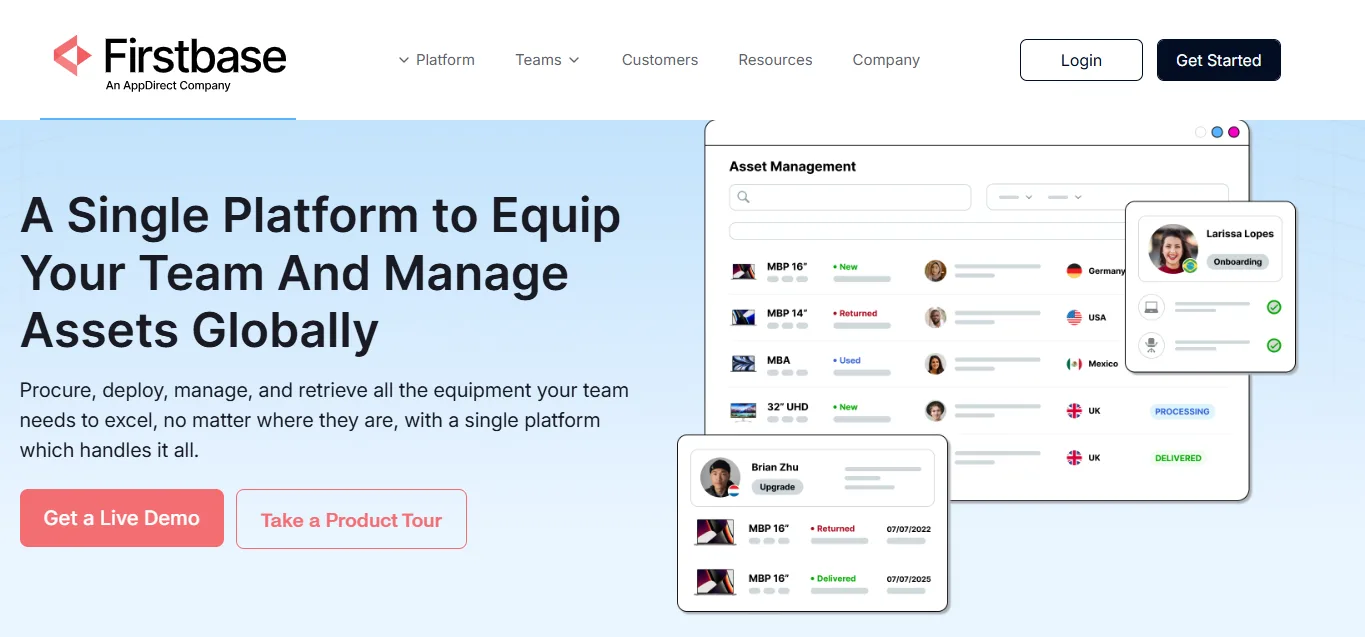
Unlike traditional RMMs that start tracking only after the agent installs, Firstbase manages everything before and after that point. It’s the operational layer that removes the manual logistics, vendor sprawl, and compliance blind spots RMMs can’t reach.
Where most RMMs stop at agent health metrics, Firstbase extends control across the full lifecycle: procurement, deployment, monitoring, retrieval, and reuse/disposal. This gives IT and SecOps real-time context on where each device is physically located, who it’s assigned to, and whether it’s compliant with data-destruction or retention policies.
What are the strengths?
- Global reach: Warehouses and logistics support across more than 150 countries, ensuring 48-hour delivery and pickups worldwide.
- Zero-touch provisioning: Integrates with MDMs like Jamf, Intune, and ABM for pre-configured, role-specific device setups.
- Automated compliance: Every offboarding includes NIST SP 800-88–compliant data destruction with audit-ready proof.
- Predictable cost model: Transparent per-seat pricing eliminates surprise freight and customs fees, which is important for Finance planning.
- Sustainability impact: Asset reuse and certified recycling cut e-waste and improve environmental reporting metrics.
- Operational efficiency: Case studies report 50-75% fewer IT tickets and hundreds of staff hours saved per quarter through automation and consolidated workflows.
What are the gaps?
Pricing can run slightly higher than lower-tier vendors, but the ROI in reduced labor, fewer vendors, and measurable recovery rates far outweighs the difference.
Atera
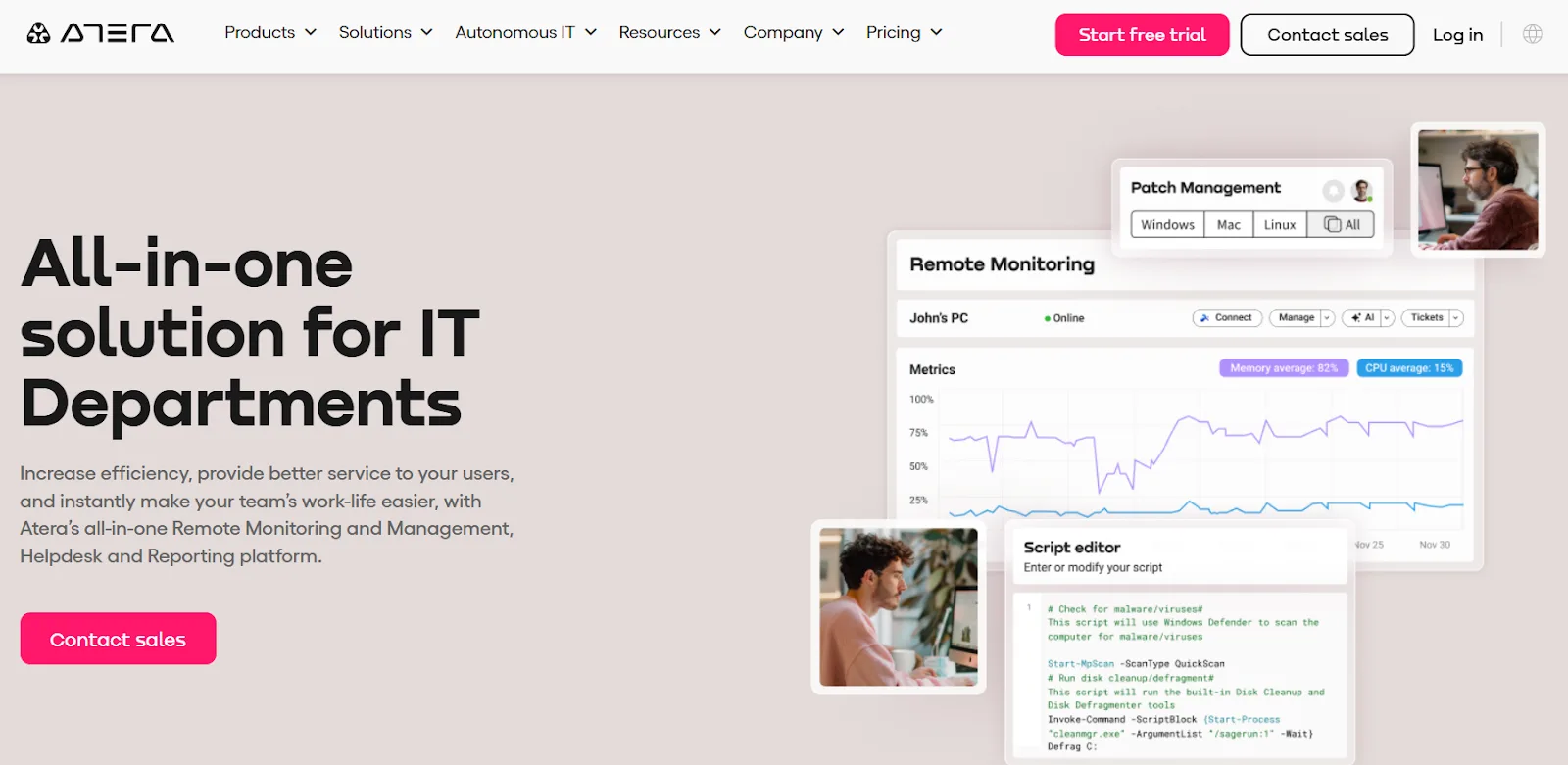
Atera is built as an all-in-one platform for IT departments that want a single pane of glass for remote monitoring, helpdesk operations, patching, and reporting. It brings RMM, PSA, and AI-driven automation together so teams can manage networks, devices, and users from one dashboard.
The design focus is clear: give IT teams better visibility, faster response times, and measurable efficiency without a heavy setup.
What are the strengths?
- AI-driven automation: Autopilot eliminates Tier-1 tickets, giving instant responses and freeing senior staff for high-value work.
- Comprehensive patch control: Automates patch management across Windows, macOS, and Linux to maintain consistent cybersecurity hygiene.
- Built-in cybersecurity layer: Offers MFA, smart logging, and tight integrations with antivirus, backups, and email security partners.
- Continuous network discovery: Runs automatic scans to detect assets, devices, and open ports, helping teams maintain real-time visibility.
What are the gaps?
Users report limited visibility into the product roadmap and delayed feature rollouts. Technical support response times are slow, and it takes many days to resolve issues. Documentation sometimes includes features not yet available to all users. And that causes confusion during setup and integration.
ConnectWise RMM
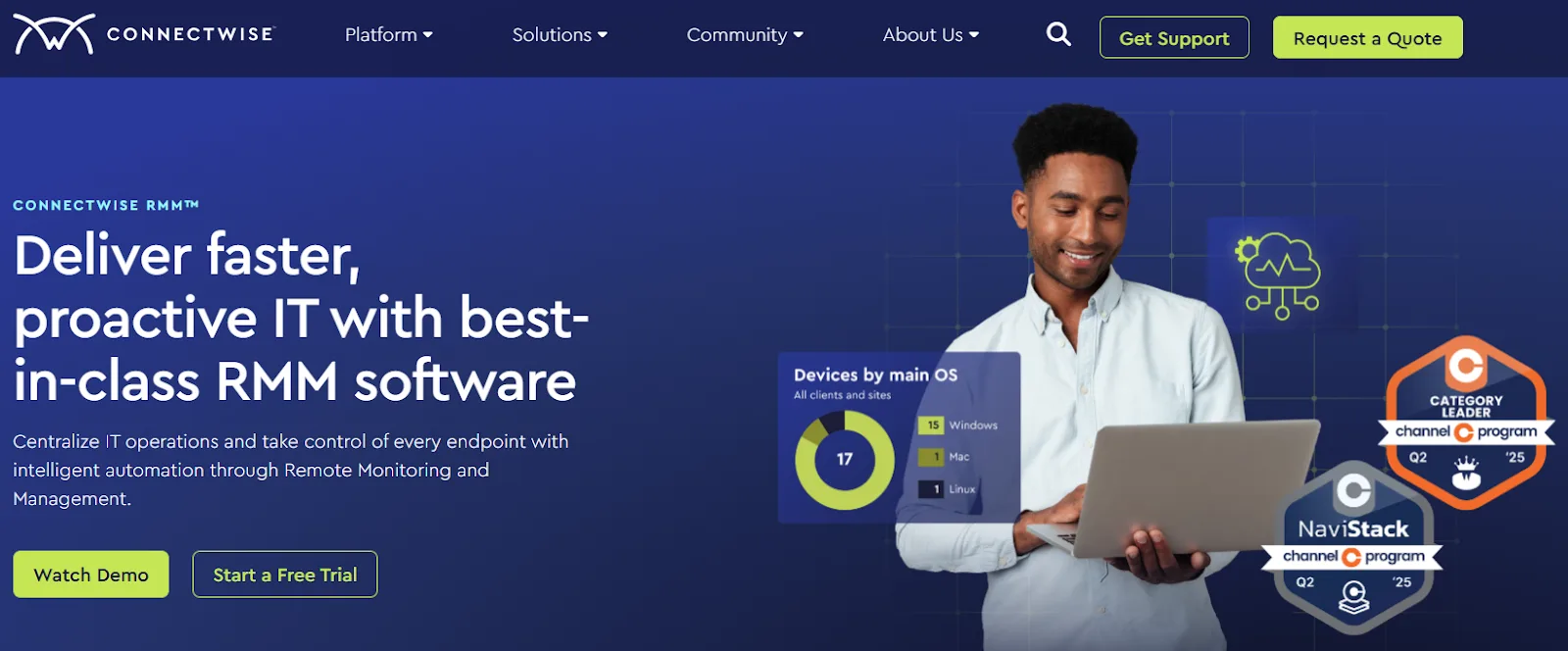
ConnectWise RMM is designed for IT teams that prioritize automation and centralized visibility. The platform brings together remote monitoring, patching, and alerting under one console, allowing administrators to identify and resolve issues before they escalate.
Its intelligent automation, combined with integrated NOC services, helps reduce manual workloads while maintaining strong endpoint control. The flexibility to leverage expert services or run deep network diagnostics makes it a fit for MSPs and in-house teams scaling their IT operations.
What are the strengths?
- Intelligent automation: ConnectWise Sidekick enables rapid workflow creation and script deployment, reducing repetitive tasks and response times.
- Centralized visibility: Offers a real-time view of every endpoint and network device for unified health monitoring and proactive management.
- Advanced patching engine: Automates updates for operating systems and third-party applications with NOC-reviewed Windows patches to reduce vulnerabilities.
- Built-in expert support: Optional NOC and Help Desk services extend in-house bandwidth and ensure 24/7 oversight without adding internal headcount. But it still fails to unify inventory, cost, and compliance into a single system.
What are the gaps?
Users say the reporting is on a separate platform, which requires extra steps to analyze data. And the agents sometimes lose connectivity unexpectedly. The application patching features lack depth and reporting. Some teams note limited automation depth and integration flexibility, with long-standing feature requests (like UI adjustments and expanded patch reporting) that are still unresolved.
Kaseya VSA
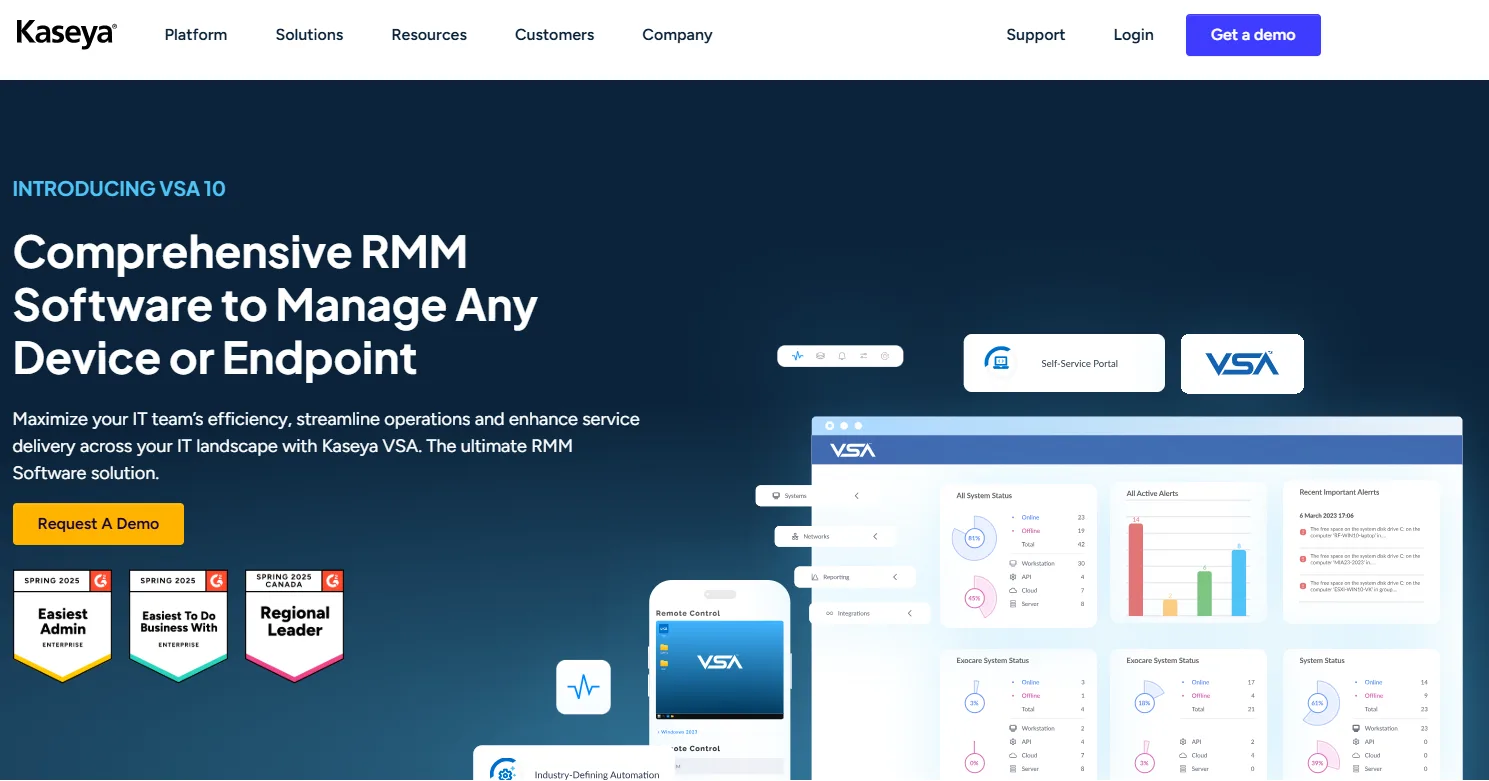
Kaseya VSA is a full-scale remote monitoring and management platform that gives IT teams complete visibility and control across every endpoint they manage. It brings patching, automation, remote access, and reporting into a single workspace, reducing the sprawl of tools many teams still rely on.
IT managers use it to monitor performance, fix issues before they escalate, and automate repetitive work that drains time and attention. The system supports physical, virtual, and mobile devices. So it’s suitable for organizations managing distributed networks or client environments at scale.
What are the strengths?
- Comprehensive endpoint oversight: Manages physical, virtual, and mobile endpoints from one console for full environment visibility.
- Automated patch deployment: Keeps Windows, Mac, and third-party software current through scheduled patching that minimizes vulnerabilities.
- Auto-remediation engine: Resolves routine IT issues automatically, freeing teams to focus on strategic or complex work.
- Omni network monitoring: Delivers real-time performance data across LAN, cloud, and hybrid networks to prevent downtime and performance gaps.
What are the gaps?
The licensing structure is rigid. Once seats are purchased, they remain billable even when not in use. It makes the platform expensive during scale changes. Many users also describe the setup process as slow and unintuitive, with an older interface that adds friction for new administrators.
ManageEngine Endpoint Central
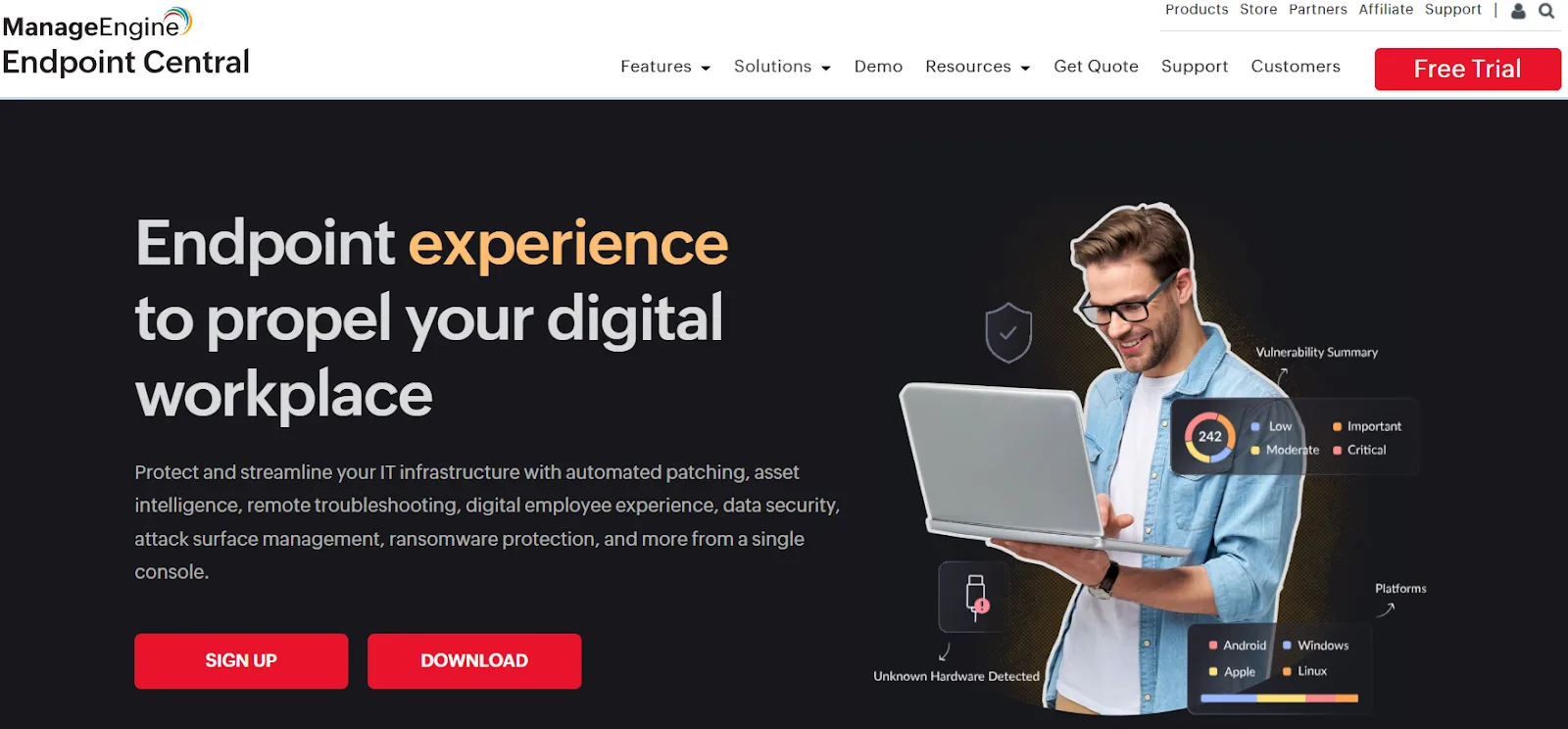
If your organization wants to manage and secure every endpoint from a single console, ManageEngine Endpoint Central is for you. It combines endpoint management, asset visibility, patching, and threat defense into one interface.
The platform automates updates, tracks device health, and supports remote troubleshooting while enforcing compliance across on-prem and remote systems. Its appeal is in the breadth of coverage. It touches every part of endpoint operations, from mobile device control to data loss prevention and ransomware protection.
What are the strengths?
- Automated patch deployment: Keeps Windows, macOS, Linux, and third-party applications up to date without manual intervention.
- Integrated threat defense: Provides real-time vulnerability scanning and remediation aligned with 75+ CIS benchmarks.
- Comprehensive asset tracking: Monitors hardware, software usage, and license status to ensure complete lifecycle visibility.
- Advanced remote troubleshooting: Allows secure remote sessions and real-time support without interrupting end users.
What are the gaps?
Users highlight concerns around security transparency, citing exposed credentials in logs and limited control over custom scripts. API access is mostly restricted, making integrations harder to extend without repeated requests to support.
Customer assistance, though responsive in tone, often delays resolutions, creating a slow path from issue to fix.
PDQ
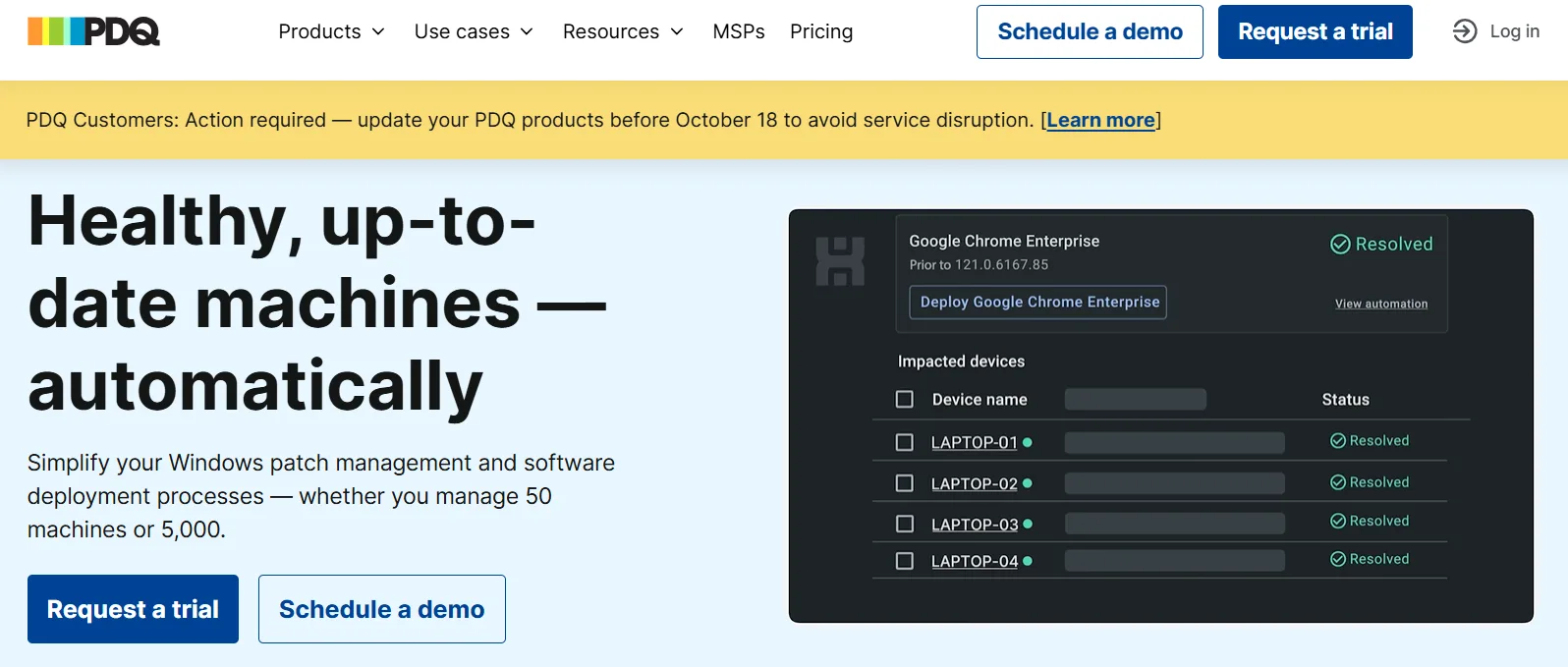
PDQ Connect is a cloud-based RMM platform designed for IT teams that want fast patching, real-time visibility, and secure device management without complex setup. It focuses on deploying software, running commands, and troubleshooting devices, all from one dashboard.
PDQ works well for lean IT teams that need fast patching and easy compliance without heavy setup. But it still stops short of giving distributed teams unified control over device costs and lifecycles. It’s particularly suited for lean IT departments looking to standardize patch compliance and reduce manual effort.
What are the strengths?
- Automated patching engine: Detects vulnerabilities and deploys updates automatically when new CVEs appear.
- Granular visibility: Offers real-time insights into device health, versions, and deployment history across all endpoints.
- Custom package workflows: Let teams combine scripts, nested installs, and updates into multi-step deployments that run on schedule.
- Secure remote access: Enables unattended sessions, file transfers, and full keyboard-mouse control to fix issues instantly.
What are the gaps?
PDQ Connect’s main limitation is that it’s still maturing compared to legacy RMMs. Some advanced options (like deeper scheduling flexibility, richer reporting, and broader integrations) are not yet in place.
Another challenge is managing two different PDQ versions (Deploy/Inventory and Connect) in parallel, which adds overhead until full workflow migration is complete.
The new ops infrastructure layer
The six RMMs we just saw keep endpoints healthy, but most of them still expect your team to chase boxes, update spreadsheets, and haggle with couriers. That gap is where a new category steps in: people + device-lifecycle automation delivered as one cloud system.
Firstbase’s SaaS platform connects HRIS, ITSM, and global warehouses so every phase runs without human intervention.
- IT feels it first: Firstbase customers freed 700+ admin hours the team used to burn on shipping labels and follow-ups. Clients like Veramed support 400 employees with just two IT staff, while New Relic manages over 2,000 employees per IT head, proving that automation and global logistics don’t require headcount expansion
- Then comes the HR: With Firstbase, global delivery happens in as little as 48 hours, with guaranteed SLA windows for every region. HR can initiate day-one device delivery without manual coordination. On the other end, automated offboarding retrieves and wipes hardware within 30 days, ensuring clean exits and full asset recovery.
- Security teams gain chain-of-custody proof for every laptop, cutting data breach exposure that costs enterprises millions annually. Every retrieved device is wiped to NIST SP 800-88 standards, logged, and tracked with verifiable chain-of-custody proof. Firstbase customers maintain near-perfect retrieval compliance, with all serialized proofs automatically stored for audits. Finance and ESG officers receive quarterly CO₂ and e-waste statements, with 94% of retired devices being reused or recycled and fully traceable to licensed downstream partners.
- On the financial side, Firstbase helps achieve predictable spend by connecting procurement data with finance workflows. So CFOs can forecast costs per seat rather than chase scattered invoices.
Teams report saving $100k in shipping costs and 5,000 hours of labor. Want to know what the metrics would be like for your teams? Use the ROI Calculator to see how much you can save.
The checklist you need before locking in a NinjaOne alternative
Use this checklist to evaluate any modern IT operations platform against what top-performing teams now expect.
| Criteria | Questions to ask |
|---|---|
| Global device delivery | Can devices be shipped, tracked, and received globally within defined SLAs? |
| Automated provisioning | Does the platform support zero-touch configuration for role-specific setups across OS types? |
| Retrieval and reuse | Is there a defined retrieval SLA and proof of chain-of-custody for all devices? |
| Cost predictability | Does pricing include freight, customs, and recovery? |
| Cross-department integration | Can IT, HR, and Finance access shared dashboards with real-time inventory and spend data? |
| Security compliance | Is every retrieval wiped and documented to NIST SP 800-88 or equivalent standards? |
| Sustainability and asset value | Does the platform recover and report residual device value or recycling data? |
Why Firstbase leads among NinjaOne alternatives
Now that you’ve got the checklist, the gaps in traditional RMMs are clear. We’ve seen how most platforms excel at monitoring, but still leave teams juggling logistics, retrievals, and cost surprises.
Firstbase changes the equation by unifying people and device lifecycles into a single system. With 48-hour global delivery, NIST-compliant offboarding, and 97% retrieval rates, it’s built for IT, HR, Finance, and Security to move fast, all without the manual baggage.
With Firstbase, companies have cut IT ticket volume by 50%, automated 75% of manual asset work, and achieved full visibility across global operations. Book a demo and see how unified lifecycle automation scales without friction.
Written by
Ahmad Zakaria
Ahmad Zakaria covers IT operations, hardware lifecycle management, and distributed workforce solutions at Firstbase. His content is built from real customer data, operator interviews, and hands-on experience managing devices across 150+ countries.
Get started with
Firstbase today
Remote and hybrid work aren't going anywhere. It's our mission to make it easier to manage the assets your distributed team needs—from onboarding through offboarding and every repair, replacement, and upgrade in between.
Fill out the form and a member from our team will reach out by phone!
Get a Live Demo